
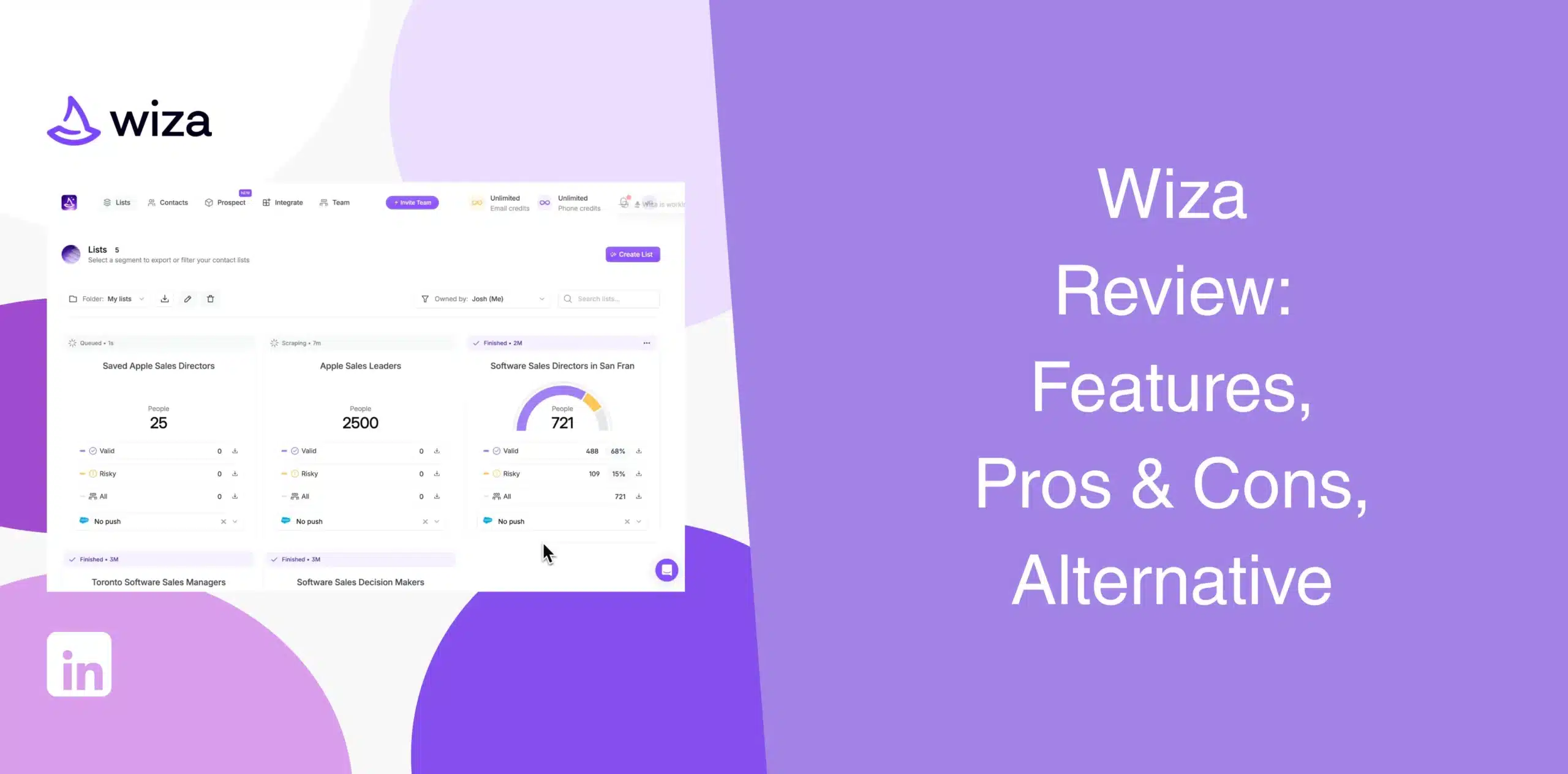
While looking around for B2B prospecting tools, you’ve probably come across Wiza as one of the leading options. And you’re not sure if it is worth giving it a shot. Many of the existing Wiza reviews either provide shallow information or praise its features while ignoring its limitations.
That’s the reason we decided to bring you a complete and honest Wiza review, covering its features, pros and cons, pricing, real user feedback, and best alternative.
Wiza Overview
Wiza built its name on one job, and that is to turn a LinkedIn Sales Navigator search into a list of verified emails and phone numbers. That’s a narrow job, done well by most accounts. But narrow jobs leave gaps, and by the end of this review you’ll know exactly where those gaps sit.
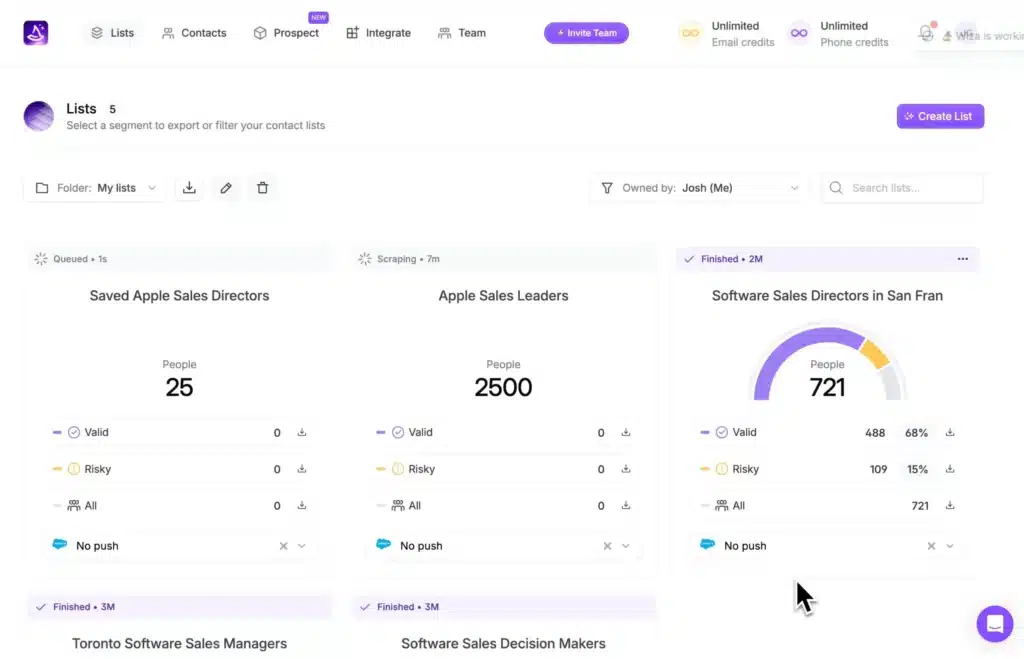
In essence, Wiza is a B2B contact data platform.
Run a search on LinkedIn or inside Wiza’s own database of 850 million-plus contacts, and you get names, titles, companies, emails, and phone numbers, verified against live sources at the moment you ask. It works through a Chrome extension that sits on top of Sales Navigator, plus a web app with its own filters, an AI research feature, and an API.
Wiza Pros
- Easy-to-use Chrome extension for exporting LinkedIn prospects;
- Real-time email verification helps reduce bounce rates;
- Includes business email addresses and direct phone numbers where available;
- AI-powered prospect research saves manual research time;
- Large searchable B2B contact database;
- API available for companies that need prospecting data inside custom workflows.
Wiza Cons
- The core export tool depends on LinkedIn Sales Navigator, which is a limitation if your prospects come from multiple sources;
- Wiza is a contact discovery and verification software, not a fully automated LinkedIn outreach platform;
- Phone number accuracy remains variable, often hovering around industry averages;
- Doesn’t provide buying signals, intent data, or job change alerts;
- Teams looking for an all-in-one LinkedIn prospecting and automation solution may need additional software.
Wiza Reviews
Wiza reviews on g2 has an average rating of 4.5/5 from 1245.
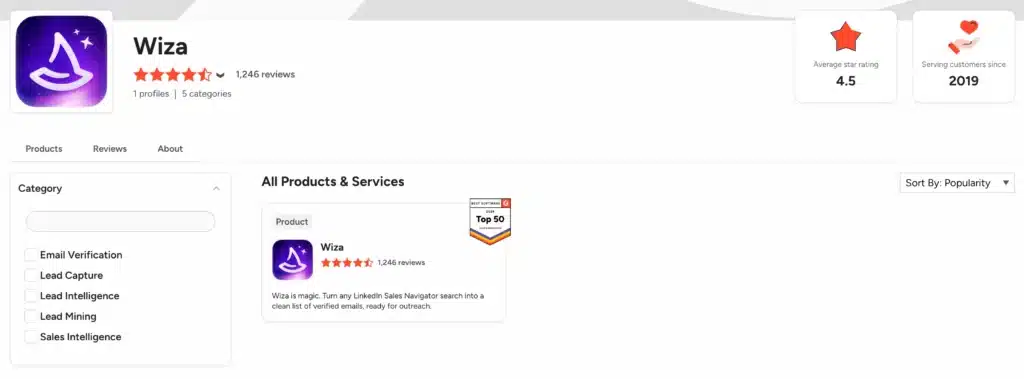
Users praise its ease of use, contact information quality, and fast verification. Most of the complaints are about high cost, limited credits, thinner coverage in niche industries, and occasional inaccurate data.
Wiza reviews on Capterra sit at a rating of 4.3/5 from around two dozen reviews, a small sample worth treating with caution.
Users highlight the smooth interface and overall experience, besides reliable email verification. Negative reviews point to high pricing and lack of advanced buying signals.
On Trustpilot, Wiza rates 1.9/5 from only 12 reviews.
The sample is small, but the pattern is concerning because many users report unauthorized payments and poor billing practices.
Wiza Features
Wiza provides a range of features for LinkedIn prospecting, from prospect discovery and contact verification to data enrichment and AI research.
We’ll examine Wiza’s core features in detail.
Real-Time Contact Data Verification
Unlike most B2B database vendors that rely on cached data, Wiza verifies contact information the moment you request it. For example, every time you export a lead, the platform checks whether the email address is still valid before adding it to your list.
The real-time check helps protect your sender reputation as it flags risky or invalid addresses before you ever send a campaign. While Wiza claims 99% email deliverability on verified addresses, the actual number sits at around 90 to 95%.
Bulk Email Lists Export
Wiza’s Chrome extension works directly alongside LinkedIn and LinkedIn Sales Navigator. It allows users to export hundreds of prospects into a structured lead list in just a few clicks instead of copying profiles one by one.
You can send up to 2,500 contacts per list, straight to CSV or your CRM. This feature speeds up prospecting, especially for recruiters and SDRs who regularly build targeted outreach lists.
Built-in Email & Phone Number Finder + Verifier
Beyond Sales Navigator exports, Wiza finds work emails, personal emails, direct dials, and cell numbers for individual contacts, then verifies each one before it counts against your credits. That’s a great feature since it eliminates the need for a separate enrichment tool.
The platform also reduces duplicate work and gives sales representatives greater confidence when launching email or cold-calling campaigns. Coverage naturally varies between companies, job roles, and regions, so not every prospect will include both an email address and phone number.
Contact Enrichment with 40+ Data Points
Each contact comes with over 40 data points, including revenue, funding, headcount, job title, seniority, current employer, department, revenue estimates, and more. Users get outreach necessary context, though it relies heavily on the prospect actively maintaining their public LinkedIn profile.
Searchable Database with Advanced Filters
Wiza also has a prospects database comprising 850M+ contacts. You can search and find contacts using 20+ filters, including job titles, geographic locations, and headcount. Then save searches into lists and export to CSV or sync directly to your CRM.
AI-Driven Prospect Research
The built-in AI research is also super helpful as it lets you ask any question about a company or contact and get instant answers.
For example, you can ask: “Is this contact a likely decision maker for software purchases?” or “What products or services does this company sell?
The Wiza AI will answer your question on the spot, and you can export the results to CSV or sync to your CRM.
Wiza API
For technical teams and developers, the Wiza API allows you to build custom enrichment workflows. You can integrate real-time email verification directly into your internal applications, custom web forms, or proprietary CRM setups.
Integrations
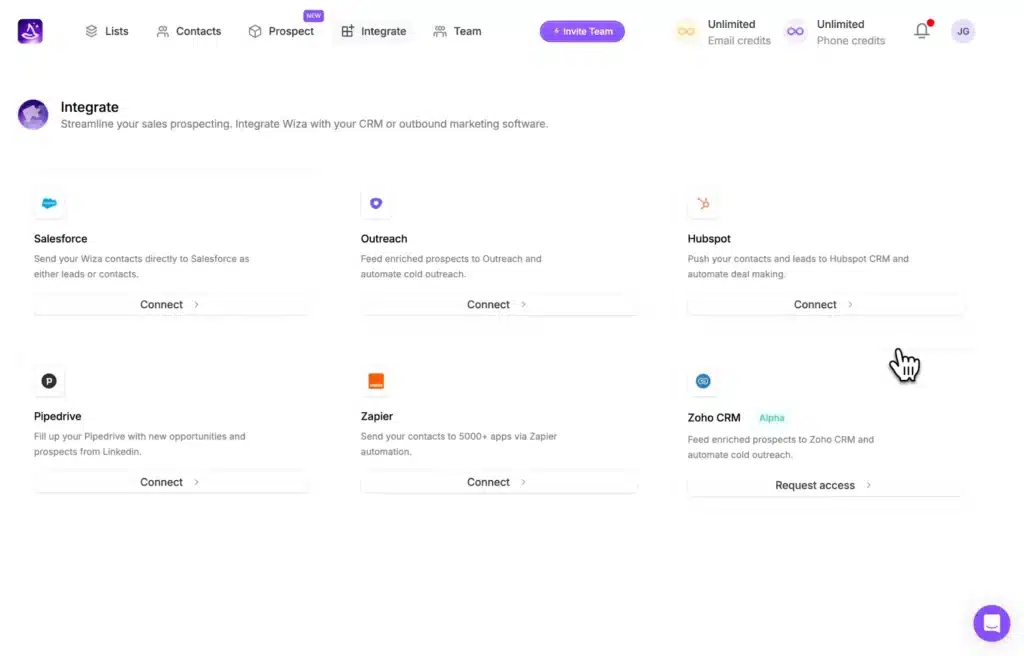
Wiza integrates with Salesforce, HubSpot, Pipedrive, Zoho CRM, Outreach, Salesloft, Creatio, Attio, and Zapier. You can send prospects directly to your CRM or outbound marketing platform with a single push.
Wiza Price & Subscription Plans
Check the Wiza pricing table below:
| Plan | Monthly Price* | Best For | Key Highlights |
|---|---|---|---|
| Free | $0 | Trying the platform | 20 verified emails, 5 phone numbers |
| Starter | $49/user/month | Light prospecting | 100 verified emails, 100 phone numbers, CRM integrations, team analytics |
| $99/user/month | Email-focused outreach | 500 verified emails/month, extra emails at $0.15 each, phone reveals at $0.35 each | |
| Email + Phone | $199/user/month | Multi-channel prospecting | 500 verified emails, 500 phone numbers |
| Team | Custom pricing | Growing sales organisations | Unlimited emails and phone reveals, AI Research, API access |
*Annual billing lowers the effective monthly cost.
Wiza uses a usage-based pricing model, so your costs can increase as your prospecting volume grows.
Best Alternative to Wiza
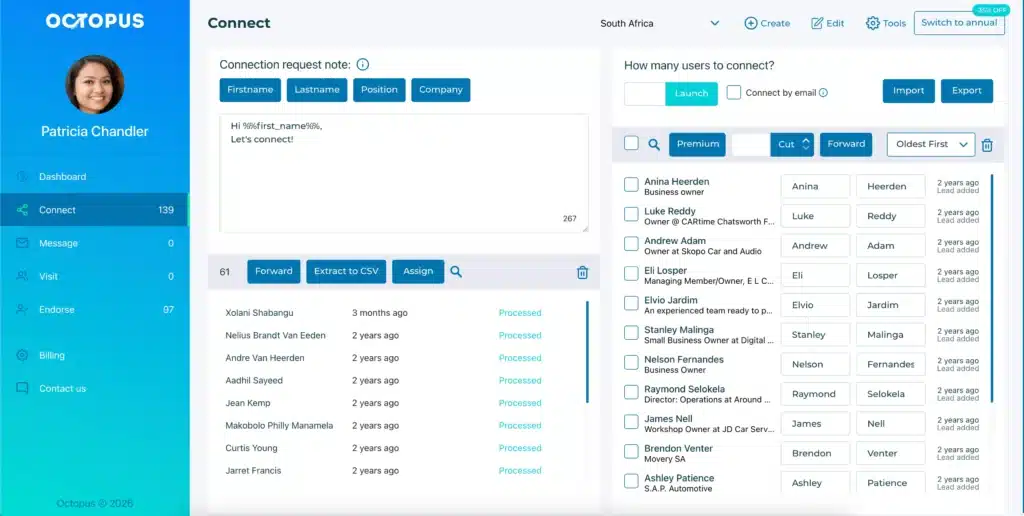
So, what happens after Wiza gives you a verified list? You still have to reach out, send the connection request, follow up, and keep the conversation moving. Wiza stops at the data; it doesn’t run any part of your outreach.
That’s when you start looking for Wiza alternatives, and that’s exactly the gap Octopus CRM fills.
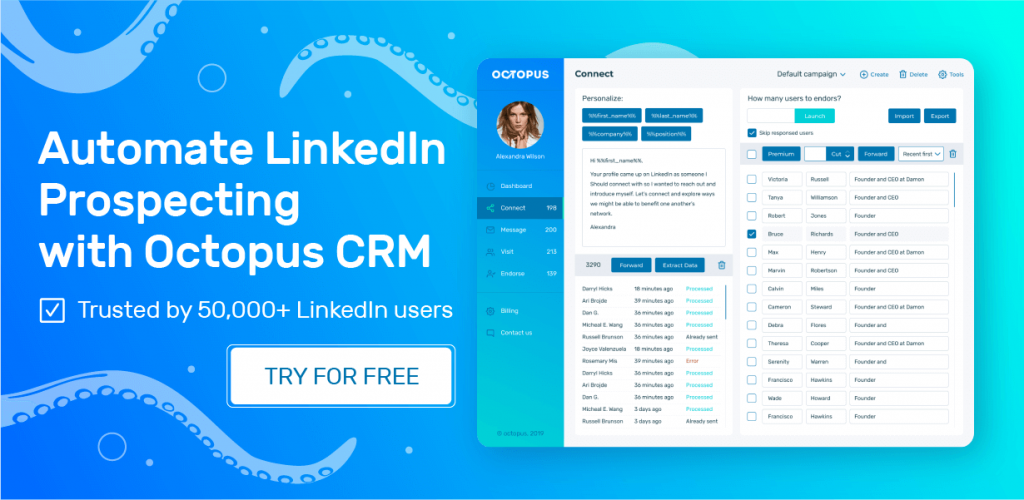
Where Wiza is a contact-finding tool, Octopus CRM LinkedIn automation tool is built to run outreach on LinkedIn itself, not just hand you a spreadsheet.
So, if you’re looking for a simple and cost-effective yet complete LinkedIn outreach tool, the Octopus CRM LinkedIn automation Chrome extension is your best Wiza alternative.
Better yet, you can use Octopus CRM for LinkedIn automation without switching between multiple platforms throughout the day. Everything from prospect finding and engagement to follow-up messaging happens within one platform.
The features you get with Octopus CRM include:
- Octopus CRM automates personalized connection requests, bulk messaging, profile viewing, and skill endorsements. You can also create simple lead generation funnels and automate follow-ups;
- Automatically visit hundreds of profiles and send bulk messages to your first-degree connections;
- A built-in personal CRM where you get to track acceptance rates, response rates, and your social selling index;
- Since Octopus CRM is a Chrome extension, you do not need to provide your LinkedIn credentials;
- The Activity Control feature monitors your actions and sends alerts to prevent account restrictions or bans;
- Unlike Wiza, which requires Sales Navigator, Octopus CRM works perfectly with all types of LinkedIn accounts, including the free version and Sales Navigator;
- With Zapier and HubSpot integration, leads move smoothly into existing sales workflows;
- Octopus CRM starts at $6.99/month (annual) for the entry tier. That’s a fraction of Wiza’s cost.