
If you’re reading this LinkedRadar review, chances are you’re comparing your options or looking for a better LinkedIn automation tool than the one you’re currently using.
The existing LinkedRadar reviews either provide limited information or simply cover the basics of the software. We examined the tool in depth, from its features and pros and cons to real user feedback and pricing. We’ll also uncover the best LinkedRadar alternative.
LinkedRadar Overview
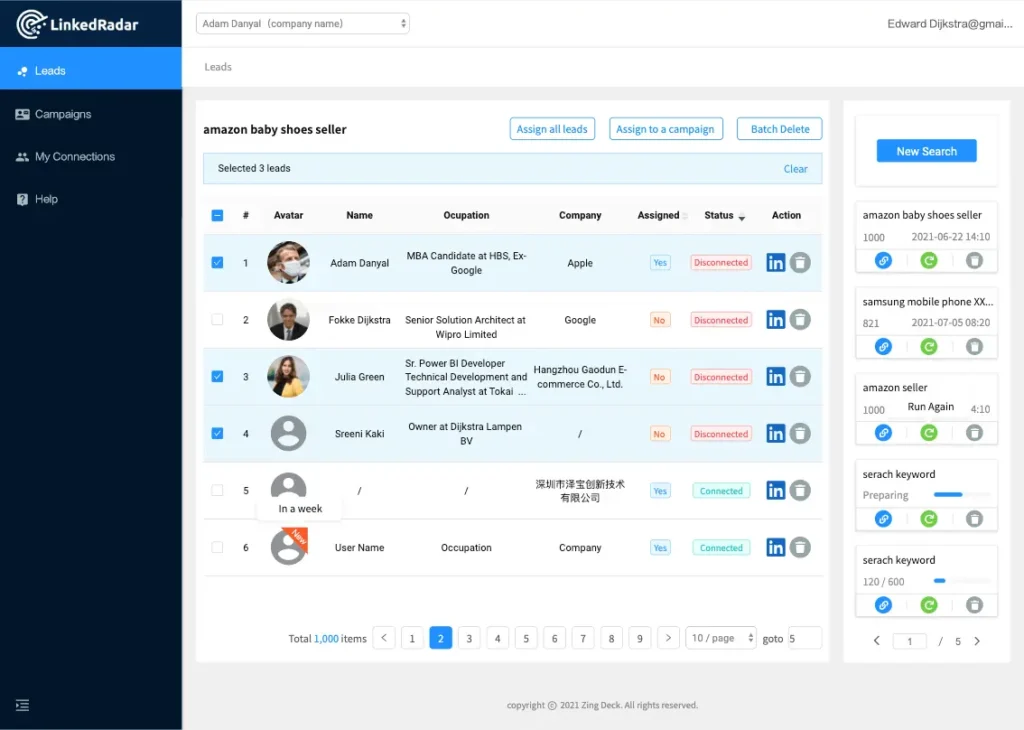
LinkedRadar is a LinkedIn automation platform that allows users to automate prospecting, connection requests, messaging, and lead management. While the core product is a Chrome extension, the company has also bolted on side products such as a photo generator, a resume builder, and a post generator that sit outside the core LinkedIn workflow.
So, does LinkedRadar hold up under real-world pressure?
For solo operators with light outreach needs, the interface may be straightforward. But as your pipeline grows, you might notice severe limitations in sequence depth and integration capabilities. Many users end up wondering if they’re outgrowing the tool before even scaling.
LinkedRadar Pros
- Easy initial setup for beginners with limited technical background;
- AI icebreaker adds light personalization;
- Basic built-in CRM for simple lead tagging and organization;
- Includes email-finding and enrichment features.
LinkedRadar Cons
- No integration with external tools like HubSpot, Salesforce, or Zapier;
- Monthly invitation caps (400-800) run out fast;
- Outreach capacity depends on monthly plan limits;
- Message sequencing lacks multi-step nurture options, capping your follow-up potential;
- The AI icebreaker feature produced inconsistent results;
- Spotty email finder accuracy;
- Several “features” (photo generator, resume builder) are white-labeled partner tools, not native products.
LinkedRadar Reviews
LinkedRadar reviews on g2 currently show a 4.6/5 rating from 30 user reviews.
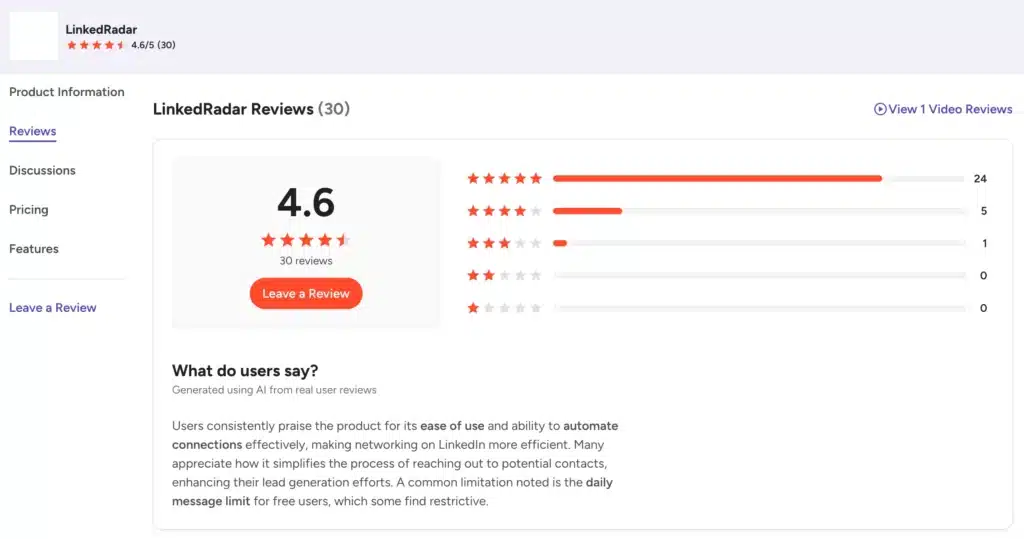
Users commonly praise the simple setup, ease of use, automated connections, and lead-generation capabilities. Some complaints focus on the lack of integrations, low free limits, and the time it can take to send invitations.
On Capterra, LinkedRadar scores 4.8/5 from 13 reviews.
Users mention it is highly useful for finding prospects and LinkedIn outreach. Still, a few users express frustration over the waiting time between follow-up phases, which slows down their outreach velocity.
LinkedRadar has a noticeably lower rating on Trustpilot, 2.8/5 from 4 reviews.
Users cite billing confusion, unexpected charges, and limited customer support responsiveness.
LinkedRadar Features
LinkedRadar packages a lot under one software, some of which are core to LinkedIn outreach and automation while others are simply bolted on.
Auto-Connect on LinkedIn
The connection request automation works about as well as any basic tool in this category. You can pull prospects from LinkedIn searches or Sales Navigator, define filters, and automatically send requests with a short note. Users can send up to 100 invites per day.
Nothing surprising here. It gets the job done, but it doesn’t offer anything exceptional.
Like most other tools, the system applies daily limits to mimic human behavior. This helps reduce the immediate risk of account flags or restrictions.
Plans still cap you at 400 to 800 invitations a month.
LinkedIn Messaging Automation + Customized Templates
Once a connection request is accepted, the tool automatically sends a follow-up message. You can choose from pre-built templates to speed up the process.
Sequencing depth is limited, though, as LinkedRadar allows one initial message and a single follow-up. This severely restricts your ability to run complex, multi-touch nurture campaigns.
If you need a 4 or 5-step sequence to warm up cold leads, you will hit a wall here. Sales professionals often find this limitation deeply frustrating.
Basic Built-in CRM
LinkedRadar includes a basic CRM for organizing LinkedIn prospects. You can collect leads, create lists, and use groups and tags to organize your contacts.
For a freelancer or solo salesperson, this may cover the basics.
LinkedRadar doesn’t provide CRM integrations, meaning if you already use a CRM, you won’t be able to sync the data. Your only option is to manage two separate systems and manually transfer data between the two, which can double your administrative work.
AI-Driven Personalization for Connection Requests
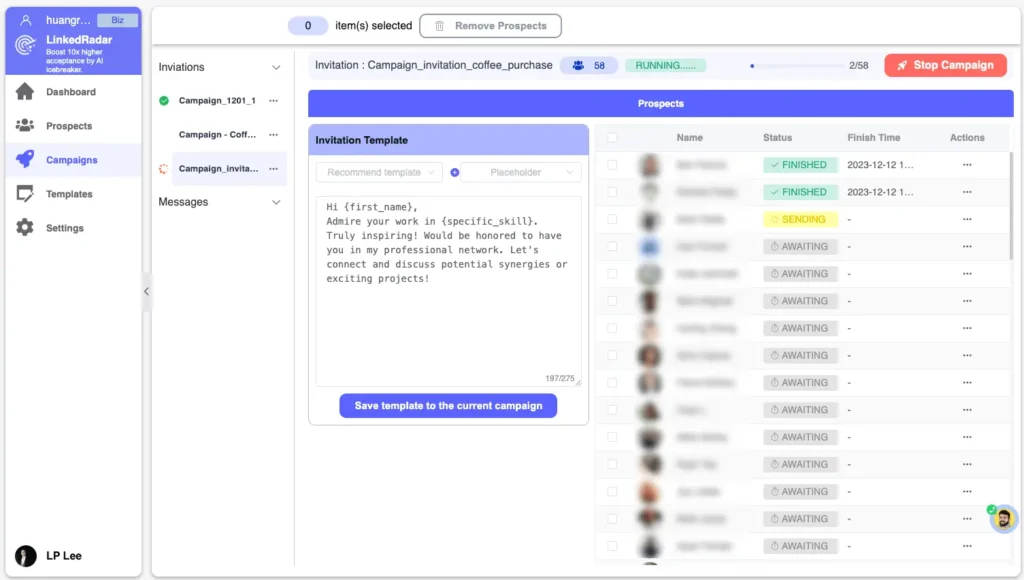
LinkedRadar uses AI to generate personalized invitation messages based on a prospect’s profile. The process is simple: find a prospect, click the AI Connect option, and generate an invitation.
That can save time when you need to personalize dozens of requests. But you should still review the generated copy since AI personalization only works when the message actually reflects something relevant about the prospect.
Email Finder + Data Enrichment
The email finder tool of LinkedRadar attempts to locate professional email addresses for your LinkedIn contacts using a multi-channel lookup approach. Success rates vary significantly across different industries.
In many tests, the accuracy falls on the lower end of acceptable standards. You will still need to verify these emails externally using a dedicated verifier to protect your domain sender reputation.
AI Photo & Post Generator + Resume Builder
These features are not native to LinkedRadar but are bolted on from Supawork AI, which is a subbrand of LinkedRadar. That means you’ll have to pay separately for generating AI headshots, LinkedIn posts, and resumes.
The LinkedIn headshot generator can turn uploaded selfies into professional-looking profile photos. The LinkedIn Post Generator uses AI to suggest content ideas and create LinkedIn posts. And the AI resume builder can optimize resume content, suggest improvements, and provide professional templates.
Integrations
The integration ecosystem is minimal. You cannot connect LinkedRadar directly to major CRMs like Salesforce, HubSpot, or Pipedrive. Plus, it doesn’t integrate with Zapier.
This isolation forces manual data entry, which completely defeats the purpose of using automation in the first place. And this is a notable weakness if you’re already using other sales automation software and need your LinkedIn automation tool to play well with your existing stack.
LinkedRadar Price & Subscription Plans
Check the LinkedRadar pricing table below.
| Plan | Monthly Price | Invitations/InMails | AI Optimizations | Campaigns |
|---|---|---|---|---|
| Start | $19.90/mo | 400/mo each | 500/mo | 8 |
| Biz | $29.90/mo | 800/mo each | 2,500/mo | 15 |
| Pro | $69.90/mo | 800/mo each | 8,000/mo | 50 |
| Team | $99.90/mo | Unlimited | 12,000/mo | Unlimited, 5 accounts |
For discounted rates, all plans require yearly billing. You can switch plans later, and upgrades or downgrades can be handled through the billing integration.
Best Alternative to LinkedRadar
If LinkedRadar’s limits, scattered feature set, high price, or lack of integrations gave you pause, it’s time to look for an alternative.
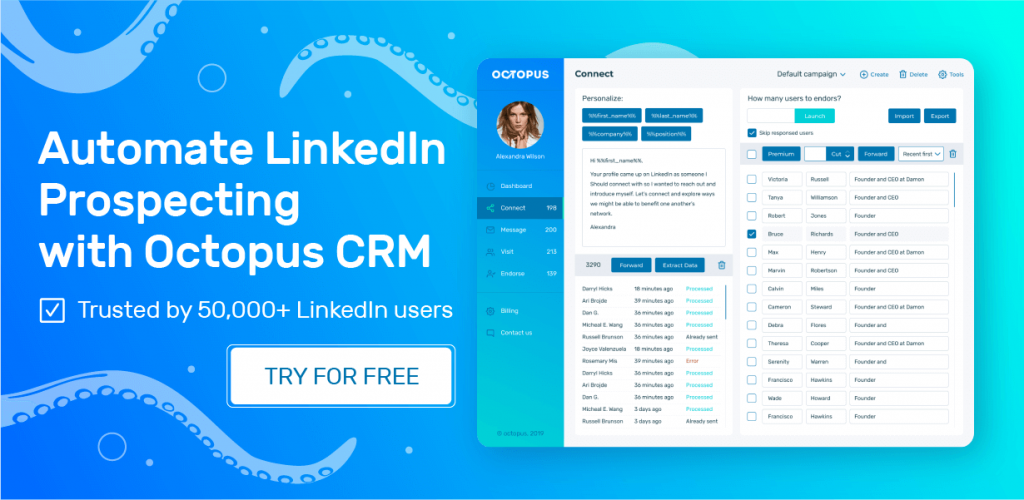
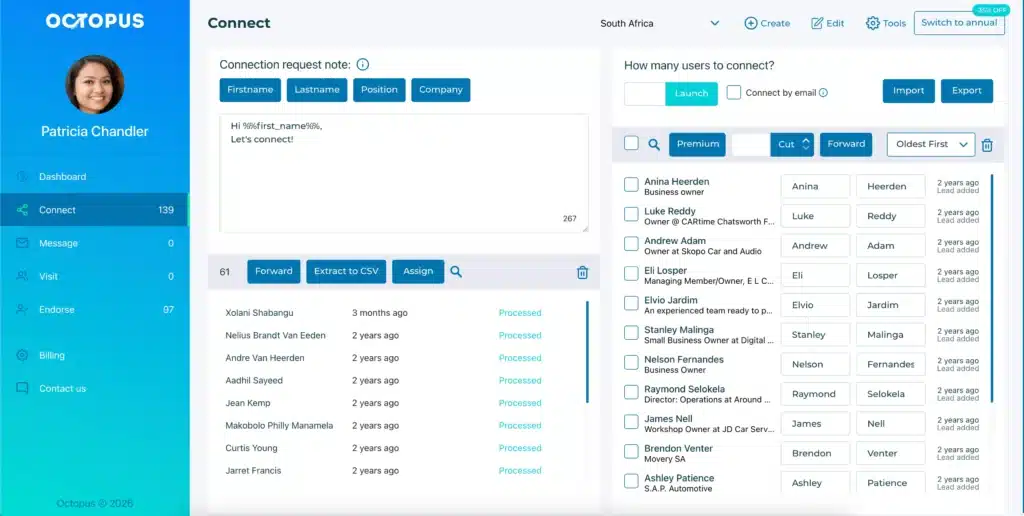
There are plenty of LinkedRadar alternatives, but most of them either cost more or try to do too much. Octopus CRM is the best LinkedRadar alternative as it is a purpose-built LinkedIn automation tool that skips the side products and focuses entirely on automated outreach.
Octopus CRM runs as a LinkedIn automation Chrome extension that sits directly in your browser. No separate apps, no redirects to third-party platforms for a headshot or a resume, but pure and simple LinkedIn automation at almost half the cost of LinkedRadar.
You can use Octopus CRM to send automated yet personalized connection requests, message first-degree contacts in bulk, visit profiles, and endorse skills. The built-in activity monitors warn you if you push limits, ensuring your account stays safe from bans.
Plus, you can create your LinkedIn lead generation funnel in Octopus CRM with actions like connection invites, thank you messages, skill endorsements, and follow-ups chained into one self-executing sequence.
Other features in Octopus CRM include:
- Plans start at $6.99/month (billed annually), making it significantly more budget-friendly;
- The built-in CRM allows you to track your outreach performance;
- You can send automated, personalized connection requests at scale;
- Export/import data easily to manage your lead data;
- Connects with Zapier and HubSpot to push actions to hundreds of apps including HubSpot CRM, Zoho, Asana, Google Sheets, and more;
- When you hit LinkedIn’s weekly invite limit, Octopus CRM switches to sending invites via email;
- Works across every LinkedIn account type, including Free, Premium, Sales Navigator, and Recruiter;
- 7-day free trial with no credit card required and the option to unsubscribe anytime.
If you’re looking for a simple, affordable, and safe tool to automate your LinkedIn outreach, use Octopus CRM for LinkedIn automation. It’s the most practical choice for solo users, small teams, and recruiters.