
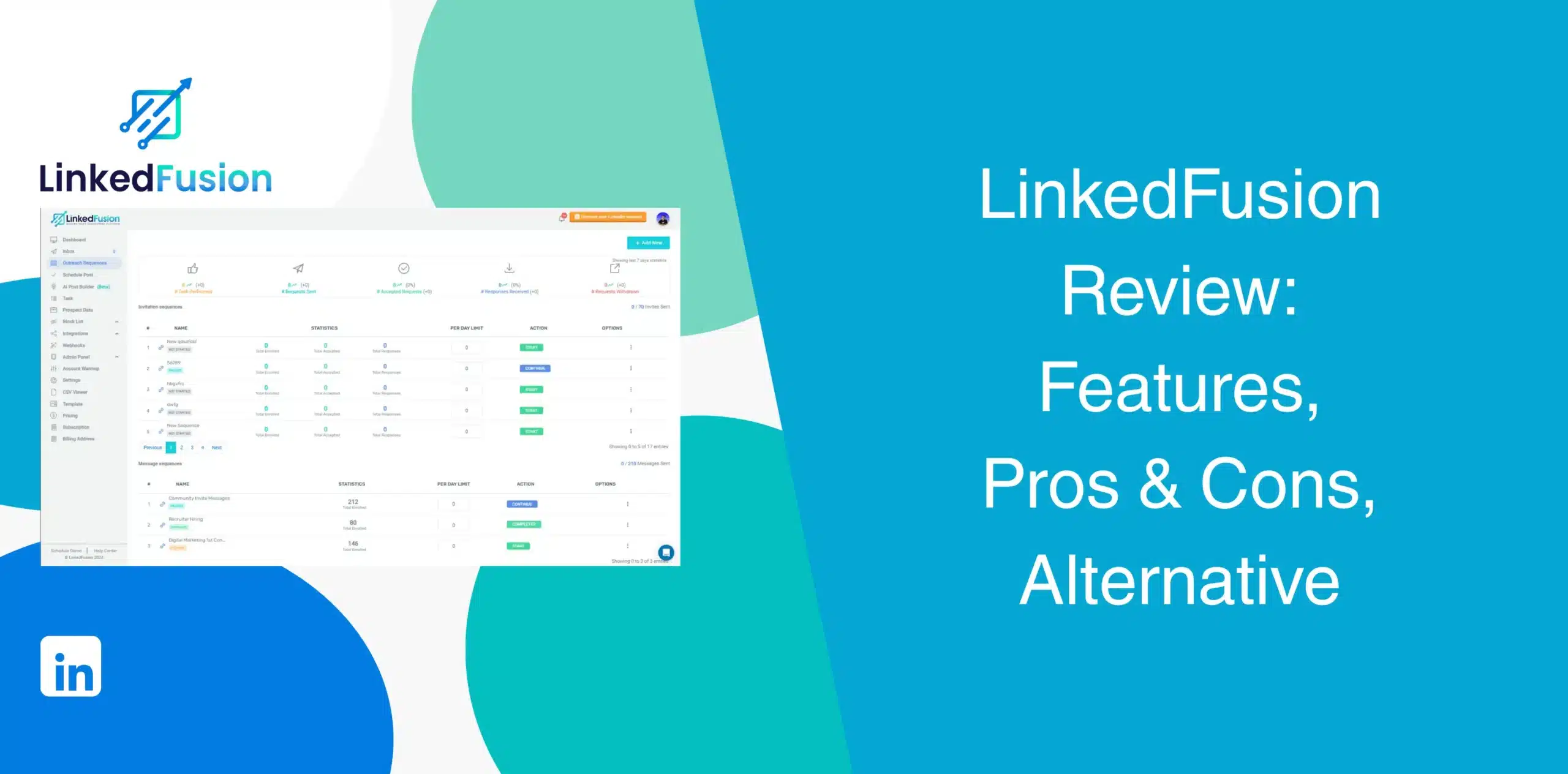
If you’re considering LinkedFusion for LinkedIn outreach, you need to ensure whether it is worth using. LinkedFusion reviews can help you make a good decision, but not all of them provide the latest or complete information.
We wrote this honest LinkedFusion review, covering the software’s pros and cons, feature set, real user feedback, and pricing details. We’ll also show you the best LinkedFusion alternative for specific use cases.
LinkedFusion Overview
LinkedFusion is a LinkedIn automation software built specifically for B2B prospecting, outreach, follow-ups, and lead generation. It launched in 2019 and now claims more than 45,000 users across 87 countries.
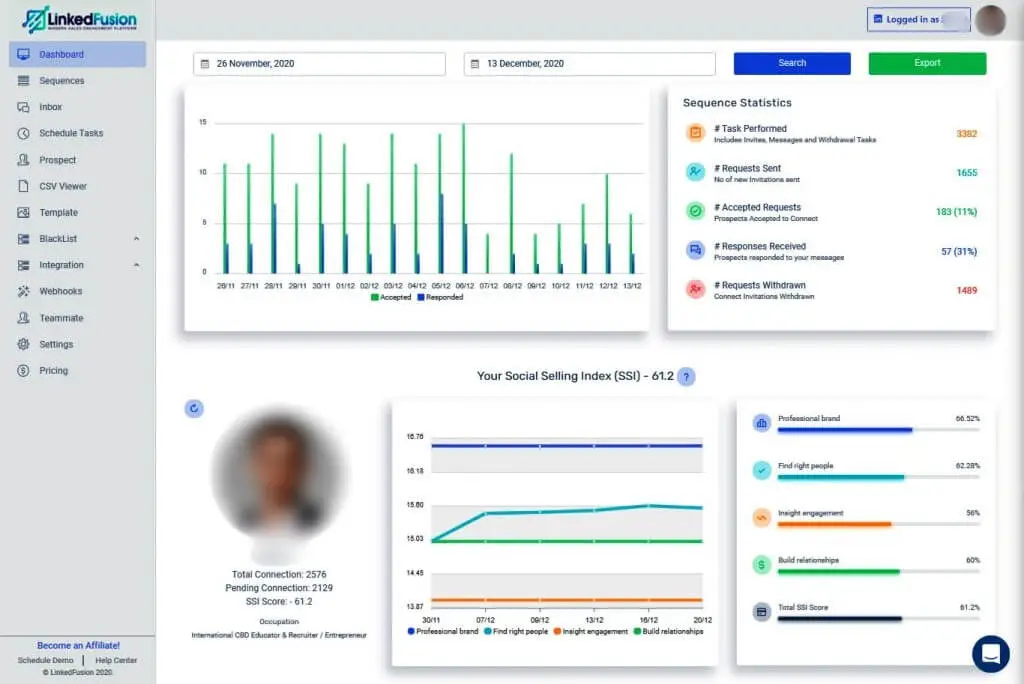
LinkedFusion runs campaigns from the cloud while assigning each account a dedicated IP, a detail the company leans on heavily in its marketing. But does a dedicated IP alone justify the price gap? Probably not.
We’ll look at the advantages and disadvantages of using LinkedFusion.
LinkedFusion Pros
- A dedicated IP per account, meant to lower detection risk versus shared-IP tools;
- Unlimited concurrent sequences across time zones;
- Built-in AI tools for post writing, commenting, and scheduling;
- Virtual assistant functionality for delegated outreach;
- Simple drag-and-drop sequence builder.
LinkedFusion Cons
- Flat per-seat pricing with no volume discount; a 10-account team can end up paying well over $650 a month for simple LinkedIn automation;
- A dedicated IP cuts one detection signal, but LinkedIn also tracks behavior and timing, so it’s not a full safety guarantee;
- Certain advanced integrations and capabilities require higher-tier plans;
- Users mention connection problems, rate limits that make high-volume campaigns harder to scale, and CRM syncing that doesn’t always happen in real time;
- Email finder API keys are not included in subscriptions.
LinkedFusion Reviews
LinkedFusion reviews on g2 are 4.3 out of 5 from roughly 30 reviews.
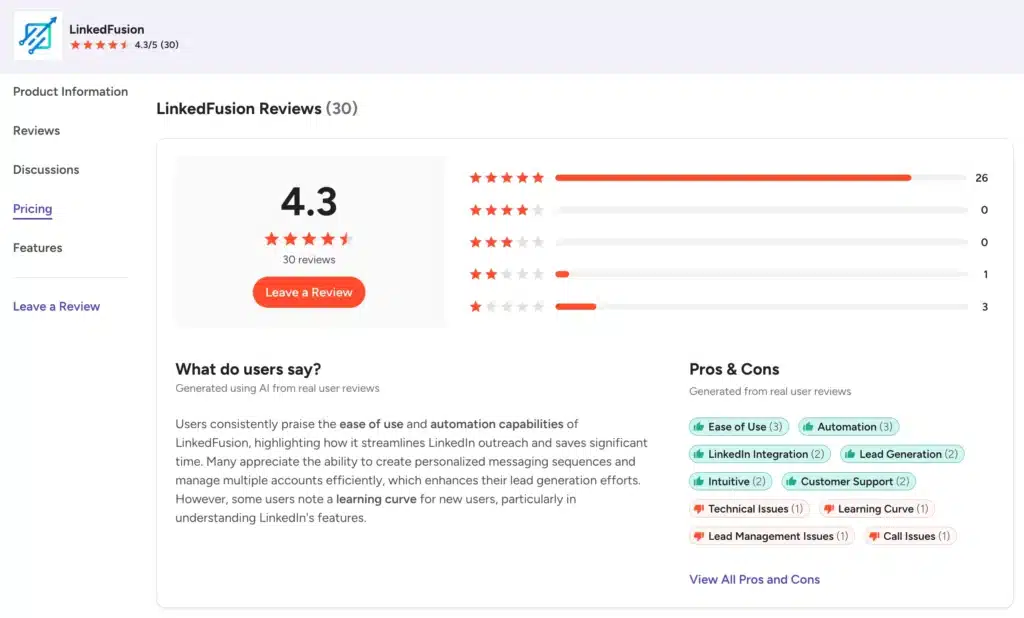
Users like the multi-account management and how cleanly it plugs into CRMs. Some reviewers mention rate limits, occasional connection or syncing issues, and a learning curve for new users.
LinkedFusion reviews on Capterra show a rating of 4.8/5 from 15 users.
Reviewers like its outreach automation, AI commenting, virtual assistants, and targeted prospecting. Complaints include limited documentation, some initial setup confusion, and restrictions around message management.
We couldn’t find a LinkedFusion profile on Trustpilot. So unlike G2 and Capterra, there’s no reliable signal here to report yet.
LinkedFusion Features
We’ll cover the core features of LinkedFusion below so you can evaluate if it matches your workflow.
LinkedIn Outreach Automation
LinkedFusion automates connection requests, follow-ups, and messages through campaign sequences. Users get to personalize messages with variables such as the prospect’s name, company, and location.
The platform also uses daily activity limits. Depending on the subscription, you can send up to 40, 70, or 100 LinkedIn invitations per day. That gives you more control over campaign volume, although LinkedIn’s own restrictions still matter.
The smart inbox lets you respond to conversations right from the tool without jumping back and forth between LinkedFusion and LinkedIn. That’s a nice time-saver if you’re managing multiple conversations.
Advanced Lead Search
Users get over 40 advanced search filters, mimicking LinkedIn Sales Navigator functionality. You can use custom search queries to identify the right contacts for your business.
The tool also lets you import lists from Google Sheets and CSV files, so you’re not limited to LinkedIn searches alone. This is useful if your prospects already live in another database and you don’t want to rebuild your list from scratch.
Still, it does not replace a dedicated B2B database. You must bring your own leads or rely on basic LinkedIn search limits.
Concurrent Outreach Sequences (LinkedIn + Email)
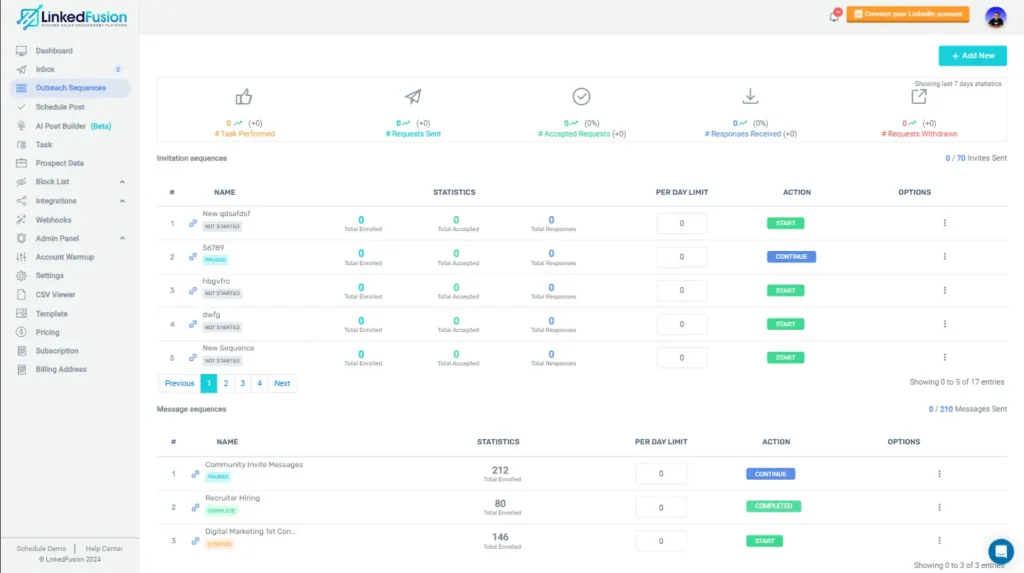
The platform allows you to add email steps to LinkedIn sequences and use smart triggers to move prospects through the campaign.
That means you can start with a LinkedIn connection, follow up with LinkedIn messages, and then introduce email into the same workflow. However, Email Finder API keys aren’t included with subscriptions, so additional costs may apply if you need that functionality.
Plus, LinkedFusion lacks built-in email warmup pools, leaving your sender reputation vulnerable if you scale too fast.
AI Content Generation, Commenting, and Post Scheduling
Beyond outreach, LinkedFusion includes an AI writer for LinkedIn posts, a scheduler to queue them, and an AI commenting tool to engage with posts.
These features help keep your profile active between outreach pushes, since a quiet profile tends to convert worse. Just don’t expect the AI comments to sound like you without a quick edit.
LinkedIn Virtual Assistants
The VA technology lets you enroll assistants under your account to grow your outreach while operating within your ecosystem. It is a great way to expand without hiring more staff.
While a useful feature for agencies or teams, managing multiple VAs requires strict oversight. Without clear guidelines, inconsistent messaging can damage your brand reputation.
Multiple LinkedIn Account/Team Support
Agencies and sales teams can run several LinkedIn accounts from one workspace, with shared templates and a blacklist so two reps don’t message the same prospect twice.
The downside is the pricing, though. Each additional account incurs a full flat fee, which can quickly become expensive for growing agencies.
Integrations
Native integrations exist for HubSpot, Pipedrive, Salesforce, Insightly CRM, Close.io, and Zoho CRM. You can also use Email API integrations and Hyperise (Beta).
These connections help keep your B2B data up to date and reduce manual data entry.
However, some integrations remain in beta or lack deep, two-way sync capabilities, requiring manual checks to ensure data accuracy.
LinkedFusion Price & Subscription Plans
Check the LinkedFusion pricing table below.
| Plan | Monthly Price/User (monthly billing) | Daily Invites | Daily Message Credits |
|---|---|---|---|
| Professional | $65.95 | Up to 40 | 120 |
| Grow | $95.95 | Up to 70 | 210 |
| Ultimate | $135.95 | Up to 100 | 300 |
Every tier is billed per seat, so team costs multiply fast. Five people on Grow can run close to $480 a month before add-ons. Is that fair for what’s included?
LinkedFusion recommends Sales Navigator or LinkedIn Premium for the Professional and Grow tiers, even though its own FAQ says a free account works too, a detail worth clarifying with support first. Plus, Mail Finder API keys are not included in any subscription. You’ll need to pay extra for those.
Best Alternative to LinkedFusion
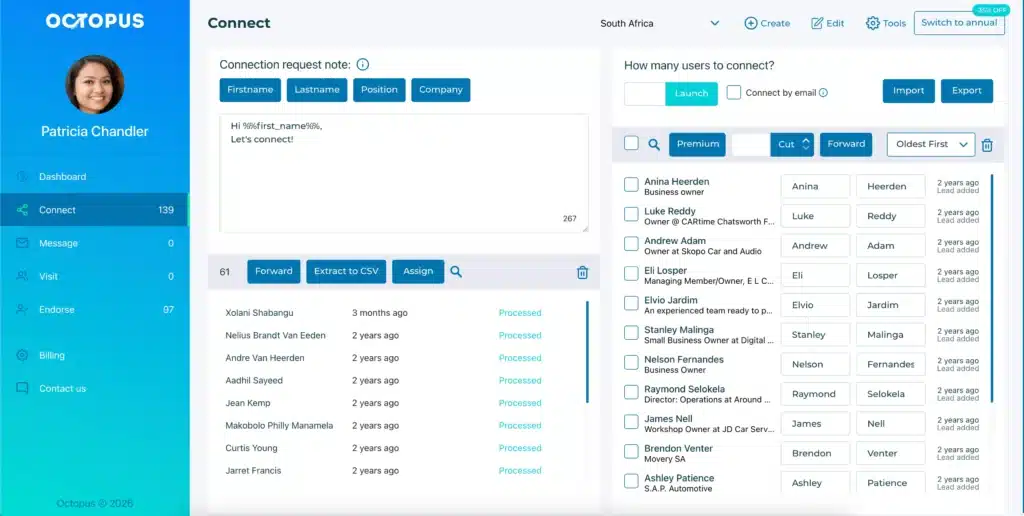
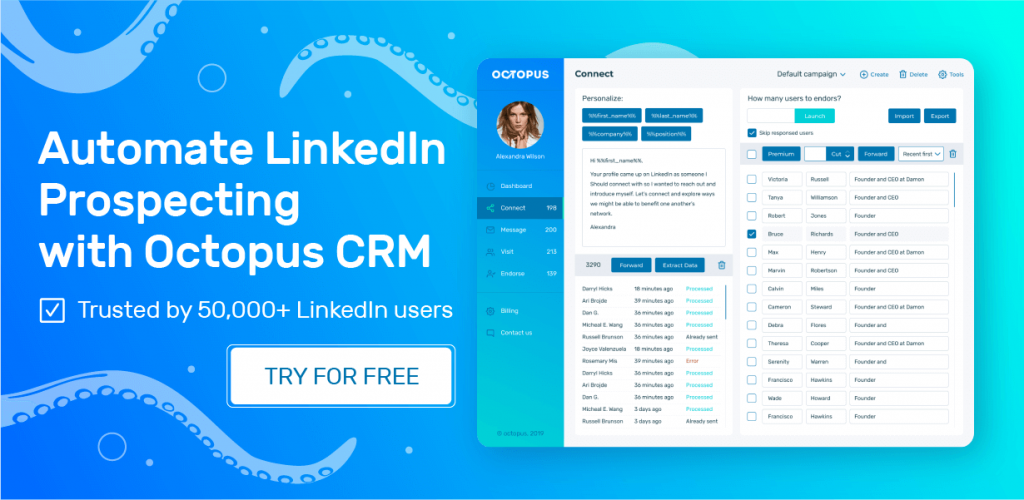
When you look around, you’ll find many different LinkedFusion alternatives with more or fewer features. However, OctopusCRM is the top LinkedFusion alternative for anyone who wants simple, cost-effective LinkedIn automation.
OctopusCRM LinkedIn automation Chrome extension allows you to automate repetitive LinkedIn actions directly from your browser without providing your credentials. This local execution grants you complete control and enhances safety.
Users can automatically send personalized connection requests, message first-degree contacts in bulk, visit profiles, and endorse skills to warm up cold leads. And all of these come at a fraction of the cost of LinkedFusion.
The Octopus CRM LinkedIn automation tool doesn’t offer dedicated IPs, an AI content generator, or a virtual assistant. But if you don’t need those features, Octopus CRM can be a more practical and affordable option for solo users, recruiters, or sales teams doing basic LinkedIn outreach.
Under the hood:
- Users can create simple drip campaign sequences including automated LinkedIn actions like profile visits, personalized connection requests, thank-you messages, skill endorsements, and follow-ups;
- Octopus CRM never asks for your LinkedIn credentials. Built-in activity monitors warn you if you push too hard, keeping your account safe;
- Sales Navigator is not mandatory. Octopus works perfectly with all sorts of LinkedIn accounts, including free, Sales Navigator, and Recruiter;
- When you hit LinkedIn’s weekly limit of 100 invites, Octopus CRM switches to sending invites via email. You keep prospecting without interruption;
- Users get a built-in personal CRM where they can store leads, track campaign performance, and monitor campaign metrics;
- Zapier and HubSpot integration allow you to push LinkedIn data into your existing sales stack without manual entry;
- Plans start at just $6.99/month (billed annually) for the Starter plan, scaling up to $24.99/month for the Unlimited plan. No surprise add-ons.