
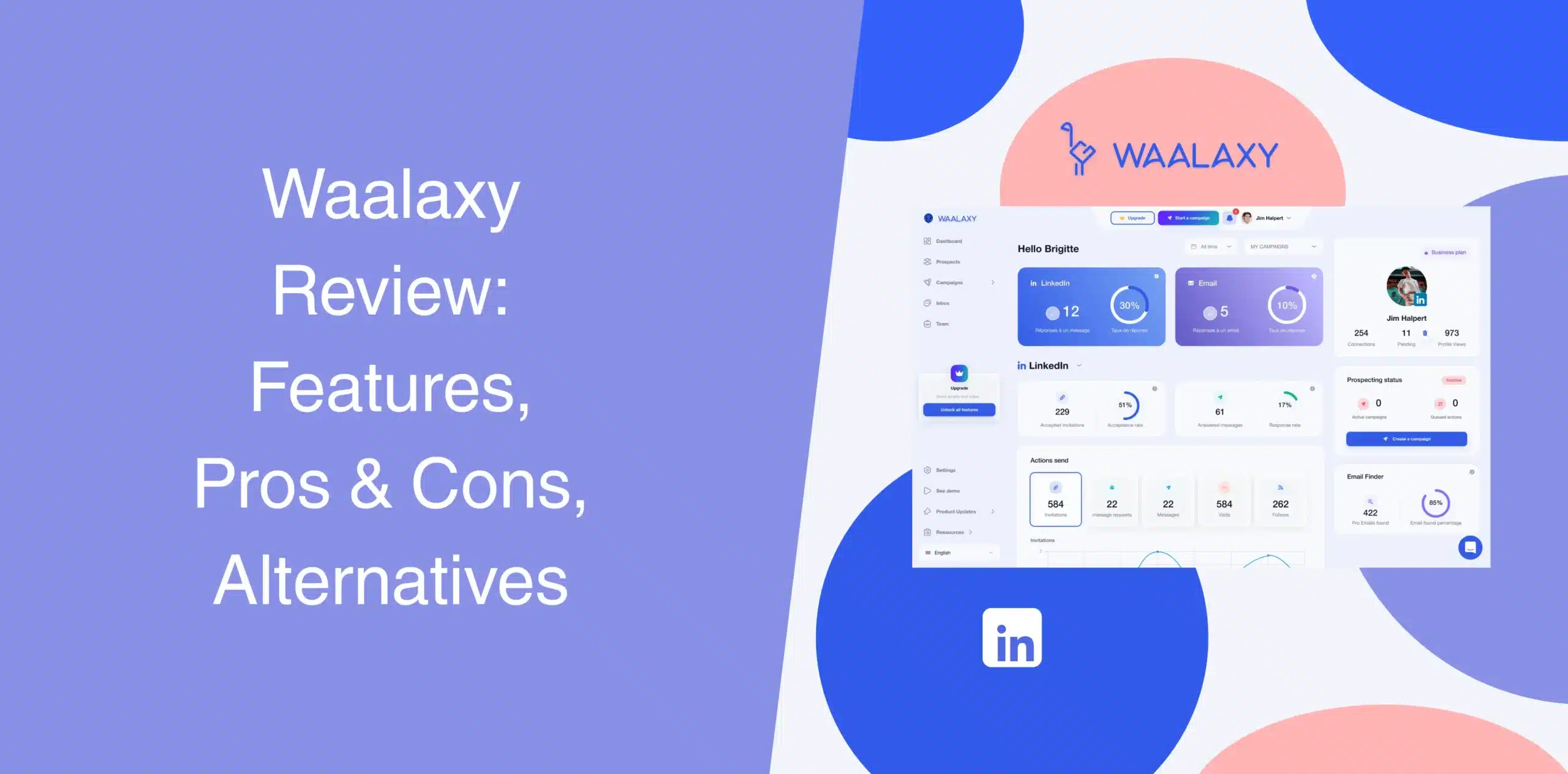
If you’re reading Waalaxy reviews, chances are you want to know this LinkedIn automation and outreach tool inside out before you commit. That’s fair. After all, choosing software to automate LinkedIn for your business is a serious matter. Picking the wrong tool can waste time, burn leads, and risk your LinkedIn account.
So, where does Waalaxy stand? Is it the right fit for you, or should you look at a Waalaxy alternative? This Waalaxy review will answer all your questions about this software.
Waalaxy Overview
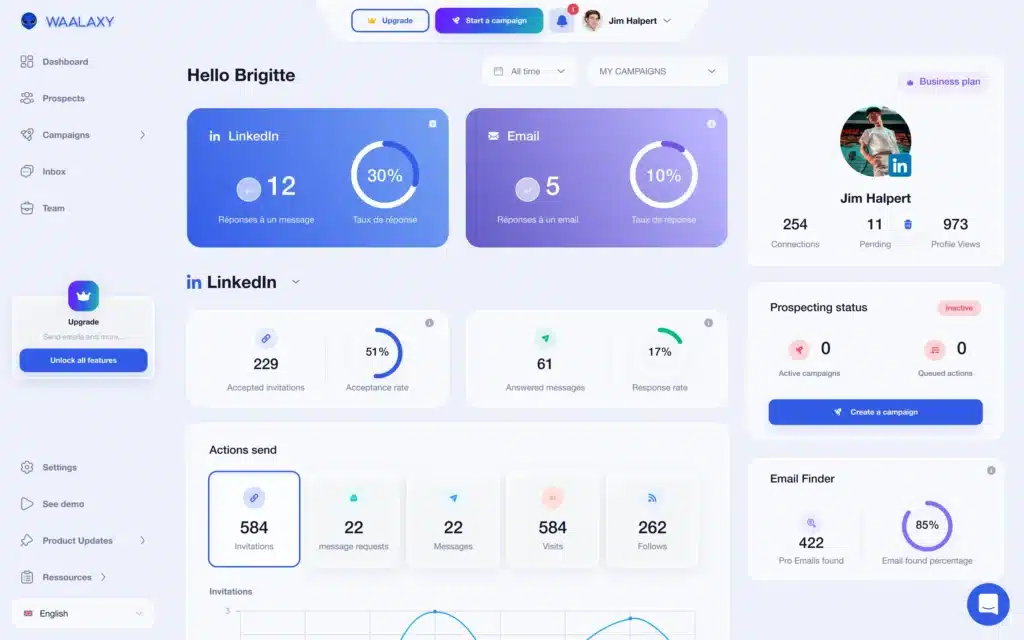
Waalaxy is a LinkedIn automation and prospecting tool. It allows you to automate LinkedIn connection requests, profile visits, messages, follow-ups, and even email outreach. Even though Waalaxy is a cloud-based solution, it requires users to initially log in through a browser extension.
While beginners appreciate the software’s guided workflow, experienced users often hit limitations fast. You can’t build fully custom campaigns. And scaling requires expensive plan upgrades.
Waalaxy Pros
- Easy setup with guided onboarding, so you can launch campaigns quickly;
- The multichannel outreach feature allows you to combine LinkedIn messages with cold email sequences;
- Retrieving verified email addresses directly from LinkedIn profiles saves you from jumping between different tabs;
- Team workspace allows members to share leads, unify analytics, and manage campaigns from a single dashboard;
Waalaxy Cons
- Limited campaign customization compared to advanced tools;
- Some Waalaxy reviews mention that sending too many invites results in account warnings;
- The listed plans start low, but costs climb once you add the LinkedIn inbox add-on or need extra email finder credits;
- Many users report bugs and syncing issues;
- Support response times can lag during peak hours. Even with live chat, getting an agent’s help may take 24 hours.
Waalaxy Reviews
According to Waalaxy reviews on g2, the platform holds a 4.5/5 rating from over 1,100 reviews.
Users consistently praise the ease of use and quick setup. One reviewer noted that Waalaxy strikes a practical balance between automation and control, besides being clean and user-friendly.
Another user appreciated the multi-channel sequences feature, while adding that integration with other tools is not so easy.
Reviews on Capterra holds a 4.4/5 stars based on 253 reviews.
We also came across reviews where users complained about the price and slow campaign execution. Some people even wrote that the initial setup and UI are difficult.
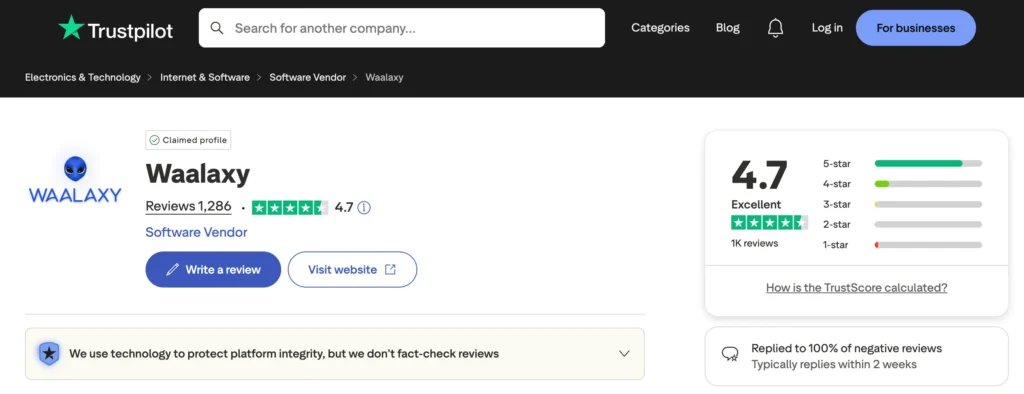
Waalaxy ranks 4.7 out of 5 on Trustpilot based on 1286 reviews. While many users admire it for LinkedIn and email prospecting, others are frustrated with its customer support, hidden costs, account bans, and the inability to unsubscribe.
Based on the user feedback we read, we can say that Waalaxy works well for basic, low-volume outreach. But cracks appear when you need scale, customization, cost-effectiveness, or reliable support.
Waalaxy Features
Waalaxy covers the core areas you’d expect from sales automation software. It combines LinkedIn outreach, email automation, and basic analytics into one platform.
LinkedIn Automation & Outreach
Waalaxy allows you to automate LinkedIn connection requests, profile visits, follow-up messages, and InMails. You start a campaign, choose a sequence (profile visits, connection requests, follow-up messages), and set daily limits. Waalaxy runs the actions.
Also, flexibility is somewhat limited. You cannot create fully custom campaign logic. If your strategy requires nuanced branching or conditional actions, you’ll feel constrained.
Some users report that campaigns fail silently. That’s not ideal when you’re running outreach at scale.
Team Workspace
Waalaxy has a shared workspace feature that allows members to collaborate on campaigns. Team members can share lead lists, view campaign analytics in one place, and split email finder credits.
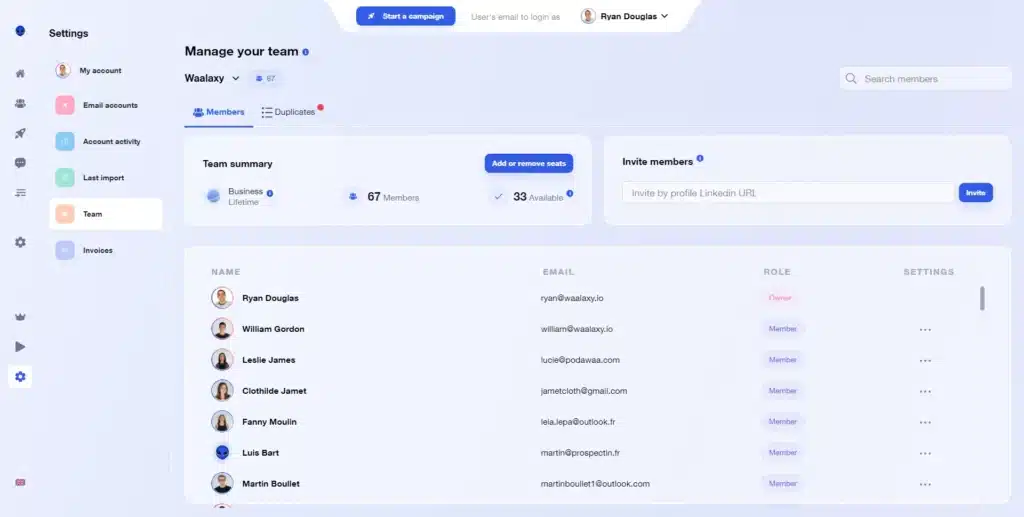
The whole point is to avoid silos.
If you run a small agency or a sales team of two to five people, this feature helps you pull together efforts without constant exporting and re-importing CSVs. But the only exception is that each seat still needs its own LinkedIn account attached, so scaling a large team gets tricky.
Plus, team features require higher-tier plans, and the pricing per seat adds up fast. Not to mention, you won’t get deep role management or advanced collaboration features.
Centralized Inbox
Waalaxy has a unified inbox where you can tag leads, save replies, and track engagement. You can see who replied, mark who’s interested, and keep follow-ups organized.
However, this feature is a paid add-on, not included in base plans. And you cannot reply on behalf of teammates, which slows collaborative workflows. Some users also mention delays or syncing issues.
Basic Analytics
The dashboard provides stats on connection acceptance rates, reply rates, and campaign performance. You can visualize which sequences bring in the most leads and which messages fall flat.
A good rule of thumb is to check these reports weekly. This feature gives you a data-driven way to tune your outreach.
The downside? The reporting is fairly basic. You won’t find A/B testing tools, funnel breakdowns, or granular attribution.
Email Finder
Waalaxy includes an email finder to enrich LinkedIn profiles with verified addresses. The Business plan provides 500 credits monthly. Match rates average around 61%, according to the company. But credit limits restrict volume, and finding emails for niche roles or regions can yield inconsistent results.
This feature works reasonably well, pulling emails from public sources and databases. The challenge? Once you run out of credits, you either buy more or stop email prospecting. And if you need bulk email verification, Waalaxy doesn’t offer that natively.
Email Outreach
On the Business Plan, email sequencing integrates with LinkedIn campaigns for multi-channel outreach. You can automate follow-ups and track replies. It includes sender accounts but since Waalaxy is not an email deliverability platform, don’t expect it to warm up inboxes or handle spam filters the same way as dedicated email tools.
If you’re on the Pro or Advanced plans, you’re limited to LinkedIn only. That segmentation forces upgrades before you’ve validated ROI.
Waalaxy Price & Subscription Plans
Waalaxy offers several tiers, but the actual cost often goes as high as you’re willing to bend. Monthly and annual billing options exist. Below is the official pricing breakdown based on their website and third-party reviews. Check the Waalaxy pricing table below:
| Plan | Price | LinkedIn Invites/Month | Best For |
|---|---|---|---|
| Pro | €39/user/month | 300 | Limited daily actions, basic campaigns |
| Advanced | €99/user/month | 800 | LinkedIn automation, basic sequences |
| Business | €139/user/month | 800 | Multi-channel outreach, email features |
| Enterprise | Custom Pricing | 800 | Team features, advanced workflows |
For solo users testing outreach, Pro might suffice. But teams needing email outreach, advanced analytics, or scalable collaboration will quickly outgrow lower tiers.
Best Alternative to Waalaxy
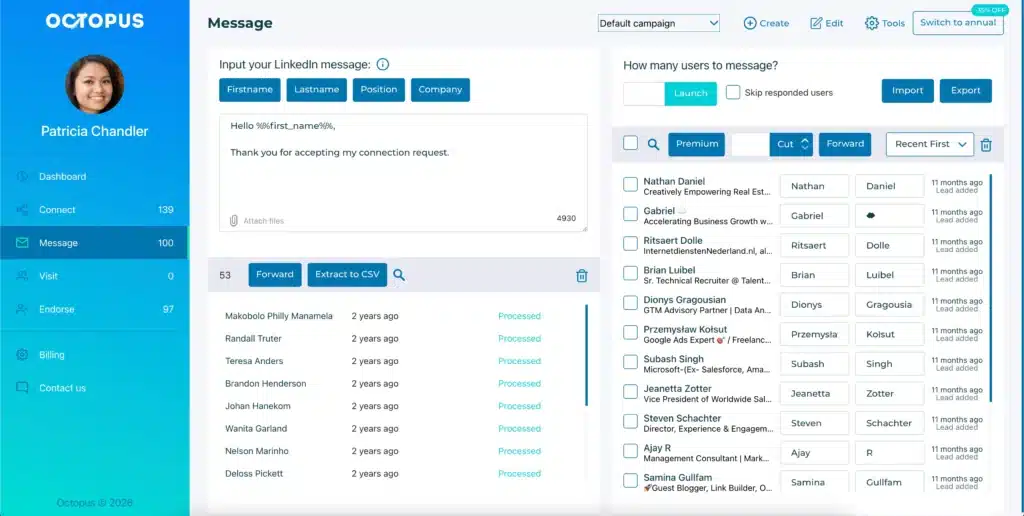
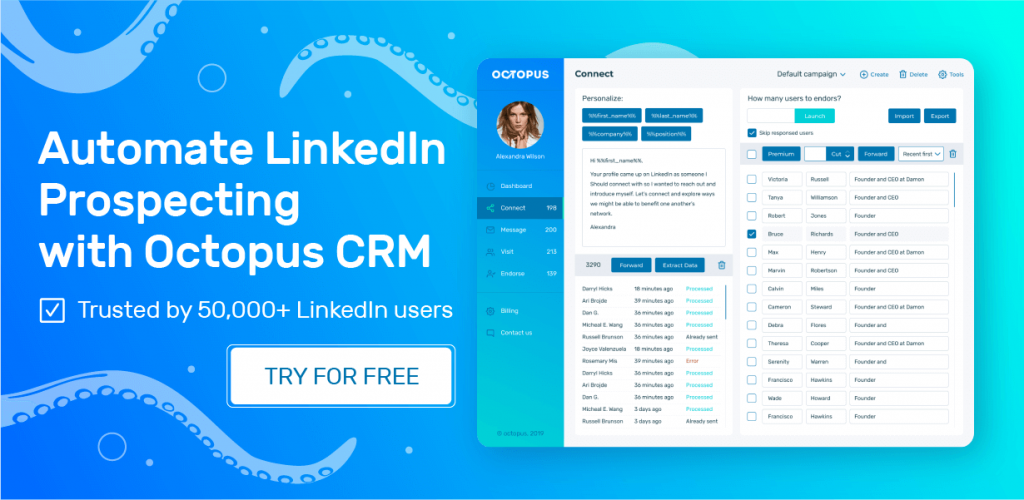
Many individuals and teams look for Waalaxy alternatives because they get frustrated with the software’s add-on costs, safety issues, or UI. Octopus CRM is a leading Waalaxy alternative because it is a pure and simple LinkedIn automation tool that doesn’t hide core features behind expensive plans.
Unlike Waalaxy’s mixed cloud-and-browser approach, Octopus CRM LinkedIn automation Chrome extension runs entirely inside your Chrome browser. That’s it. No cloud backend calling home and raising flags. The result? You stay safer, and your LinkedIn account doesn’t get put on watchlists for no obvious reason.
Here’s why it is a good idea to use Octopus CRM LinkedIn automation tool instead of Waalaxy:
- You install the extension, log into LinkedIn, and start running campaigns within minutes;
- Price that makes sense. Octopus CRM starts at $9.99 per month(or $6.99/month with annual billing). That’s nearly half of Waalaxy’s cheapest paid plan. And there are no forced add-ons. One price includes the core features you actually need;
- No Sales Navigator required. Octopus CRM works with any LinkedIn account, such as free, premium, or Sales Navigator;
- The built-in safety controls monitor your activity, warn you when you push too hard, and include smart delays that mimic human behavior. Your LinkedIn account stays protected;
- With the funnel-style campaign sequences, you can build structured outreach flows: visit → send connection request → endorse skills → message → follow-up. It’s simple and effective;
- Email-based invites are a great workaround when you hit LinkedIn’s weekly limit. That’s a great feature for heavy prospectors;
- CRM integrations with Zapier and HubSpot allow you to push leads into your existing pipeline without copying and pasting.
When you weigh the trade-offs, Octopus CRM wins for anyone who prioritizes safety, simplicity, and predictable pricing. For small businesses, solo founders, and SDRs who just need to get the job done without breaking the bank or their LinkedIn account, Octopus CRM is an excellent Waalaxy alternative that you should consider seriously.