
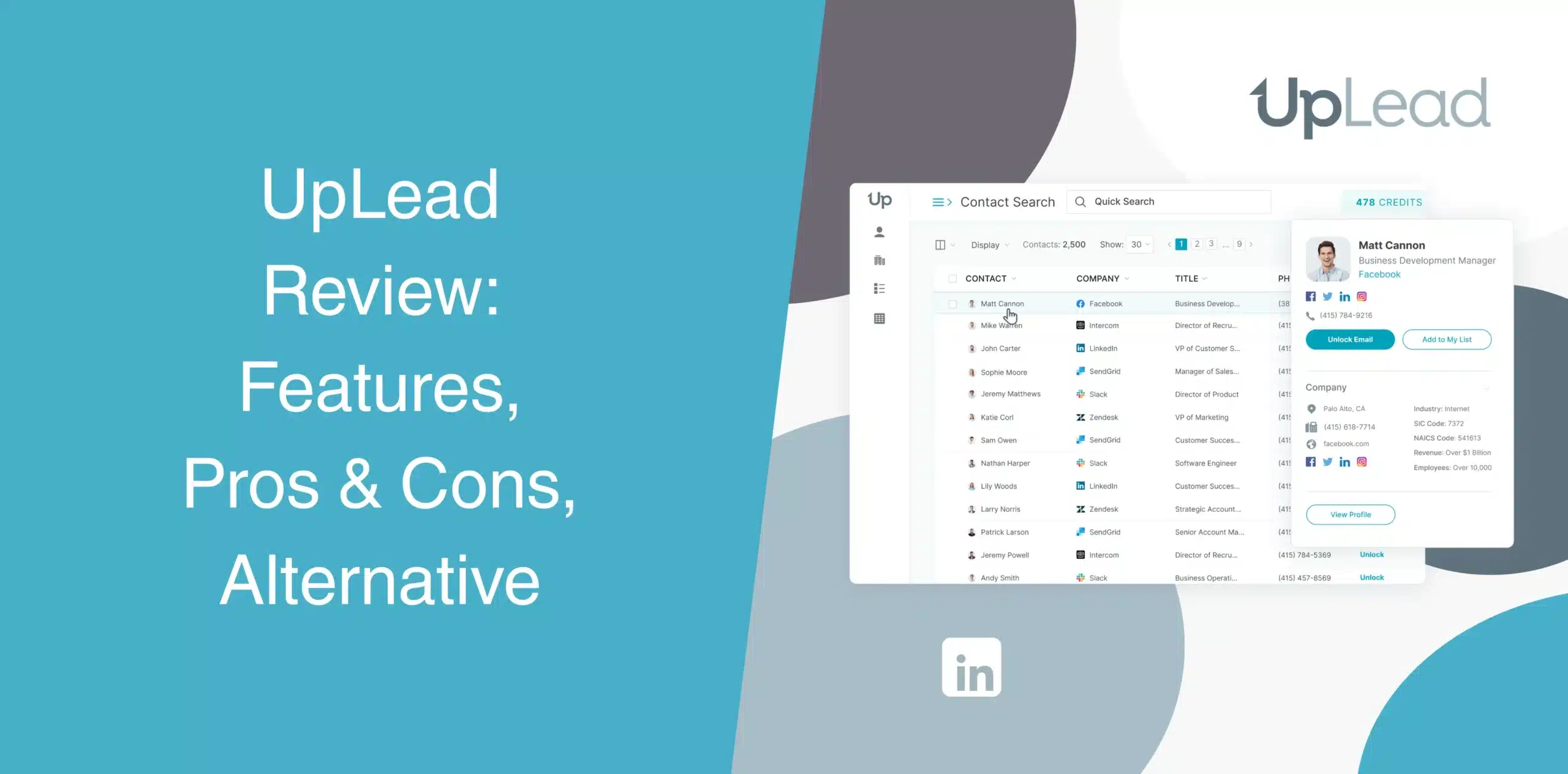
UpLead claims that it helps you find accurate B2B contacts and generate more qualified leads. Lead databases all make similar promises. We tested the platform and examined user feedback to bring you this honest UpLead review.
Most of the existing UpLead reviews don’t show the complete picture. Some focus on the benefits and features, while others are concentrated on the shortcomings of the tool. We’ll give you a full review of UpLead, from its features to its pros and cons and pricing.
UpLead Overview
UpLead is a B2B contact database and lead intelligence platform. It helps sales professionals, marketers, recruiters, and business owners find contact information for potential buyers.
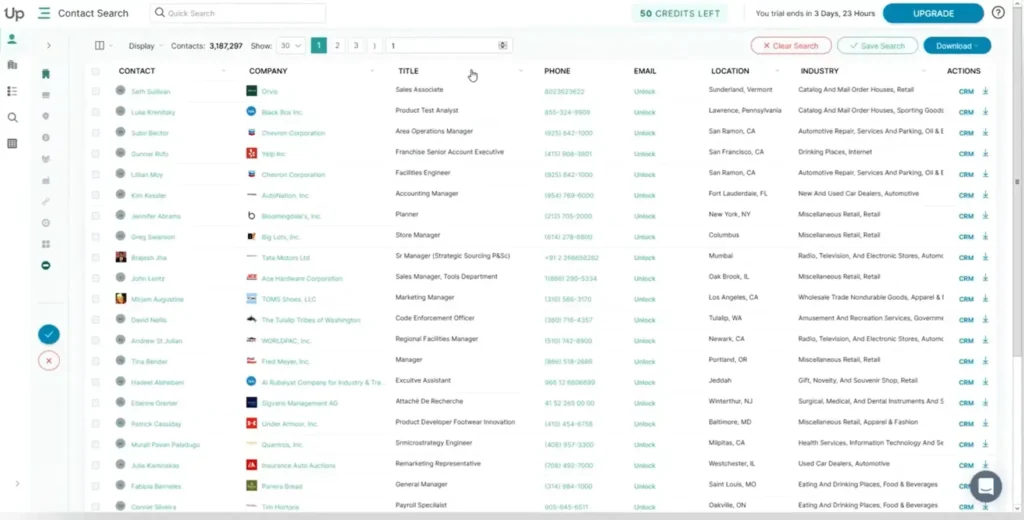
The company says it is a data accuracy-focused tool, claiming its data is 95% accurate. Users get access to over 180 million contacts across 200+ countries, with real-time email verification built into every export.
Plus, it even offers credits back for bounced emails.
Accuracy claims are easy to make. The real test comes when you actually use the tool day in, day out, and see how many of those leads turn into conversations.
UpLead Pros
- Real-time email verification before exporting contacts. Most users report bounce rates below 5%;
- Large B2B database with over 180 million contacts;
- Over 50 search filters, including technographics that track 16,000+ technologies;
- Users get mobile direct dials, besides office numbers;
- Native connections with Salesforce, HubSpot, Pipedrive, Zoho, and more;
- Technographic and intent-data capabilities;
- Chrome extension for prospect research.
UpLead Cons
- Each contact you download uses one credit, and plans start at just 170 credits per month on the Essentials plan;
- Some users report needing to schedule a meeting just to cancel. That’s unusual for a SaaS tool in 2026;
- Some advanced features are locked behind higher plans;
- UpLead doesn’t include features to send emails, run sequences, or automate LinkedIn;
- Data accuracy can vary depending on industry and geography.
UpLead Reviews
UpLead reviews on g2 come with a rating of 4.7/5 based on 820+ feedback.
Users frequently praise data quality, ease of use, customer support, and the email verification system. Many reviewers mention that UpLead helps reduce bounce rates compared to other databases.
We did come across a few complaints about limited credits and the lack of outreach features. Also, some users point out that smaller companies are sometimes missing from the database, which can restrict the range of available search results.
On Capterra, UpLead holds a rating of 4.6/5 from 76 users.
Reviewers generally like the intuitive interface, contact search capabilities, and customer service. Some users expressed their frustration with data accuracy, billing issues, customer service, and lead quality.
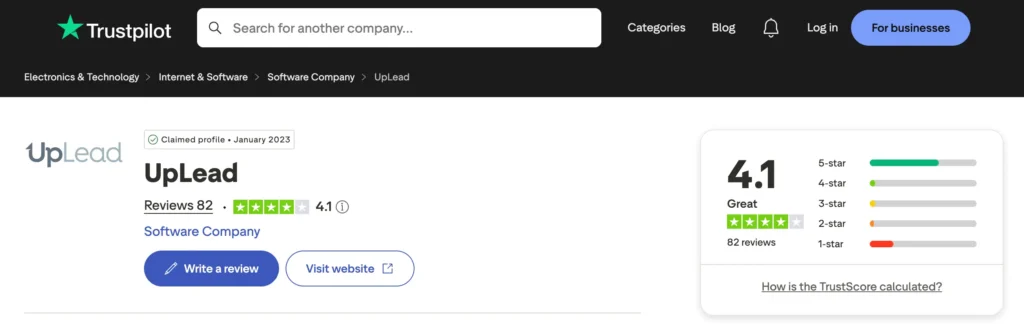
UpLead scores 4.1/5 on Trustpilot based on 82 user reviews.
Positive feedback praises the customer service, data accuracy, and fast implementation. We also saw some negative reviews about low-quality lists and undisclosed charges.
UpLead Features
UpLead combines contact search, prospecting, enrichment, verification, intent monitoring, and CRM connectivity into one system.
B2B Contact Search Engine
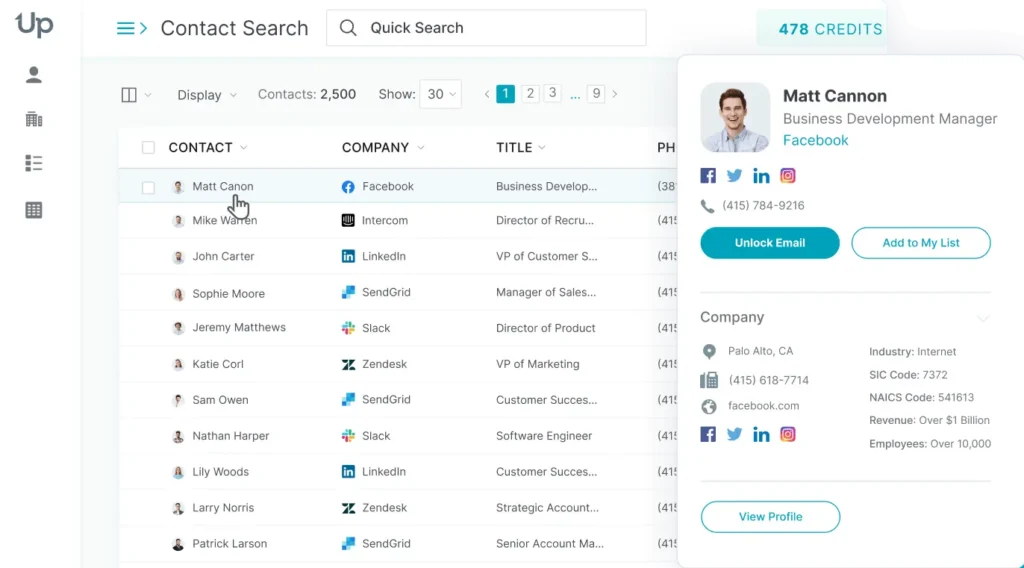
The Prospector tool is UpLead’s primary feature. It gives you access to 180M+ contacts.
Users can search through millions of company profiles and business contacts using more than 50 filters, including job title, location, industry, revenue, company size, and department. Plus, you can preview results before exporting.
Real-Time Email Verification
The email verification feature runs in the background as you search.
Before you export a contact, the platform verifies the email address to help reduce bounce rates. This feature can save both money and sender reputation, especially if you’re running outbound email campaigns at scale.
While UpLead claims 95% accuracy and backs it with a credit refund policy for bounces, we did come across some negative user reviews about this feature.
Bulk Data Enrichment Using CSV
Already have a contact list?
Upload your CSV file to UpLead, and it will enrich that data with missing fields like verified phone numbers, email addresses, technographics, and firmographics. It runs in bulk, so you can clean thousands of records at once.
This is a useful feature as it helps sales teams maintain cleaner CRM records without manually researching each account.
Tech-Based Filters
UpLead tracks over 16,000 technologies. The technographic filtering feature allows you to find companies based on the software and technologies they use, such as Shopify, AWS, HubSpot, Salesforce, etc.
For example, you can identify businesses using a competitor’s platform or find an organization using complementary technologies.
For SaaS companies, UpLead’s tech-based filters can significantly improve targeting precision.
Prospect Intent Data
Available on UpLead’s Professional plan, intent data reveals the companies actively researching solutions like yours. Plus, you can prioritize leads who are already buying rather than cold-contacting everyone. It improves outreach efficiency and shortens sales cycles.
Chrome Extension for Data Collection
The UpLead Chrome extension lets you capture verified emails and phone numbers while browsing LinkedIn or company websites. You can view verified emails, phone numbers, and related contacts without constantly switching between tabs. Then save contacts to your list or push to your CRM with one click.
Integration
UpLead integrates with popular CRM and sales platforms, including Salesforce, HubSpot, Zoho, Pipedrive, Microsoft Dynamics, Outreach, Salesloft, and many others.
The platform also supports over 1,500 additional integrations through Zapier. The Professional plan adds bi-directional CRM sync and full API access.
Bulk Downloads
Export contacts as CSV files or push them directly to your CRM, email outreach platforms, or internal databases. UpLead tracks which contacts you’ve already downloaded so you don’t pay for the same lead twice.
Bulk downloads help sales teams scale prospecting without repeatedly searching for individual contacts. And though the platform supports large exports, your plan’s credit limit determines how much you can.
UpLead Price & Subscription Plans
Check the UpLead pricing table below.
| Plan | Price | Credits | Key Features |
|---|---|---|---|
| Free Trial | $0 (7 days) | 5 | Verified emails, mobile phones, Chrome extension |
| Essentials | $99/month | 170 | Everything in Free + CRM integration, verified emails & mobile phones |
| Plus | $199/month | 400 | Everything in Essentials + Data enrichment, technographics, advanced filters |
| Professional | Custom (annual billing) | Custom | Everything in Plus + Intent data, full API, bi-directional sync, dedicated support |
Pricing is based on a credit system where it costs one credit per contact download. If you go over your monthly credits, you’ll need to purchase additional credits or upgrade your plan.
Best Alternative to UpLead
UpLead helios you find verified B2B contacts. But what happens after you get those contacts? Or what if your primary channel is LinkedIn? In such cases, you’ll need to look for UpLead alternatives with LinkedIn automation capabilities.
A contact database helps you identify prospects, but it doesn’t automate LinkedIn outreach.
Considering a UpLead alternative that handles both data and outreach, Octopus CRM deserves serious consideration. Octopus CRM is a leading LinkedIn automation tool built specifically for outreach and prospecting automation. You get a lot of features for the lowest price among the other LinkedIn automation tools.
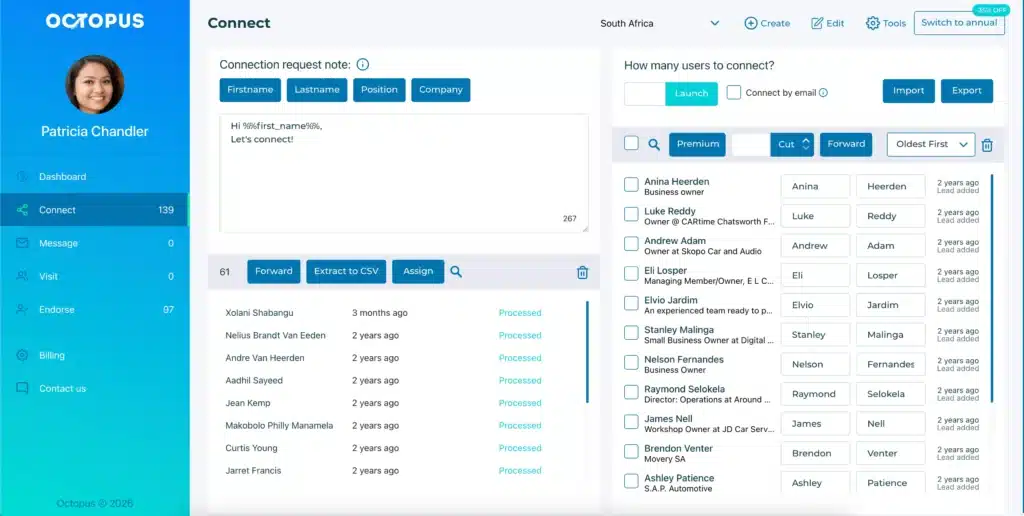
Unlike UpLead, which gives you a list and walks away, the Octopus CRM LinkedIn automation Chrome extension helps you actually connect with those prospects. You can use it to automate connection requests, bulk messaging, profile visits, and skill endorsements while staying within LinkedIn’s safety limits.
The main features of Octopus CRM LinkedIn automation platform:
- Octopus CRM’s browser extension lets you run campaigns directly from LinkedIn. No need to switch between tools. You manage everything from one dashboard;
- Users can create and launch highly personalized LinkedIn outreach campaigns. Octopus CRM automatically extracts information from LinkedIn profiles to tailor your messages or connection requests;
- It never asks for your LinkedIn credentials. Plus, Octopus includes built-in activity controls that monitor your account and pause campaigns if LinkedIn flags excessive activity;
- Works with all types of LinkedIn accounts, including Free, Premium, Sales Navigator, and Recruiter Lite;
- No credit system. You automate real actions on LinkedIn without worrying about per-contact costs;
- Built-in CRM where you can store leads, track campaigns, and analyze performance;
- The “Connect by Email” feature lets you send more connection requests per week by using email instead of LinkedIn’s native invite system;
- Plans start at just $6.99/month with annual billing. Compare that to UpLead’s $99/month starting point;
- Supports Zapier and HubSpot integration so you can push your LinkedIn campaign data to your CRM or other tools automatically.
Octopus CRM is the better choice of sales automation software that integrates seamlessly with LinkedIn. UpLead gives you data, but Octopus CRM gives you action and it is very low priced. And that distinction matters more than most people realize.