
You want to automate LinkedIn prospecting and came across PhantomBuster during your research. And like most people, you’re unsure whether it is a LinkedIn automation tool, a scraping engine, or a full sales software. In this PhantomBuster review, we’ll tell you everything you want to know about this tool.
We read many PhantomBuster reviews and noticed mixed opinions. Some users swear by its flexibility, while others hit a wall trying to make it work for real outreach. So, we decided to inspect it closely to help you make an informed choice.
PhantomBuster Overview
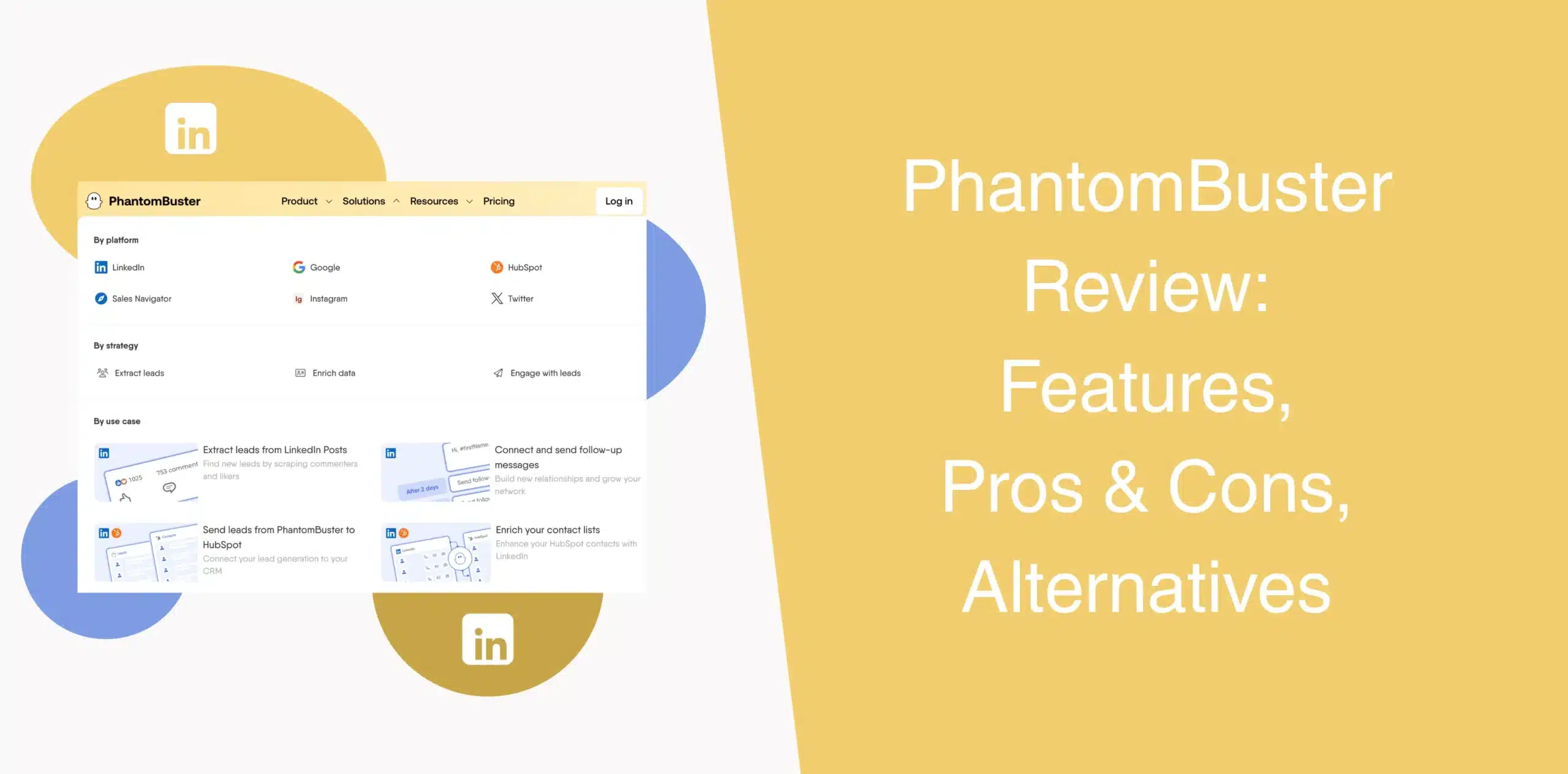
PhantomBuster is a cloud-based platform for data extraction and automation across multiple channels, including LinkedIn, Twitter, Instagram, and Facebook.
Instead of writing code, you can deploy pre-built “Phantoms” or chain them into “Flows” to collect leads, enrich data, and trigger outreach sequences. For advanced automation, the platform requires users to have a level of technical comfort.
PhantomBuster Pros
- You can pull leads from LinkedIn, Instagram, Twitter, Reddit, GitHub, and even Google Maps.
- Set up workflows to automate actions like follows, likes, and comments across different platforms.
- With over 130 ready-to-use “Phantoms,” you don’t need to build automations from scratch. Tasks like profile extraction, connection requests, and comment automation are available out of the box.
- From collecting publicly available LinkedIn profile details to enriching contact data and sending outreach messages, you can automate key steps in the lead generation process.
PhantomBuster Cons
- Advanced features require technical skills. Setting up browser sessions, managing cookies, and configuring Phantoms correctly takes time.
- PhantomBuster puts safety entirely in your hands. You manage your own rate limits, delays, and behavior patterns.
- PhantomBuster excels at data extraction, but it’s not built specifically for structured LinkedIn outreach.
- Managing multiple client accounts at scale is challenging due to Phantom slot limitations and execution time caps.
PhantomBuster Reviews
PhantomBuster reviews on g2 holds a 4.4/5 star rating from 139+ reviews.
PhantomBuster users are leaving mixed reviews across verified platforms like G2 and Capterra. Users praise the platform’s speed and ability to turn manual acquisition tasks into automated workflows.
PhantomBuster reviews on Capterra shows 4.5/5 from 63+ reviews. The same reviews highlight real problems.
Users report a steep learning curve and occasional formatting issues with Excel output. Account safety concerns appear frequently. Many users report LinkedIn account restrictions when automation runs too aggressively or violates platform policies.
PhantomBuster Features
PhantomBuster offers a wide range of automation capabilities across multiple platforms. You can extract data, enrich leads, run AI completions, and chain tasks together. But the platform’s power comes with complexity.
We’ll walk you through the core features of PhantomBuster.
Omnichannel Data Scraping
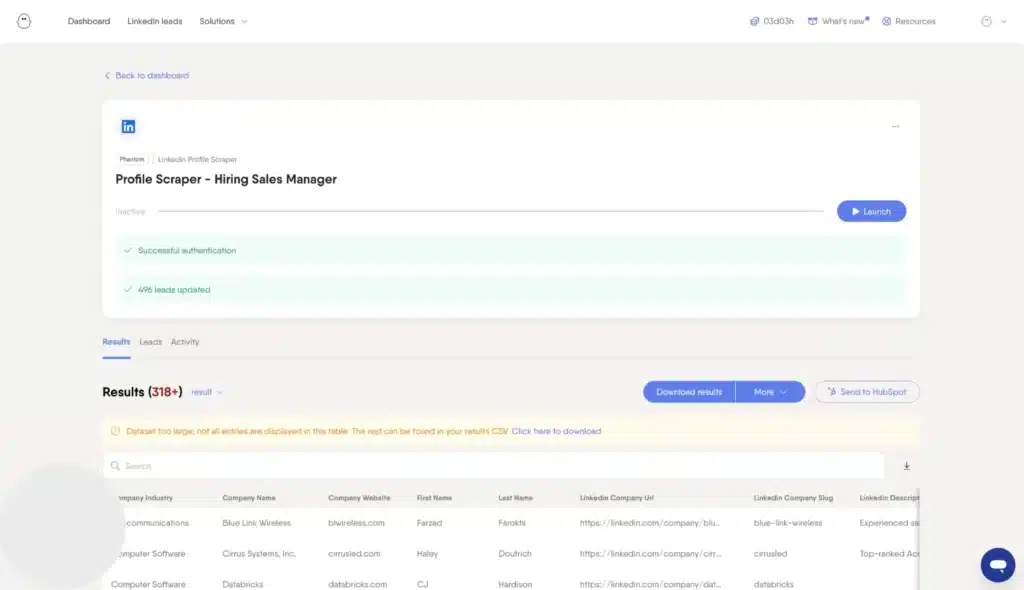
PhantomBuster pulls publicly available data from LinkedIn, Sales Navigator, Instagram, Twitter, Facebook, Reddit, GitHub, Google Maps, and many other sources.
Each “Phantom” targets a specific platform. You can extract profile information, follower lists, event attendees, company data, and more. Or pull profile details, emails, and job titles using a different Phantom.
The results export to CSV, JSON, or Google Sheets. You don’t require coding skills for basic tasks, though advanced configurations will test your patience.
For lead research, this feature is useful.
But ask yourself: Do you just need data… or do you need conversations that turn into deals? After all, scraping alone doesn’t close sales.
LinkedIn Lead Generation and Data Enrichment
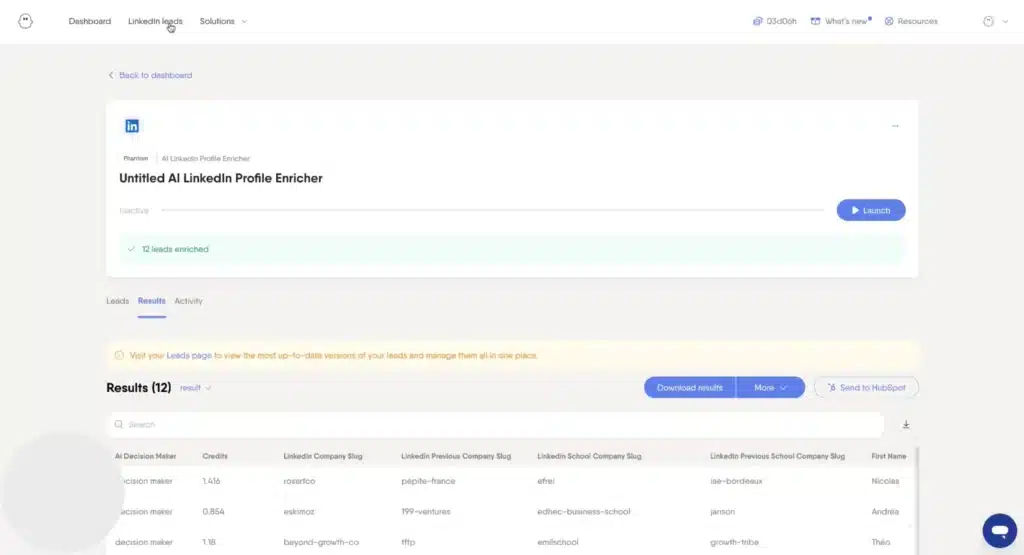
Many users say PhantomBuster is good for LinkedIn prospecting. You can export Sales Navigator searches, collect profile URLs, and enrich leads with job titles, company data, or verified emails via Dropcontact integration.
Email credits (500 per month on the Start plan) help you find verified professional email addresses. Plus, URL finder credits and CAPTCHA-solving credits round out the enrichment stack.
The tool also supports automated connection requests and follow-ups. But the process is not always smooth. You often need to chain multiple Phantoms together, configure inputs, and monitor outputs.
LinkedIn’s strict automation policies mean you must carefully throttle activity. One misstep, like sending too many requests too fast, can flag your account. You’re personally responsible for pacing your own automations to stay within LinkedIn’s safety limits.
All-in-One Social Media Automation
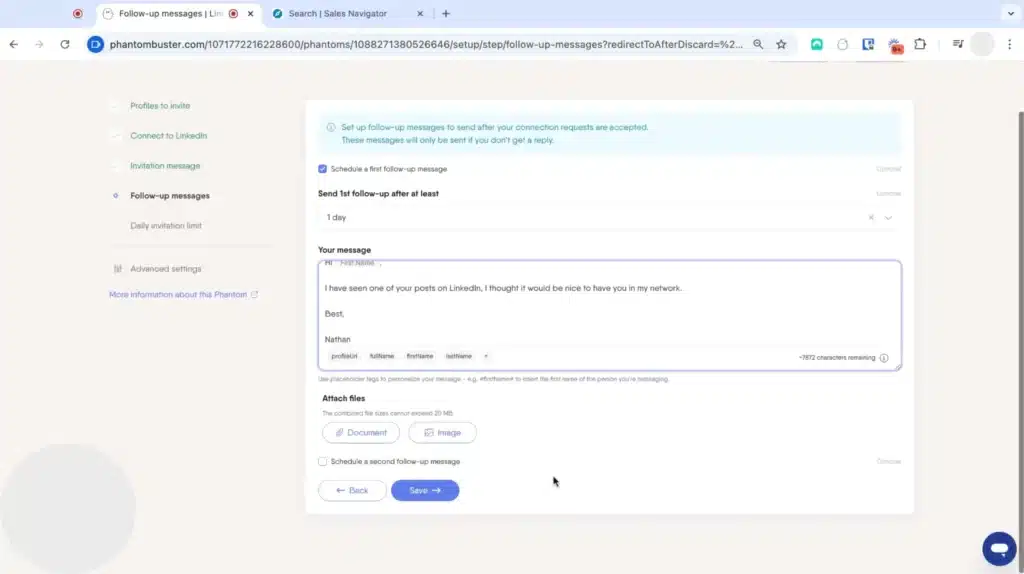
Beyond LinkedIn, PhantomBuster automates actions on X, Instagram, Facebook, Slack, and GitHub. For example, you can automate multiple actions, such as follows, likes, comments, and direct messages, on Instagram and X.
The multi-channel automation feature makes PhantomBuster appealing for growth hackers and agencies managing different channels.
Each social media platform has its own rate limits, session requirements, and anti-bot measures. Managing all of them from one dashboard sounds convenient until you realize you’re troubleshooting four different automation environments at the same time.
Also, you get a generalized system instead of a focused, optimized experience for LinkedIn. That means less precision for B2B outreach workflows.
AI-Powered LinkedIn Outreach
PhantomBuster recently added some AI features to help personalize outreach at scale. AI Phantoms use credits to generate personalized connection request messages and follow-ups.
However, it’s not a fully developed AI outreach system.
You won’t get deep personalization or intelligent message generation out of the box. Users still need to handle messaging strategy manually or integrate external tools.
Ready to Use LinkedIn Workflows
The Phantom library includes templates for common use cases, such as “LinkedIn Search Export,” “Profile Scraper,” “Connection Request Sender.”
These pre-built workflows reduce setup time for beginners. But customizing them for your specific ICP often requires tweaking parameters, managing cookies, and testing execution limits. It’s powerful but not plug-and-play.
PhantomBuster Price & Subscription Plans
PhantomBuster offers 3 paid subscription models plus a 14-day free trial. The pricing is based on execution hours, Phantom slots, and additional credits for AI or email tasks. All plans include access to Phantoms, Workflows, unlimited CSV/JSON exports, API access, and up to 100 workspace members.
Below is an overview of PhantomBuster pricing.
| Plan | Monthly Price (billed monthly) | Execution Time (hours) | Automation Slots | AI Credits | Email Credits |
|---|---|---|---|---|---|
| Start | $69 | 20 | 5 | 10,000 | 500 |
| Grow | $159 | 80 | 15 | 30,000 | 2500 |
| Scale | $439 | 300 | 50 | 90,000 | 10,000 |
The Start plan works for individual users with light automation needs. But if you’re running daily campaigns, you’ll likely run out of execution hours before the month ends. The Grow plan costs more than double and still caps you at 80 hours. PhantomBuster also sells add-on credits for email lookups, AI usage, and CAPTCHA solving beyond plan limits.
You’re not actually paying for outcomes but for time usage. If your workflows are inefficient or break frequently, you burn credits fast.
Best Alternative to PhantomBuster
If you’ve read through the cons and felt a sinking feeling, you’re not alone. PhantomBuster’s complexity and execution caps drive many users to seek a simpler, more focused LinkedIn automation tool.
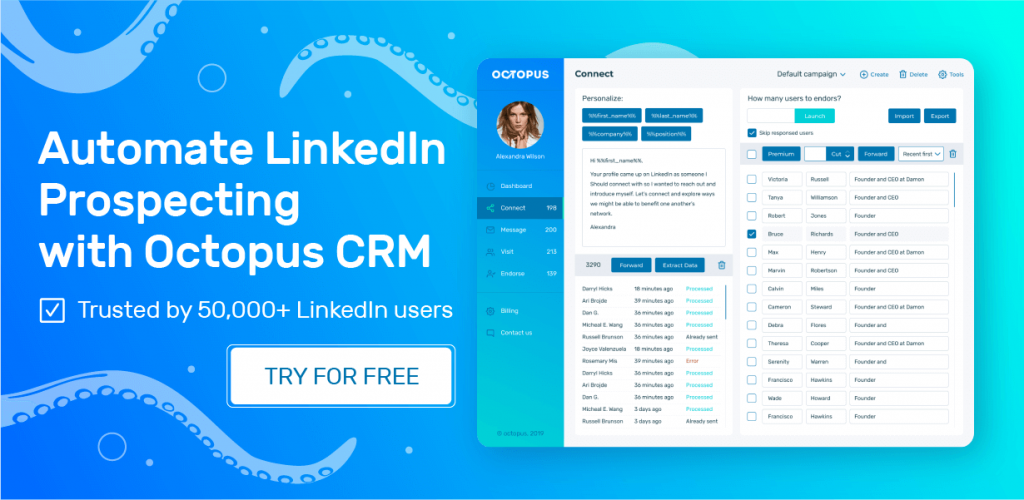
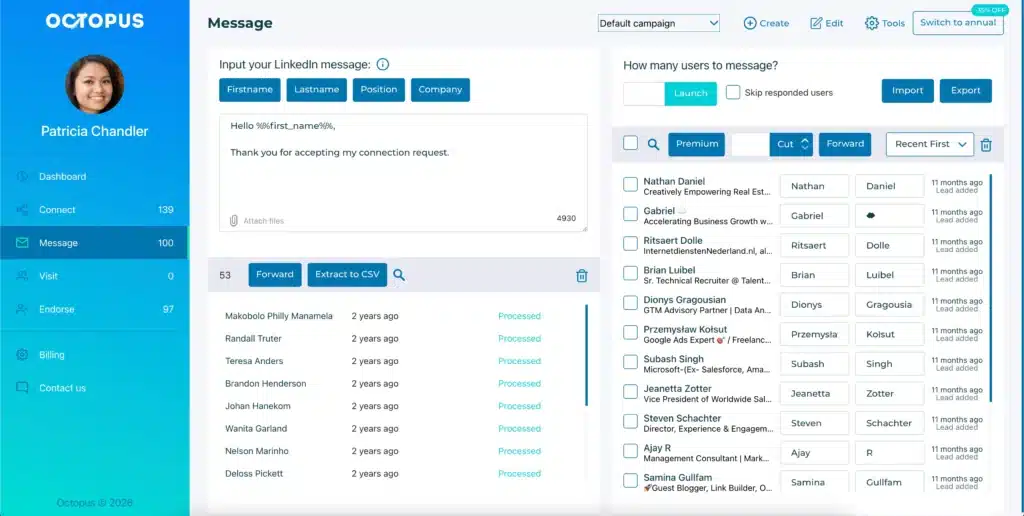
Many professionals are looking for a PhantomBuster alternative and choose Octopus CRM LinkedIn automation tool that is built specifically for sales teams and business owners who want to generate leads without becoming automation engineers.
Unlike PhantomBuster’s multi-platform scraping focus, Octopus CRM LinkedIn automation Chrome extension does one thing and does it well: it automates LinkedIn outreach from connection requests to follow-up messages and everything in between.
These features make Octopus CRM the best PhantomBuster alternative:
- It doesn’t cap your automation hours. With Octopus CRM, you run campaigns based on LinkedIn’s actual daily limits, not an arbitrary monthly meter. Your outreach doesn’t stop mid-month because you ran out of hours.
- Octopus CRM is a LinkedIn automation Chrome extension you need to install it, log into LinkedIn, and start your first campaign right away. No browser sessions, cookie management, or API configurations. Most users go from signup to first automated connection request in under 10 minutes.
- Octopus CRM monitors your activity and warns you if you’re pushing too hard. The platform includes activity controls that trigger immediate alerts when it detects excessive activity on your account.
- Plans start at $9.99 per month ($6.99 with annual billing). That’s a fraction of PhantomBuster’s entry price. For sales teams, the Pro plan (at $9.99/month) adds auto endorse skills and auto view profiles. The Unlimited plan at $24.99/month (annual billing) unlocks everything Octopus CRM offers.
- Octopus CRM works with free LinkedIn accounts. You don’t need a premium subscription to start automating. That alone makes it accessible to small businesses and solo founders.
- When you hit LinkedIn’s weekly limit of 100 connection requests, Octopus CRM lets you switch to sending invites via email to keep your outreach moving safely.
Octopus CRM has a strong value proposition is clear for sales teams. You pay less, you set up faster, and you spend your time talking to leads instead of troubleshooting automation scripts. That’s a trade-off most sales professionals will make every single time.