
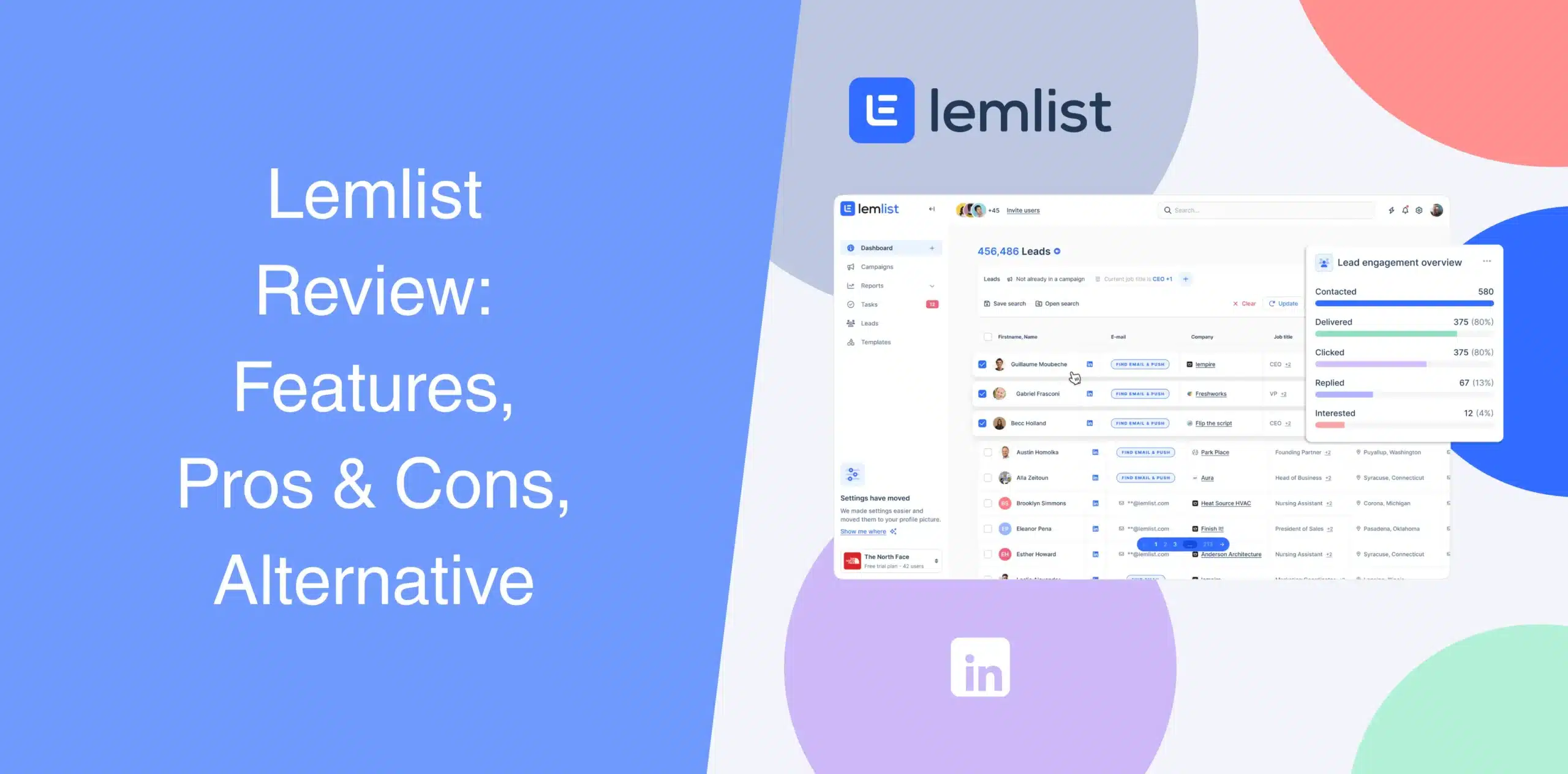
While looking for a outreach automation tool, you might have come across Lemlist. Chances are, you’re looking for an honest Lemlist review that should help you decide whether the software is a good fit for your sales team or organization.
There are many Lemlist reviews and many of them provide just a shallow description of the tool or simply sing its praises without mentioning the drawbacks.
Explore all Lemlist features to learn what to expect from this platform and in what situations it is a good idea to consider a Lemlist alternative.
Lemlist Overview
Lemlist started as an email outreach tool, but over the years, it has evolved into a full sales engagement suite. It helps teams automate email sequences, track engagement, and, to a limited extent, manage LinkedIn actions.
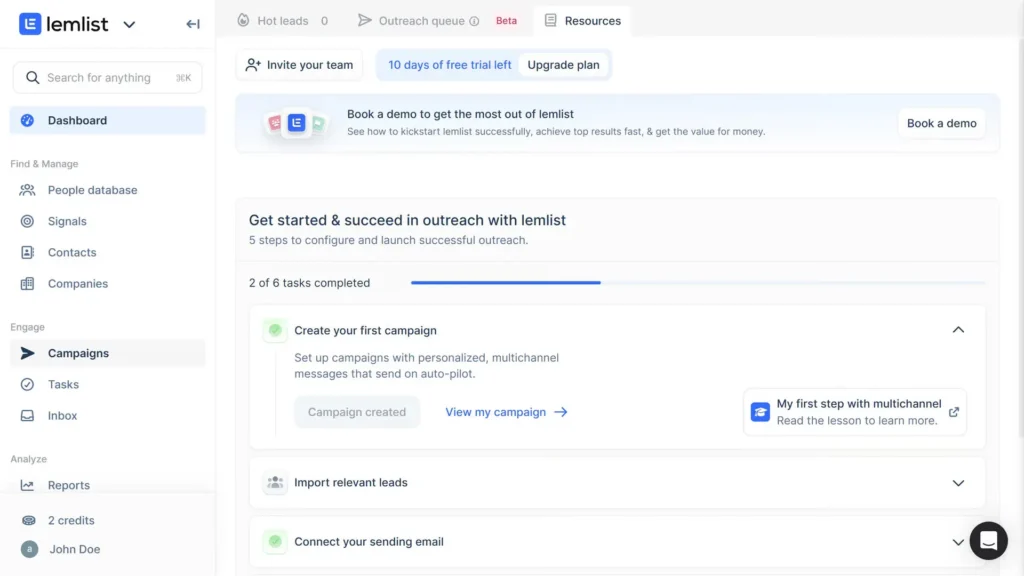
Instead of sending generic campaigns, Lemlist focuses heavily on customized sequences, dynamic variables, and multichannel workflows. You can combine emails, LinkedIn actions, calls, and follow-ups inside one campaign.
That sounds useful, and in many cases, it is.
But as you use the software, you’ll quickly notice limitations with LinkedIn automation depth, workflow flexibility, and credit-based costs. Many users also report a learning curve, especially when navigating advanced automation rules.
The platform is email-first, and everything else comes second. If LinkedIn prospecting is your number one priority, you might find yourself looking for a Lemlist alternative.
Lemlist Pros
- Multichannel sequences let you reach prospects via email, LinkedIn, SMS, or calls in one workflow;
- Dynamic variables, AI-generated text, and the ability to insert personalized images and videos into emails give you creative options that most platforms don’t offer;
- Built-in email warm-up (Lemwarm) protects deliverability and reduces spam risk;
- The platform is fairly intuitive for basic campaigns. You can import leads from CSV files, LinkedIn, or connect directly to your CRM through integrations;
- Unified inbox consolidates replies from all channels, reducing tab-switching;
- You can test subject lines, content, and CTAs without jumping through hoops;
- Integrates with major CRMs like HubSpot, Salesforce, and Pipedrive via native connections or Zapier.
Lemlist Cons
- LinkedIn automation is a secondary feature compared to email. If LinkedIn is your primary channel, you might find the functionality limited;
- Credit-based enrichment can increase costs fast. Lemwarm is only included on higher-tier plans, adding hidden costs for smaller teams;
- Several users mention workflow limitations at scale;
- Setting up complex sequences with conditional logic takes time to master;
- Reporting is solid for email metrics, but lacks depth for LinkedIn-specific engagement like post interactions or InMail performance.
Lemlist Reviews
Looking through various Lemlist reviews across G2, Capterra, Trustpilot, and Reddit reveals a pretty mixed picture of the platform.
Lemlist reviews on g2 show a 4.6/5 rating from over 1,500+ reviews. Many praise its personalization capabilities and ease of setting up sequences.
Another user praised the visual sequence builder and conditional logic for adaptive follow-ups.
On G2, some users mention deliverability issues despite using Lemwarm.
Reviews on Capterra show a 4.6/5 stars based on 387 reviews.
On Reddit, one user shared that after six months of daily usage, Lemlist delivered stable email performance and strong reply rates for B2B campaigns.
Many users also complain about rising costs as teams scale. Others mention that LinkedIn functionality is limited compared to dedicated LinkedIn automation platforms. Some also dislike the credit system and additional add-on expenses.
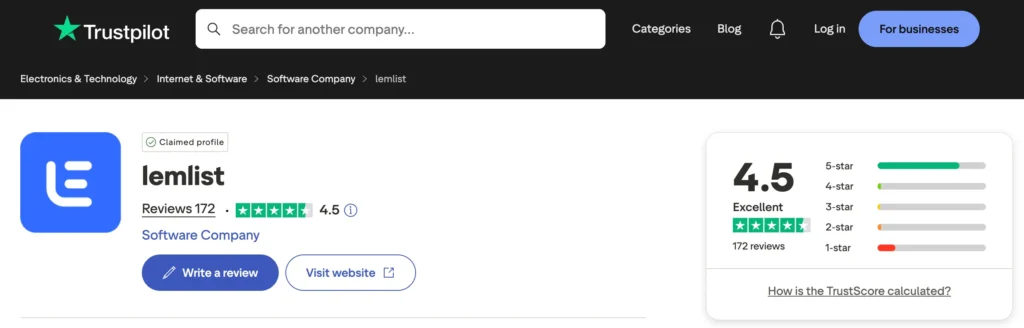
On Trustpilot, Lemlist’s score is 4.5/5 stars based on 172 reviews.
Small teams and founders often like Lemlist early on. Larger outbound teams eventually start comparing costs, automation depth, and workflow flexibility with other tools.
Lemlist Features
From prospecting to AI-driven messaging, Lemlist claims to cover the full outreach lifecycle. But does breadth come at the cost of depth?
Let’s walk through the platform’s core features.
Omnichannel Outreach Sequences
You can build sequences comprising emails, LinkedIn actions (profile visits, connection requests, messages), WhatsApp messages, calls, and manual tasks. Plus, you can set triggers based on prospect behavior, like sending a follow-up email if a LinkedIn invite goes unanswered.
The unified inbox pulls replies from every channel into a single thread, which means you don’t have to switch between platforms to track conversations.
That’s convenient when it works correctly.
But some users report syncing delays, while others complain about LinkedIn outreach lacking the advanced automation depth available in specialized LinkedIn outreach tools.
When the software functions properly, it can save you hours of manual checking. Also, managing cross-channel timing requires careful planning. One misstep, and your sequence feels robotic.
Huge Database for Prospecting
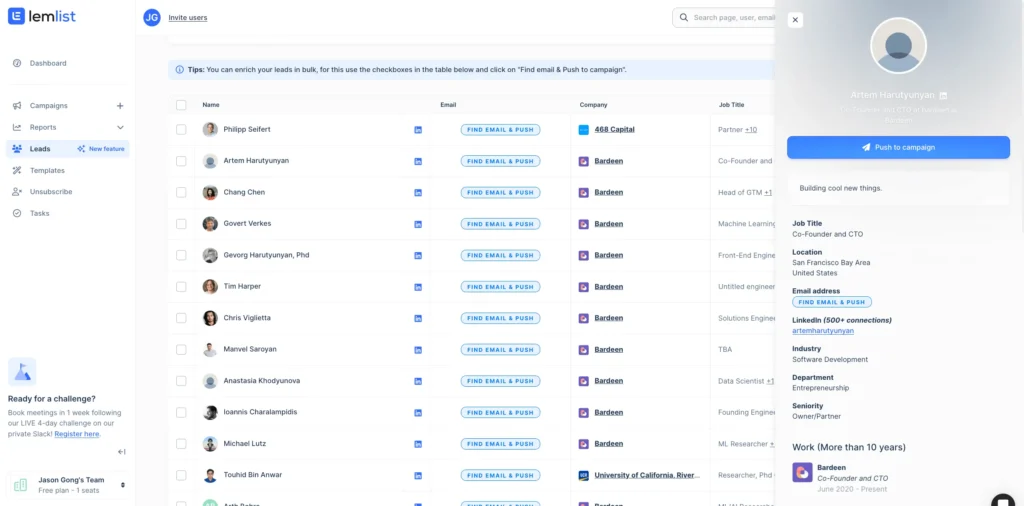
Lemlist says that it gives its users access to 600M+ contacts with filters for company size, industry, tech stack, and intent signals. One click triggers waterfall enrichment that pulls verified email addresses and phone numbers from multiple data providers.
The database size sounds impressive, as it removes the need for separate prospecting tools in some cases. But keep in mind that not all records are equally up to date. You’ll still need to verify data quality manually in many cases.
Also, most enrichment actions use credits. If your sales team runs large campaigns, costs can rise quickly.
AI-Powered Sales Engagement
Lemlist has expanded its AI capabilities this year.
- The built-in AI agents can handle repetitive tasks like tagging leads or updating CRM fields;
- AI variables auto-populate personalized details like company name or recent news;
- AI-driven campaign sequences generate full multichannel workflows based on your goal and value prop;
- AI-written messages suggest copy adjustments for tone, length, or clarity;
- Interest detection flags warm replies so you can prioritize follow-ups.
While the artificial intelligence features save time, using them requires careful strategy and human review. Otherwise, your campaigns will start sounding robotic.
Centralized Inbox
Lemlist includes a unified inbox that combines conversations from multiple outreach channels. You can respond without leaving the platform, and the system keeps the thread intact even when the conversation jumps between email and LinkedIn.
That’s a vital feature for teams running high-volume outreach campaigns. After all, no one wants to juggle separate inboxes for different channels.
That said, the unified inbox only works as advertised when all integrations are properly configured. The moment you have connection issues with LinkedIn or WhatsApp, things can get messy.
Campaign Tracking and Optimization
Lemlist provides campaign analytics and tracking tools for monitoring outreach performance.
Users can track:
- Open rates;
- Reply rates;
- Click rates;
- Bounce rates;
- Deliverability metrics;
- Sequence performance.
The platform also includes A/B testing for subject lines and sequence steps, besides allowing you to monitor deliverability through Lemwarm.
But LinkedIn-specific metrics, such as profile views or post engagement, aren’t very detailed or insightful.
Lemlist Price and Subscription Plans
Lemlist offers three main tiers, all including a 14-day free trial. Pricing depends on features, outreach channels, and user count. Check the Lemlist pricing table below:
| Plan | Monthly Price | Best For |
|---|---|---|
| Email Pro | $79/users/month | Email outreach |
| Multichannel Expert | $109/user/month | Multichannel outreach |
| Enterprise | Custom pricing | Outreach at scale |
Lemlist also charges separately for some add-ons, including:
- Extra email senders;
- Additional deliverability protection;
- WhatsApp automation;
- Calling numbers;
- AI meeting agents;
- Extra credits for enrichment.
That’s where some frustration starts.
At first glance, the pricing seems manageable. But once your team grows or needs more credits and automation capacity, costs rise quickly.
Best Alternative to Lemlist
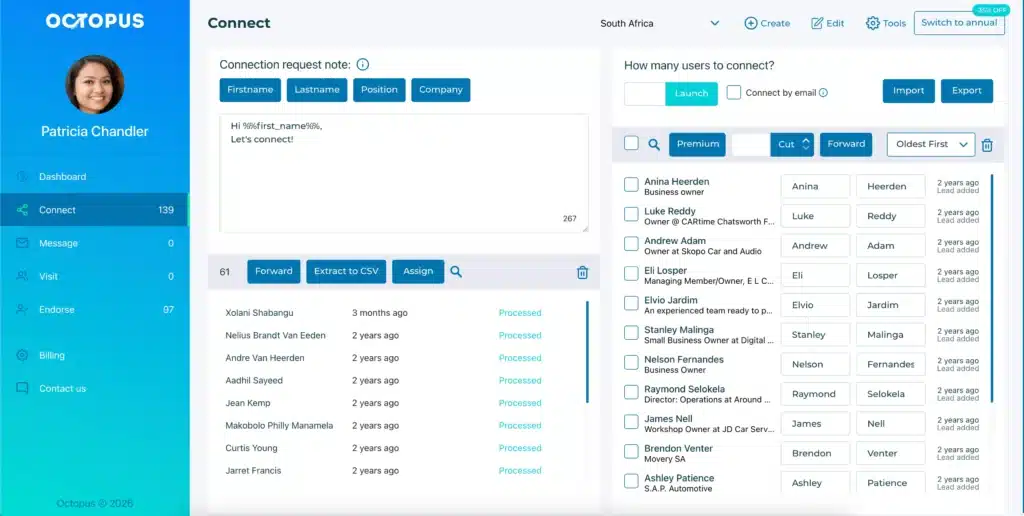
Exploring a cheap and decent LinkedIn prospecting or automation tool, Octopus CRM is the strong Lemlist alternative available today.
Lemlist tries to do everything: email outreach, prospecting, AI personalization, multichannel workflows, deliverability, and enrichment. But many teams and individuals simply need a dedicated, reliable LinkedIn automation tool without the extra complexity and rising per-user costs.
Here are the features that make Octopus CRM LinkedIn automation tool one of the best Lemlist alternatives:
- Every feature, from personalized connection requests to skill endorsements, is optimized for LinkedIn’s environment. No compromise;
- Plans start at $6.99/month with annual billing, making it accessible for individual freelancers, small teams, recruiters, and startups;
- Octopus CRM mimics human behavior with randomized delays and activity limits to protect your account;
- You can easily create multi-step LinkedIn drip campaigns (visit → connect → message → endorse) in minutes;
- Octopus CRM works as a LinkedIn automation Chrome extension – you never share your LinkedIn credentials;
- The built-in CRM lets you manage leads directly inside the platform;
- You get to visit hundreds of profiles in autopilot mode, besides sending messages to hundreds of your first-level LinkedIn connections in bulk;
- The dashboard provides insights into profile views, search appearances, SSI scores, and campaign performance;
- You can bypass LinkedIn’s weekly connection request limit using email-based requests;
- Import LinkedIn profile lists into campaigns or export LinkedIn data as CSV files;
- Integrates with CRMs through Zapier;
- Octopus CRM is so simple that you can start building your first campaign in minutes after installing the extension. It doesn’t overload users with complicated workflows.