
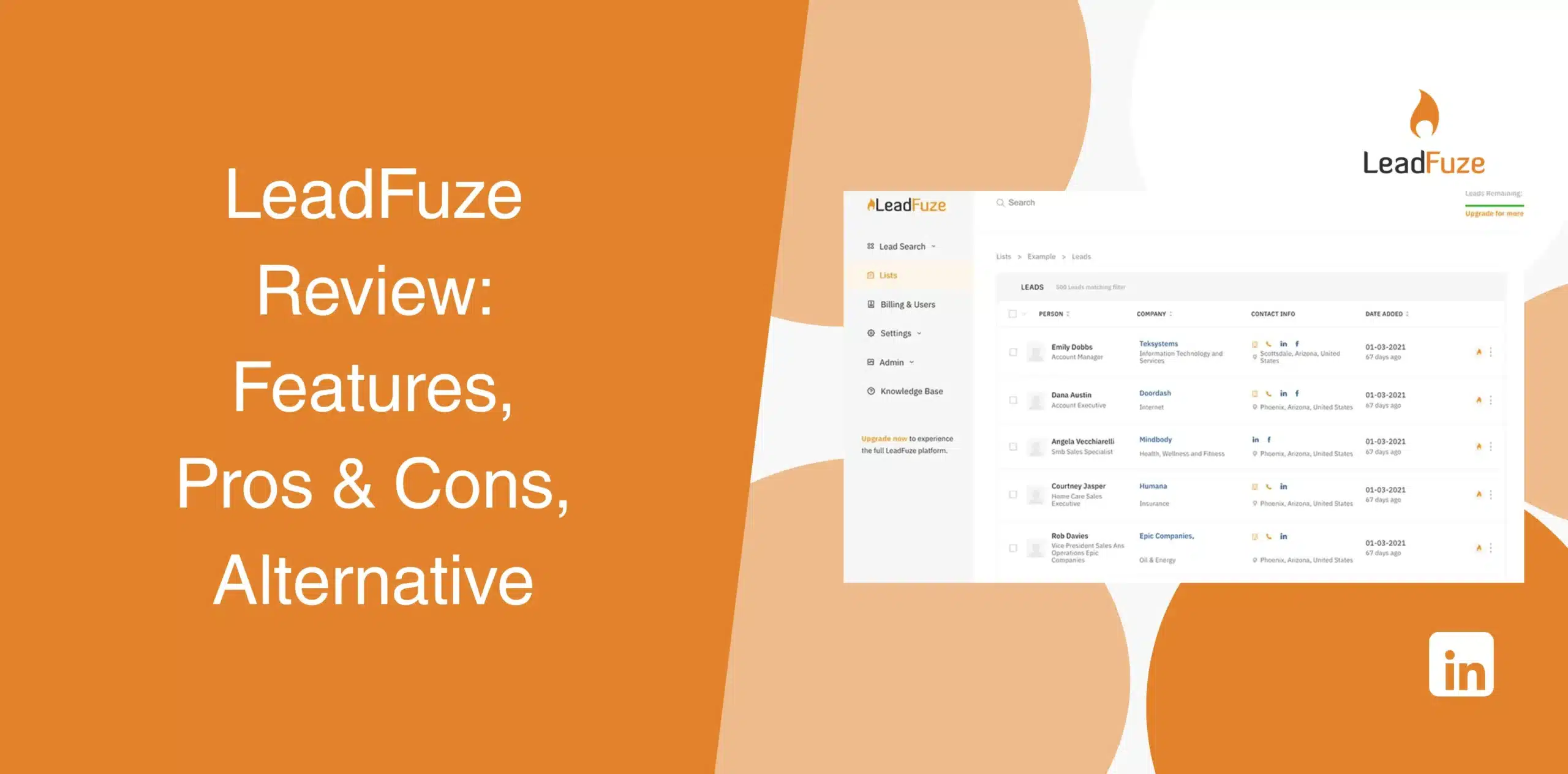
As a sales professional, you want to spend most of your time selling instead of scraping data. LeadFuze is a B2B contact data software that can help you to that end. There are already many LeadFuze reviews out there, but most of them either provide surface-level information or simply rephrase the marketing claims of the platform.
You need an honest and critical LeadFuze review to determine whether it is a good sales automation software for your business. We thoroughly analyzed the software and examined real customer feedback to bring you this review, covering its features, pros and cons, user experience, and best alternative.
LeadFuze Overview
LeadFuze is a B2B contact data platform that works like a search engine for business professionals. It helps sales teams, recruiters, and marketers find the right people and their verified contact details without burning hours on manual research.
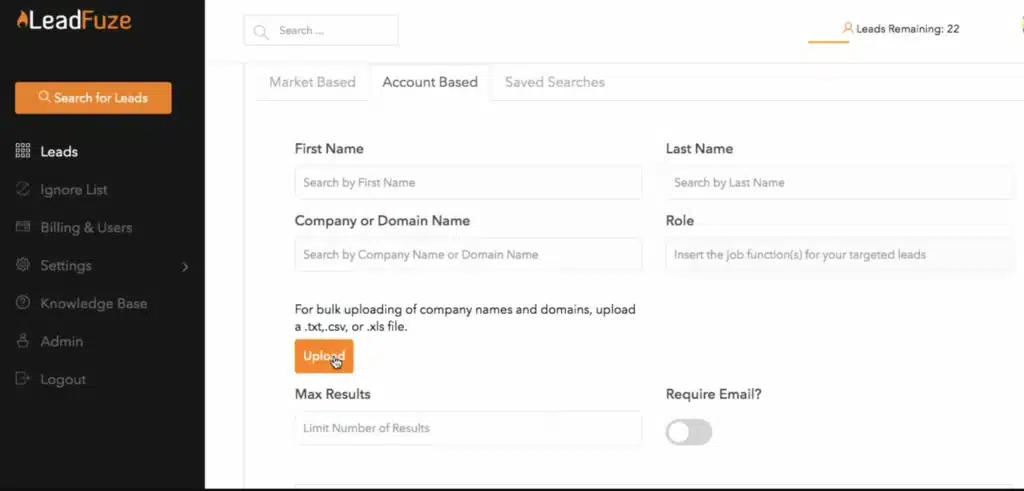
The software has a large database of 269+ million contacts with advanced search filters, automated list building, and enrichment features to simplify prospecting.
LeadFuze Pros
- With over 269 million contacts, you’ll likely find your ideal prospects in both the US and global markets;
- The feature of performing search based on job title, company size, industry, location, technology stack, and even AdWords budget;
- Fuzebot automation builds lists on an ongoing basis without manual effort;
- LeadFuze includes email verification with accuracy guarantees;
- Removes duplicates so you don’t contact the same person twice.
LeadFuze Cons
- Some users report higher bounce rates requiring additional email verification through third-party tools, adding extra cost;
- Limited LinkedIn outreach and automation capabilities compared to dedicated platforms;
- Lists can only be built with 1000 emails per list. You can have multiple lists, but this limit frustrates some users;
- Starting at $397/month with a 12-month commitment, it’s steep for small teams.
LeadFuze Reviews
LeadFuze reviews on g2 show a rating of 4.6/5 from 119 customers.
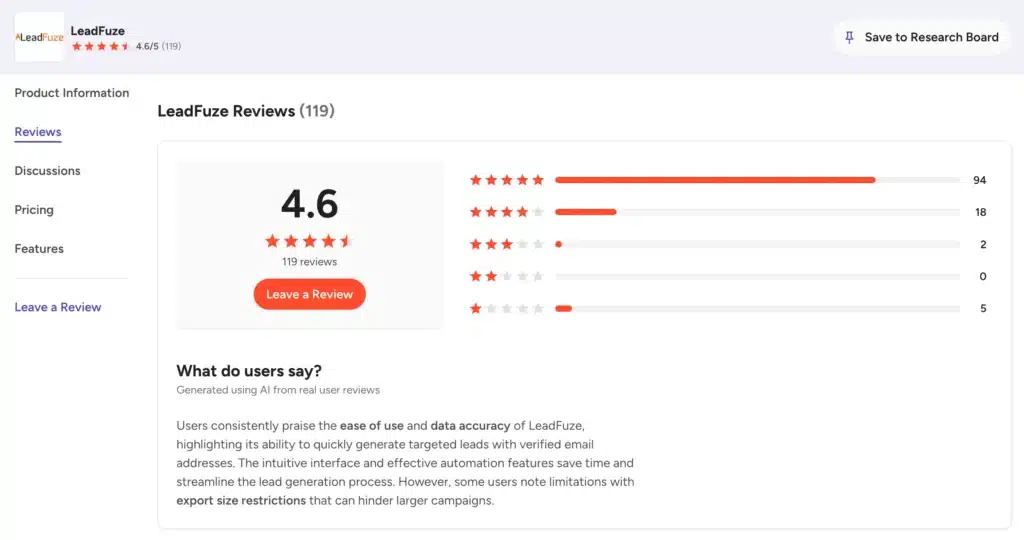
Many users praise the software for its intuitive interface, automation features, and ability to generate targeted prospect lists. Common complaints include export size restrictions, occasional outdated contact information, and limitations when searching niche industries.
On Capterra, LeadFuze scores 4.6/5 from 97 reviewers.
The common highlights include the platform’s ease of use, filtering options, and time savings. Some reviewers wrote that certain email addresses bounce or require additional verification before launching campaigns.
LeadFuze has only three Trustpilot reviews and it is really hard to consider this tool.
They are negative, with users citing data quality and billing problems. The small sample size means these may not represent the full user base, but the billing concerns do align with what users report elsewhere.
LeadFuze Features
LeadFuze claims it gets you accurate contact data for the right prospects, faster than manual research allows. We’ll look at how each feature contributes to that end.
Automated List Building
One of LeadFuze’s biggest selling points is Fuzebot, an automated list-building assistant.
Instead of creating prospect lists manually every week, you define your target audience once. Fuzebot then continues searching for new leads that match your criteria and automatically adds them to your lists.
This feature saves considerable research time, especially for businesses running continuous outbound campaigns.
Account-Based Search Filters
LeadFuze includes numerous company-level filters that support account-based prospecting.
You can filter companies using criteria such as:
- Industry;
- Company size;
- Revenue;
- Technology stack;
- Employee count;
- Geographic location.
These filters help narrow your search before identifying individual decision-makers within each organization. Useful for account-based selling where you already know your target companies but need to identify the right people inside them.
Market-Based Search Filters
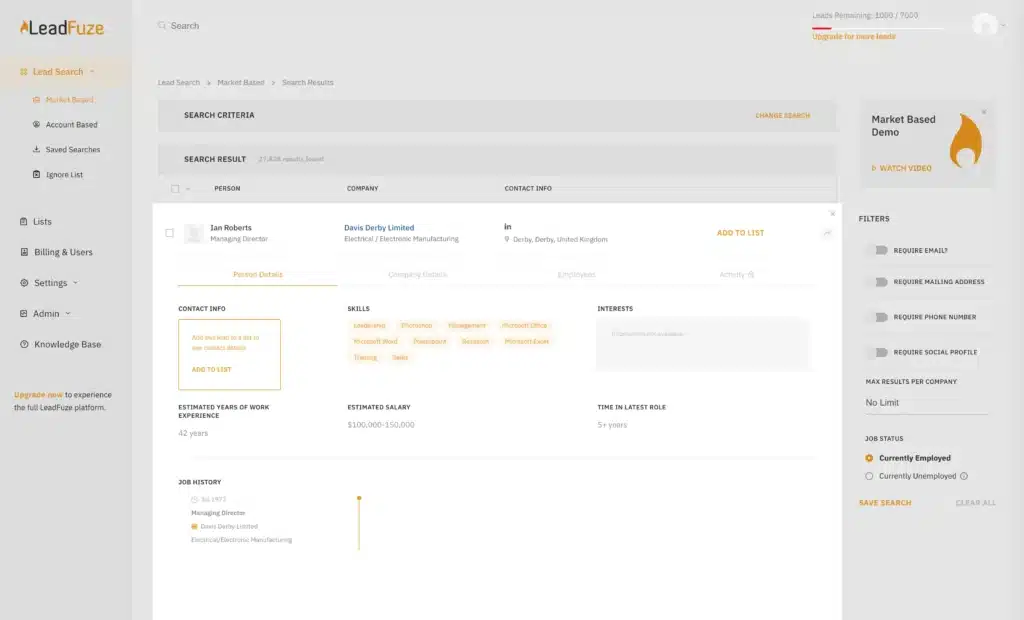
With these broader filters, you can find prospects based on job title, skills, technology stack, and other criteria. Simply define a prospect profile, and the software finds everyone who fits it across the entire database.
Useful when you’re entering a new market or don’t have specific companies in mind.
You can filter by AdWords budget, funding status, tech stack, company size, revenue, role type, and job openings. The technology filter is particularly useful for SaaS sellers targeting companies already using complementary tools.
This feature also makes it easier to target buyers who match your ideal customer profile instead of exporting broad contact lists that require additional cleaning.
Lead Enrichment
Beyond name and email, LeadFuze enriches each contact with company data, LinkedIn profile links, and additional details from multiple sources. The Enrichment API converts a single input (email, phone number, LinkedIn URL, or name-plus-company) into a complete contact profile with 50+ data fields.
The cascading enrichment model checks alternative providers if the primary source doesn’t have an email. Email deliverability is generally strong, though some users report needing additional verification through third-party tools.
LinkedIn URL Lookups + De-Duplication
LeadFuze automatically finds LinkedIn profiles for your prospects and removes duplicate contacts from your lists. This helps keep your data clean and prevents wasted outreach efforts.
The de-duplication feature works automatically, which saves time. It flags and removes anyone already in your lists, preventing repeated outreach to the same person. However, the system isn’t perfect as occasional duplicates slip through.
Ignore Lists
You can maintain an ignore list of people or companies you don’t want to contact. It could be your current customers, competitors, or people who’ve already declined. This prevents embarrassing outreach mistakes and keeps your messaging relevant.
Setting up ignore lists is straightforward, though you’ll need to maintain them manually as your exclusion criteria evolve.
Export to CSV
All lists are downloadable as CSV files.
Since LeadFuze focuses on data rather than outreach, the typical workflow is: build a list in LeadFuze, export to CSV, import into your outreach tool of choice. Clean, but it does mean managing two separate tools.
Integrations
LeadFuze integrates with several popular business platforms to streamline lead management.
Supported integrations include CRM systems, email verification services, Zapier, and various sales engagement tools. These integrations reduce manual imports and help move qualified leads directly into existing workflows.
LeadFuze Price & Subscription Plans
Check the LeadFuze pricing table below:
| Plan | Price | Lead Credits |
|---|---|---|
| Unlimited | $397/month (billed annually) | Unlimited |
| Scaling | $497/month (billed monthly) | 2500/month |
| Custom | Custom annual pricing | Custom |
Best Alternative to LeadFuze
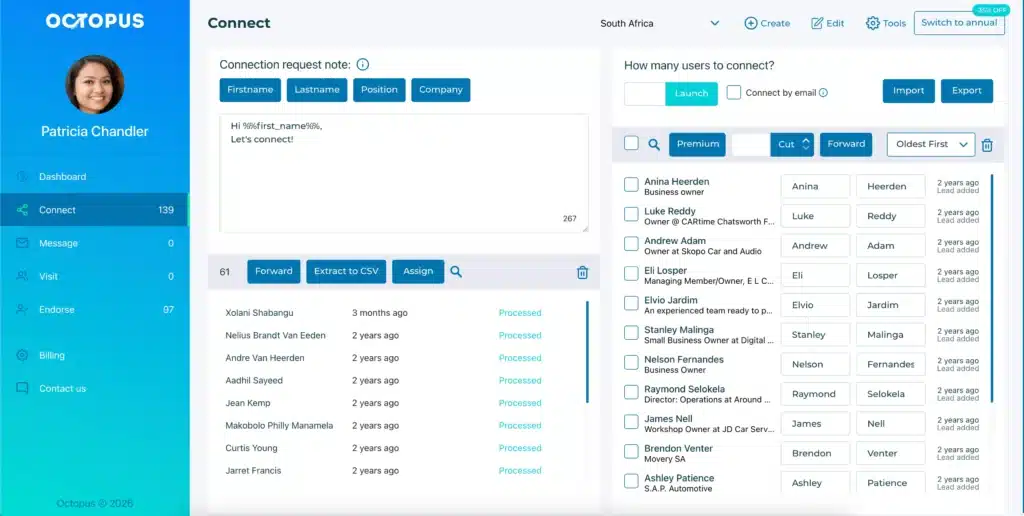
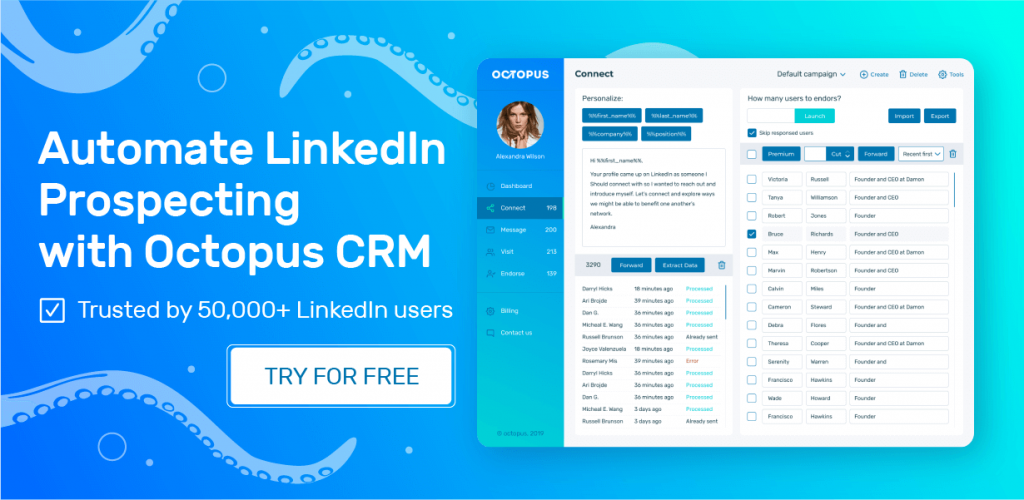
Octopus CRM is a cheaper and better LeadFuze alternative, specifically in the LinkedIn automation and outreach space.
While LeadFuze is a contact data finder and enrichment software, Octopus CRM is a LinkedIn automation tool built for automated prospecting. You can use it to automatically visit LinkedIn profiles, send personalized connection requests and messages, endorse skills, and track the whole process.
Octopus CRM LinkedIn automation Chrome extension plugging directly into your browser alongside your regular LinkedIn activity. You find your target audience using LinkedIn’s search or Sales Navigator, add them to an Octopus CRM campaign, and the tool does the rest.
So, if your sales process depends largely on LinkedIn, it is a good idea to use Octopus CRM instead of relying solely on a lead database. With over 50,000+ users worldwide, it has established itself as a reliable platform for sales teams and recruiters.
Octopus CRM for sales teams covers the full LinkedIn workflow:
- Send personalized invites to hundreds of prospects, with pacing controls you set;
- Message hundreds of your first-level connections in bulk with personalized content;
- Automatically visit profiles, often prompting prospects to check you out in return;
- Endorse up to 7 skills on connections’ profiles to warm prospects up before direct outreach;
- Use the LinkedIn funnel builder to chain actions together: connect → thank you message → skill endorsement → follow-up;
- Hit LinkedIn’s weekly invite limit? Octopus CRM lets you keep sending connection requests via email instead;
- Track acceptance rates, response rates, Social Selling Index, and profile views;
- The Activity control alerts you if your account shows patterns that could trigger LinkedIn’s automated defenses;
- Users can sync LinkedIn data with their CRM or other applications through Zapier and HubSpot integrations;
- Built-in CRM where you can store leads, perform automated actions, create campaigns, and build marketing funnels on LinkedIn;
- Upload a CSV of LinkedIn profile URLs to target, or export contact data out;
- Octopus is compatible with all LinkedIn account types, including Free, Sales Navigator, and Recruiter Lite;
- Starting at just $6.99/month (annual billing), Octopus CRM costs a fraction of LeadFuze’s $397/month entry point.