
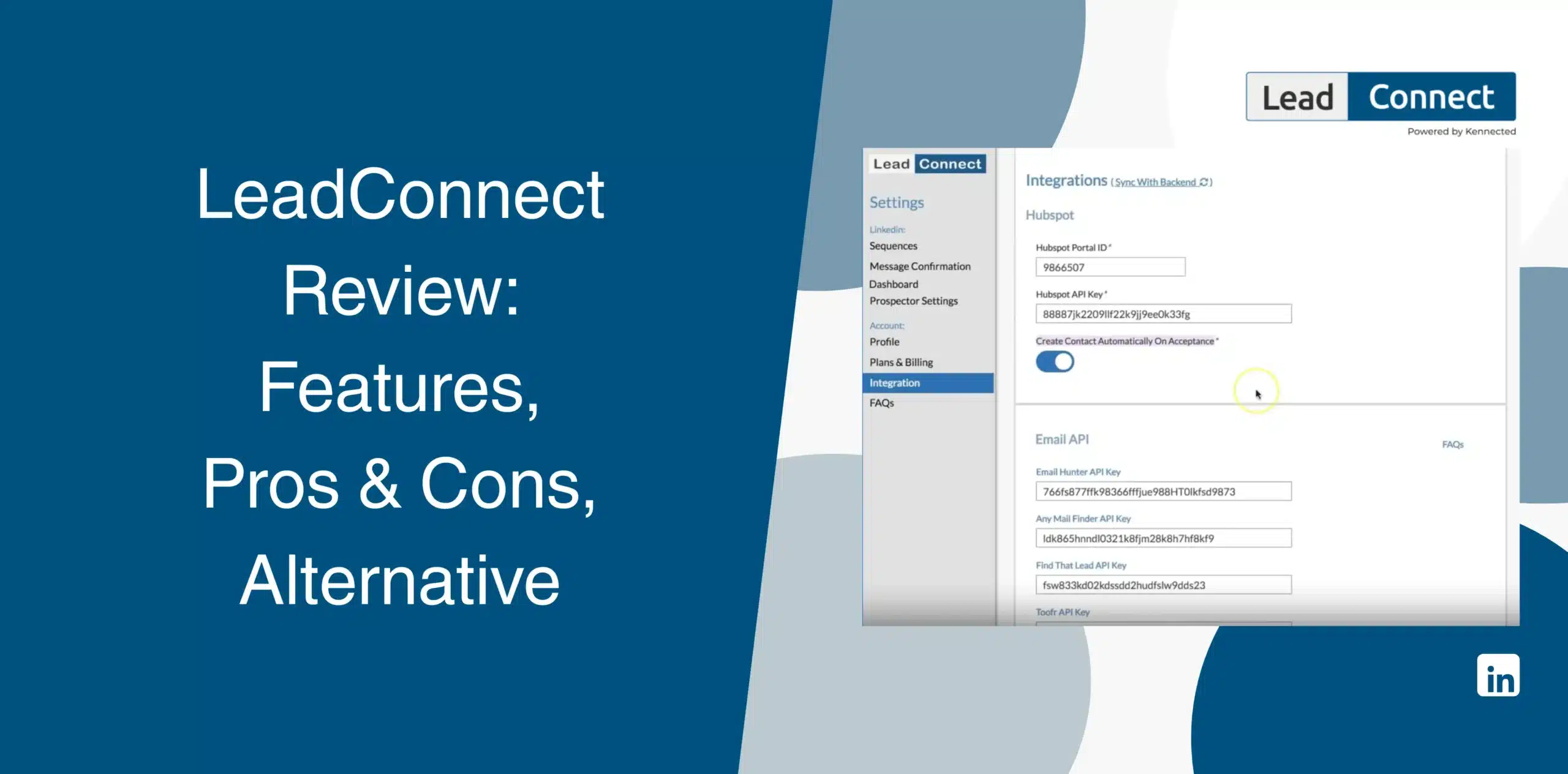
In your search for a tool to automatically scale your LinkedIn outreach, you have probably stumbled upon LeadConnect. And chances are, you’ve already read a handful of LeadConnect reviews, many of which provide narrow information.
We bring you an honest and latest LeadConnect review, looking past the tool’s sales page and marketing hype available everywhere. We’ll cover its pros and cons, features, real user feedback, pricing, and best alternative so you can decide if it is the right LinkedIn outreach software.
LeadConnect Overview
LeadConnect is a Chrome extension that automates LinkedIn connection requests and follow-up messages. Users define an audience through LinkedIn search or a CSV upload, write an invite message with placeholders, and let the tool send it out one profile at a time.
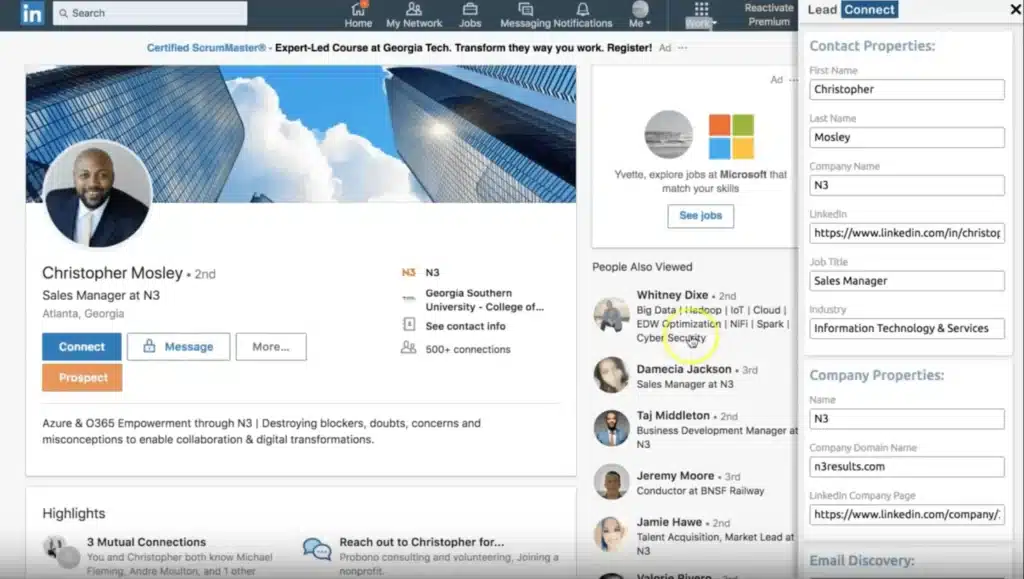
The platform combines LinkedIn automation with contact enrichment and campaign management in one dashboard.
At face value, the feature set looks reasonable. You can send up to 100 connection requests daily on the Ultimate plan, set up multi-step follow-up campaigns, personalize messages with merge fields, import prospects via CSV, and sync contact data to HubSpot.
Before you commit, though, it’s worth asking a few questions.
Do you need every feature LeadConnect offers? Or would a simpler platform give you the same results at a lower cost?
The answer depends on your outreach goals, budget, and workflow.
LeadConnect Pros
- Integrates directly with HubSpot for automatic contact syncing and activity logging;
- Supports basic CSV uploads for straightforward prospect list building;
- A free tier for low-volume testing without upfront financial commitment;
- Team blacklisting feature to prevent duplicate outreach across your organization;
- Email finder integrations (Hunter.io, FindThatLead, Anymailfinder) sit right inside LinkedIn.
LeadConnect Cons
- People looking for simple LinkedIn automation may find some advanced features unnecessary;
- CRM integration is limited to HubSpot. No native Salesforce, Pipedrive, or Zoho support;
- Campaigns occasionally stop running without any error notifications or alerts;
- Customer support receives frequent complaints for being unresponsive or outright rude;
- Requires third-party tools like Hunter.io for email verification, adding hidden monthly costs.
LeadConnect Reviews
LeadConnect sits at roughly 3.1 out of 5 from a small pool of reviews on g2.
Users who like it point to easy lead generation and simple LinkedIn-to-HubSpot syncing. Others flag inconsistent support and campaigns that behave unpredictably once LinkedIn updates its interface.
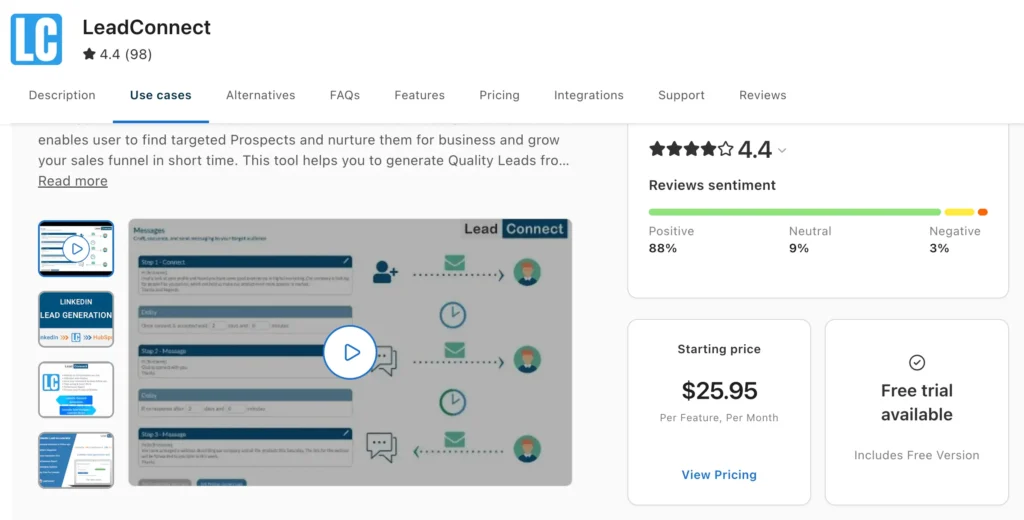
LeadConnect reviews on Capterra come with a score of 4.4 out of 5 from 98 reviews.
Users appreciate the blocklist functionality and auto-connection feature. However, criticisms include the plugin UI not being user-friendly and the buggy geographic filters.
With only 6 reviews logged, LeadConnect holds a 3.3 out of 5 on Trustpilot.
The sample is small, but positive reviewers say the platform helps automate LinkedIn prospecting and simplifies outreach. However, several recent reviews raise concerns about campaign reliability, billing, customer support, and the buggy Chrome extension workflow.
LeadConnect Features
We will break down the core features of LeadConnect so you can decide if it truly fits your daily workflow and business goals.
LinkedIn Connection Request Automation
LeadConnect automates the process of sending LinkedIn connection requests. You can send up to 100 invites per day on the Ultimate plan.
The software pulls prospects from LinkedIn Sales Navigator searches or CSV imports and sends requests automatically. The process runs in the background through the Chrome extension.
However, it mimics human behavior poorly. The timing patterns can appear mechanical and predictable, raising immediate red flags for LinkedIn’s advanced detection algorithms.
Automated Campaign Sequences & Follow-Ups
Users can set up multi-step follow-up campaigns, and the system automatically sends messages to new connections who do not reply to your initial outreach.
This feature saves manual effort. Yet, users report that follow-ups sometimes fail to trigger without any error message, leaving valuable prospects completely untouched. You might assume your pipeline is active, but the reality is often different. Silent failures destroy conversion rates.
Message Personalization
Messages use merge-field placeholders, including first name, company, and job title, pulled straight from the prospect’s LinkedIn profile. It’s functional personalization rather than deep personalization. Useful for volume, less useful if you want each message to appear individually written.
Response Tracking
Running multiple campaigns can quickly become difficult to manage. Which prospects replied? Who still needs a follow-up? Who already booked a meeting?
LeadConnect answers those questions through its response tracking tools. The platform monitors campaign activity, conversation status, and prospect engagement so you can prioritize warm leads instead of checking every LinkedIn conversation manually.
For sales teams handling hundreds of prospects each month, this visibility can save considerable time.
Prospect Enrichment
LeadConnect pulls prospect data from LinkedIn profiles, including job titles, companies, locations, and other publicly available information. The enrichment happens automatically when you import prospects or run searches.
For deeper enrichment, you must rely on external integrations. The native tool does not provide comprehensive firmographic or technographic data on its own.
Email Finder Integrations
LeadConnect connects with Hunter.io, FindThatLead, and Anymailfinder so you can pull a prospect’s email address without leaving the LinkedIn tab. That’s handy, but it does come with a catch: you have to pay for a separate email-finder subscription on top of LeadConnect itself.
Insights and Reporting Dashboard
How do you know whether your campaigns are improving?
LeadConnect provides an analytics dashboard that tracks campaign performance through metrics, such as connection requests sent, acceptance rates, replies, and overall campaign activity.
These insights help identify what’s working and where your messaging or targeting may need adjustment. Instead of making decisions based on guesswork, you get to refine campaigns using actual performance data.
Integrations
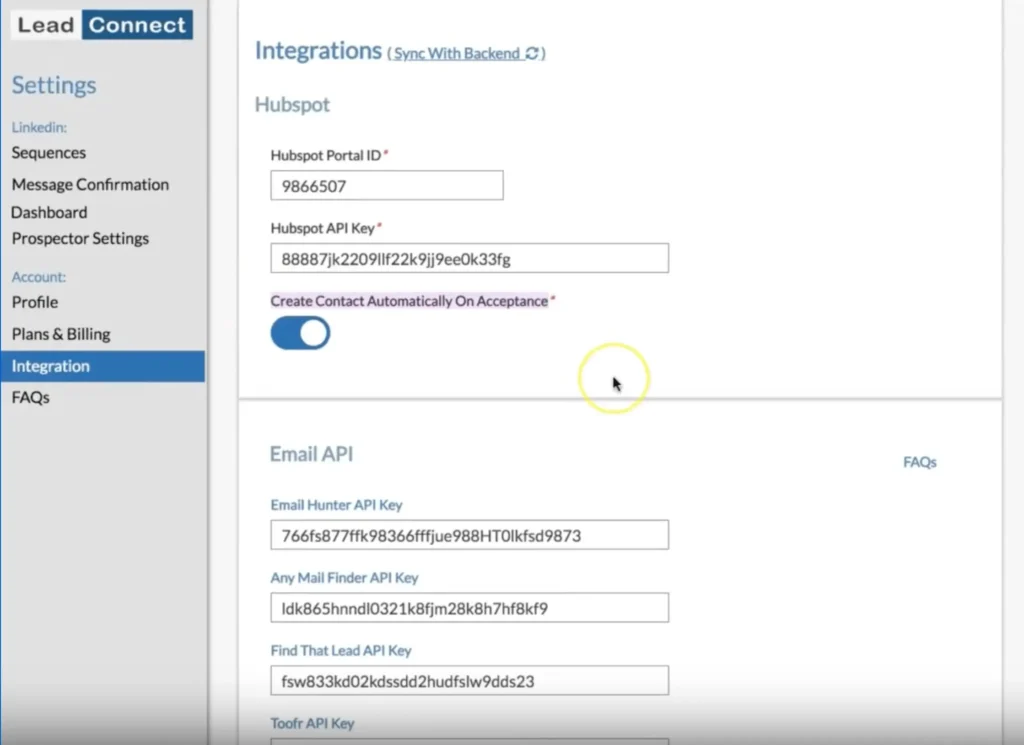
HubSpot integration is the standout feature. It syncs contacts and logs conversation history automatically, saving your team manual data entry time.
Beyond HubSpot, your options are limited. There is no native Salesforce or Pipedrive support, restricting its usefulness for diverse technology stacks.
If your team uses a different CRM, you will face significant workflow friction.
LeadConnect Price & Subscription Plans
Check the LeadConnect pricing table below.
| Plan | Monthly Price (billed monthly) | Daily Connection Requests |
|---|---|---|
| Free Forever | $0/month | Up to 2/day |
| Professional | $25.95/month | Up to 30/day |
| Grow | $45.95/month | Up to 60/day |
| Ultimate | $85.95/month | Up to 100/day |
Hidden costs quickly add up. You will likely need a LinkedIn Sales Navigator subscription ($79.99/month) for effective targeting, plus a separate email finder subscription.
Best Alternative to LeadConnect
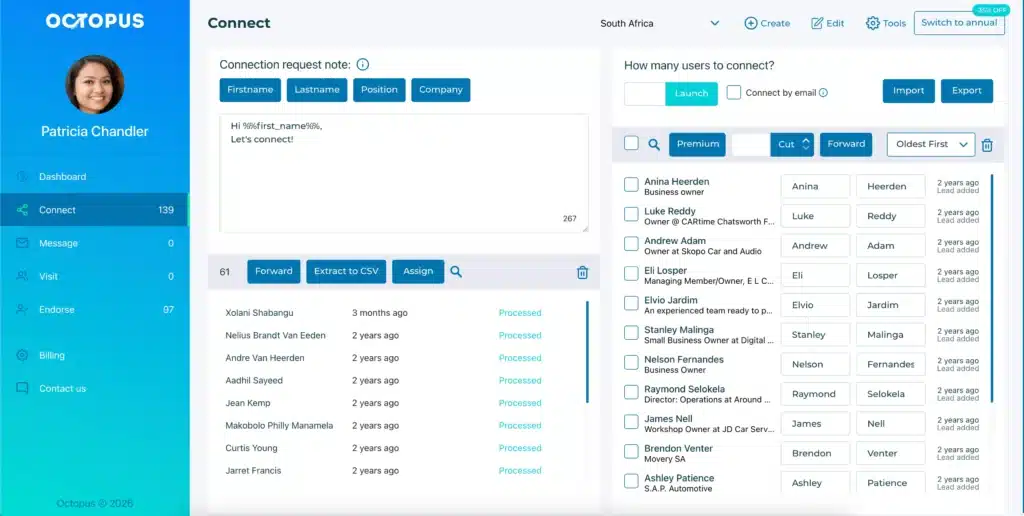
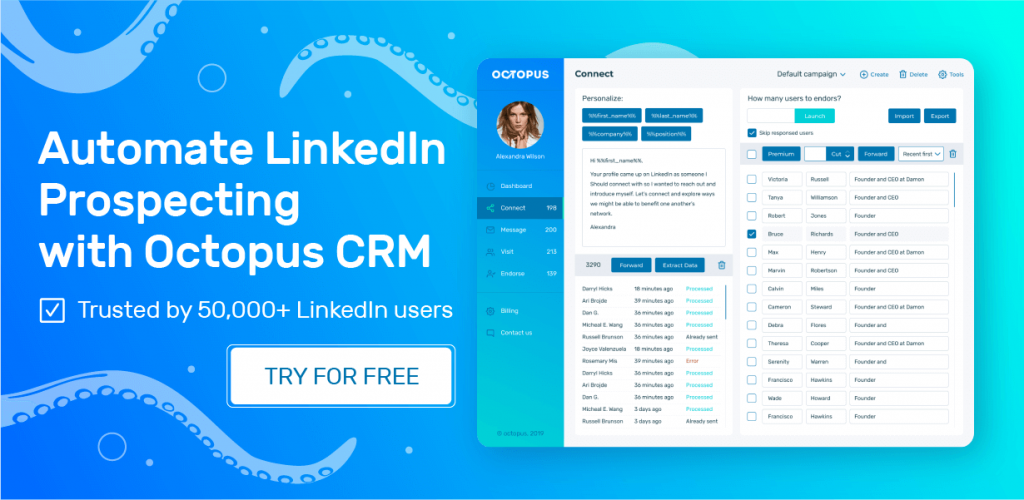
So where does that leave you if you want LinkedIn automation without the extra layers of cost and complexity? This is where Octopus CRM earns serious consideration as a LeadConnect alternative.
Even though you’ll find many LeadConnect alternatives, Octopus CRM makes LinkedIn outreach easy and affordable. Octopus CRM LinkedIn automation Chrome extension allowing you to launch campaigns directly from LinkedIn or Sales Navigator while keeping the learning curve short. And you don’t need to hand over your LinkedIn credentials, keeping you in full control of your account security.
So, whether you’re a recruiter, agency owner, founder, marketer, or SDR, you can use Octopus CRM for LinkedIn automation without spending hours configuring complicated workflows.
What makes the Octopus CRM LinkedIn automation tool different?
- Automated, personalized connection requests sent directly through LinkedIn;
- Bulk messaging to hundreds of 1st-degree connections at once;
- Auto-endorsement of up to 7 skills on your contacts’ profiles, a warm-up move that most outreach tools skip entirely;
- Automated profile visits at scale, which alone can generate inbound interest;
- The Connect by Email feature lets you go past LinkedIn’s weekly invite cap without extra risk to your account;
- Campaign-based funnel, combining connecting, messaging, and endorsing into one sequence;
- CSV import/export for moving prospect lists in and out freely;
- Zapier and HubSpot integration;
- Activity Control flags unusual account activity and alerts you before it becomes a problem;
- A built-in LinkedIn CRM to organize prospects;
- Compatibility across every LinkedIn account type, including free, Premium, Sales Navigator, and Recruiter Lite;
- The software’s simplicity allows most users to build an outreach workflow within minutes;
- Users get a 7-day obligation-free trial with no credit card required;
- Paid plans start at just $6.99/month (billed annually).