
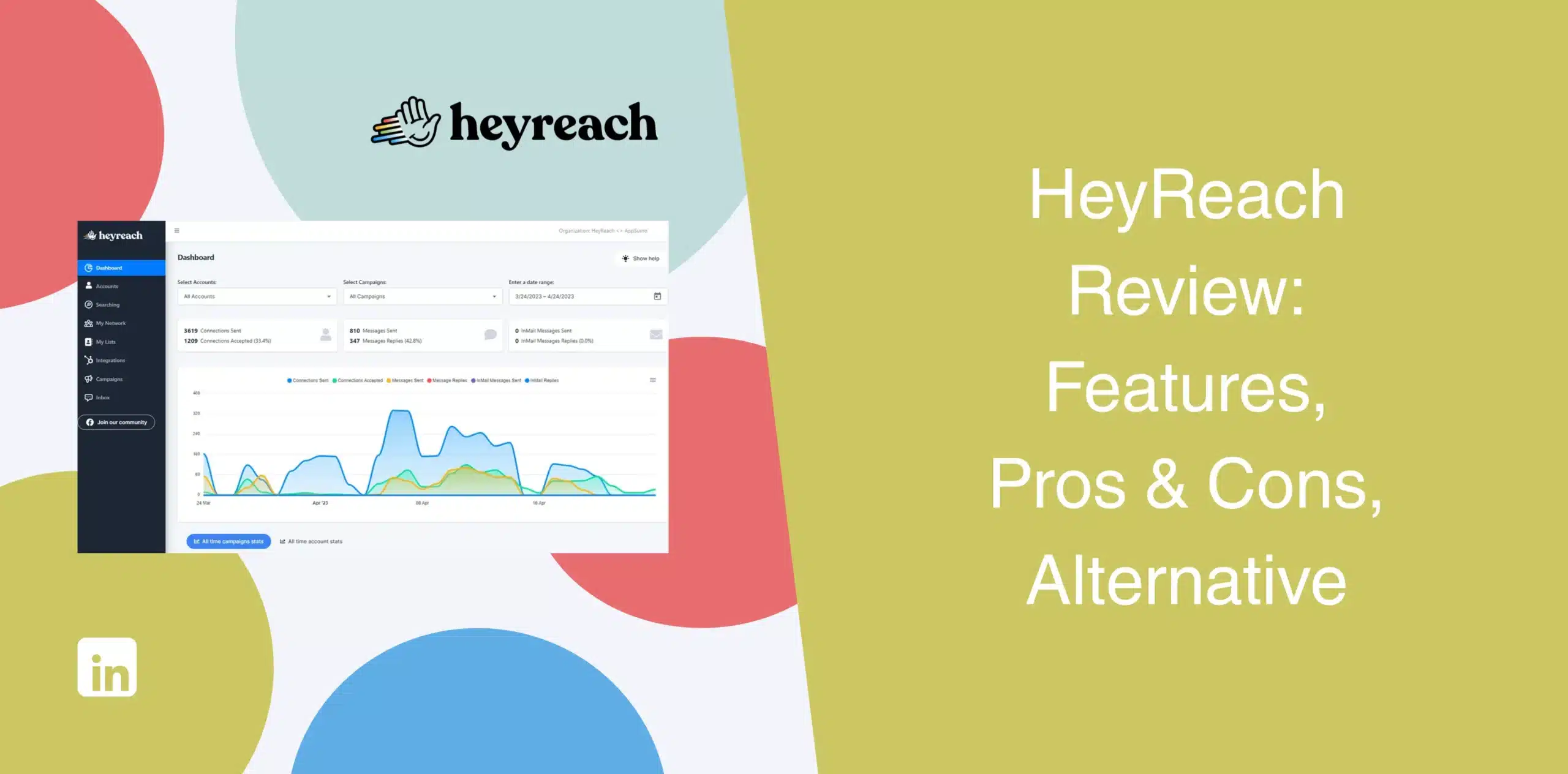
If you’ve been searching for a detailed HeyReach review, you’ve probably noticed something already. Most HeyReach reviews either praise the platform heavily or barely mention its limitations. Very few provide a clear view of HeyReach’s strengths, weaknesses, and ideal use cases.
We’ll cut through the marketing to give you an honest take on HeyReach automation software.
HeyReach Overview
HeyReach presents itself as a scalable LinkedIn automation platform built for agencies and sales teams managing multiple accounts.
The software’s cloud-based infrastructure, combined with the multi-sender rotation feature, enables scaling outreach across many LinkedIn accounts from one dashboard.
That might sound compelling on paper, and for certain use cases, such as agencies juggling client accounts, it does solve real friction points. But scalability comes with trade-offs, such as complexity, higher cost, and a steeper learning curve, not to mention the emphasis on scale rather than simplicity.
HeyReach Pros
- Multi-account management from a single interface saves time for agencies;
- Centralized inbox for managing multiple sender accounts consolidates replies, reducing context-switching;
- Sender rotation helps distribute actions to respect LinkedIn’s daily limits;
- Native integrations with Clay, HubSpot, Zapier, and other GTM tools;
- Built-in email finder;
- MCP Server support enables AI agent workflows for technical users.
HeyReach Cons
- The agency-centric design comes across as unnecessary for individuals and smaller teams with lighter workloads;
- Pricing rises quickly as you scale accounts. If you have a team of five SDRs using their own accounts, costs could go as high as $395/month;
- Initial onboarding takes time as the tool has a steep learning curve, especially for advanced workflows;
- Users report difficulties connecting accounts, LinkedIn sessions occasionally expiring, and inaccurate campaign analytics;
- Though generally safe, some people still worry about LinkedIn safety risks tied to cloud automation.
HeyReach Reviews
HeyReach reviews on g2 show a solid 4.6/5 rating from over 69+ reviews, with many users praising the multi-account dashboard, sender rotation, and unified inbox. One user appreciated the tool’s automated outreach with simple campaign setup, but noted that low daily targets require more team members to scale volume.
We also came across feedback from frustrated customers who complained about the software having bugs, poor customer service, and integration issues.
At the same time, several users on other review platforms complain about pricing and scalability costs.
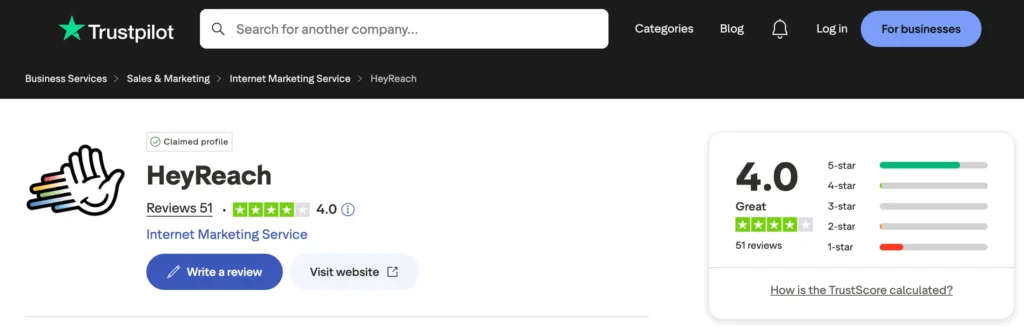
On Trustpilot, HeyReach’s score drops to 4/5.
Many agency owners praise the tool’s LinkedIn outreach capabilities, especially the multi-account management feature. We also found negative reviews where users flagged bad customer support, a no-refund policy, unavailability of the MCP system, and some core features not working at times.
Reviews on Capterra show a 5/5 stars but it is based on 2 reviews only, which is not a good amount of reviews to buy this tool.
HeyReach Features
HeyReach has a large feature set specifically built for outbound teams that want to automate LinkedIn prospecting at scale.
LinkedIn Outreach
You can use HeyReach to automate core LinkedIn activities, including:
- Connection requests;
- Follow-up messages;
- Profile visits;
- Follows;
- InMails;
- Message sequences;
- Post engagement.
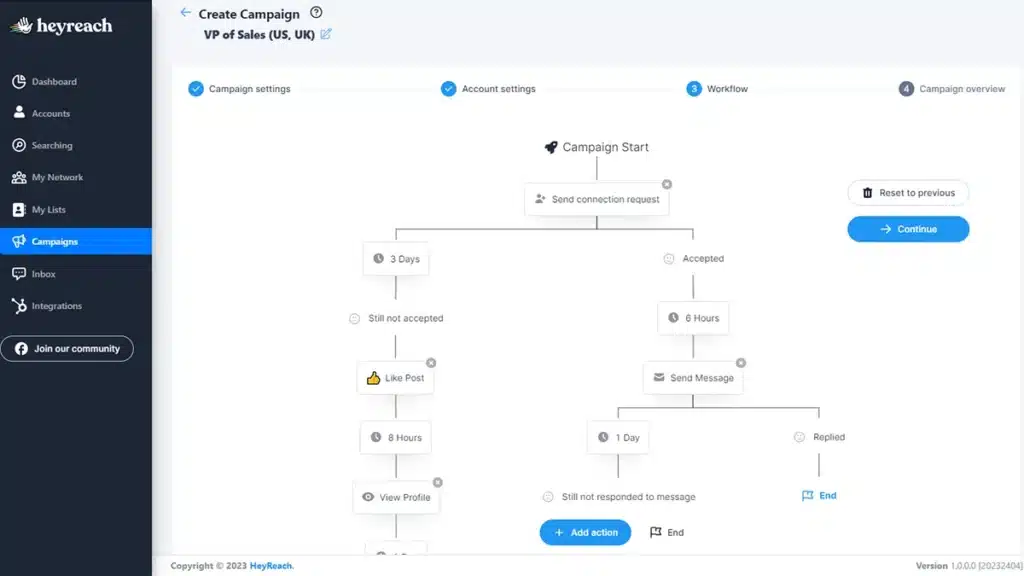
The workflow builder lets you create multi-step outreach campaigns with delays, conditions, and branching logic. Users can personalize campaigns reasonably well, although the interface may feel complex initially if you’re coming from a simpler LinkedIn automation tool.
Automated Rotation of Multiple LinkedIn Senders
This is one of HeyReach’s strongest features.
You can connect multiple LinkedIn accounts to a single campaign, and the system automatically rotates which profile sends the next connection request. It distributes the daily activity so no single account hits LinkedIn’s limits.
For agencies managing client accounts, the auto-rotation of multiple senders reduces login chaos. But ask yourself: do you actually need to manage 10+ LinkedIn profiles? Or could a simpler tool do the job?
Centralized Inbox
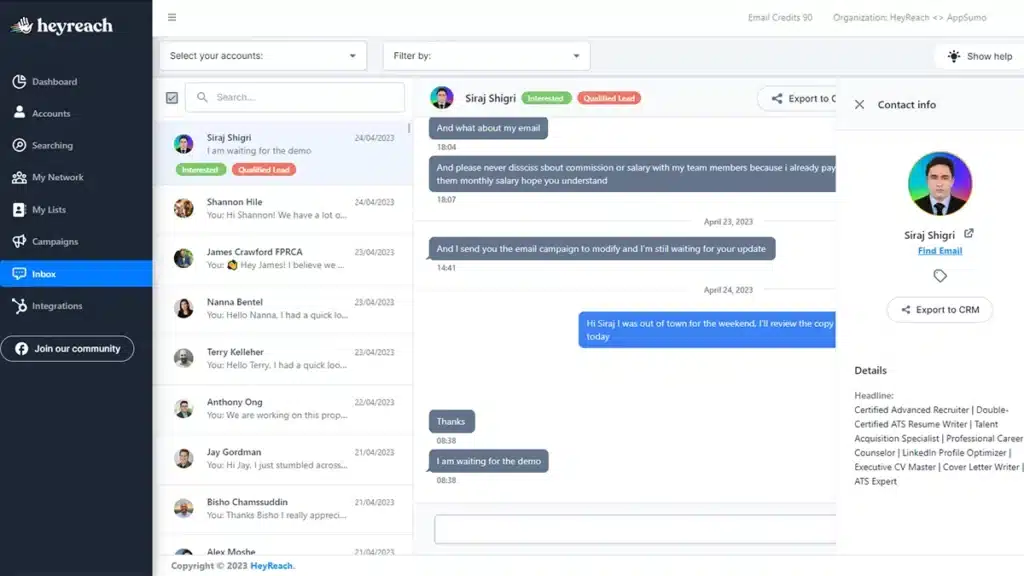
All replies from all connected accounts land in one dashboard. You can see the conversation history, which account it belongs to, and reply directly without switching profiles. This saves hours of manual inbox checking every week.
Yet the inbox only shows messages initiated through HeyReach. Personal DMs remain separate, a limitation some users overlook until onboarding.
Smart Segmentation With “If Connected” Logic
HeyReach includes conditional workflows that adjust campaign actions depending on connection status. For example, if someone has already accepted your connection request, the system can automatically move them into another follow-up sequence instead of repeating the same action.
But setting up conditional logic requires careful planning. One misstep, and your sequence sends the wrong message to the wrong person.
Email Finder
The built-in email finder gives users access to verified professional email addresses directly inside the platform.
However, this feature is more like a useful add-on than a replacement for dedicated enrichment platforms. Some users report decent results, while others mention lower match accuracy.
If accurate enrichment is critical to your outbound process, you may still need external data tools.
Safety Features
HeyReach includes daily limit controls, rotating IP infrastructure, and randomized delays to mimic human behavior. Plus, it spreads activity across multiple accounts instead of overloading one profile. These features help keep your accounts under LinkedIn’s radar.
Advanced GTM Automation with MCP Support
The platform recently added MCP (Model Context Protocol) Server support, enabling direct integration with AI tools like Claude or ChatGPT. It also supports advanced GTM workflows through integrations with Clay, n8n, and Zapier.
You can push prospect data from LinkedIn into these platforms for enrichment, scoring, or activation.
In practical terms, that means you can:
- Build workflows with Clay and n8n;
- Trigger campaigns automatically;
- Tag replies by sentiment;
- Create AI-driven outreach systems;
- Sync actions with CRMs.
This feature is great for GTM engineers as they can now build custom workflows without manual clicking. But for most sales reps, it is overkill.
Pre-Built Templates + Drag-and-Drop Campaign Builder
The campaign builder uses a visual, drag-and-drop interface with delays and conditions. Users can select from pre-built templates for common use cases, then customize the sequence steps.
While helpful for beginners, the templates are generic. Your results depend on your copy, targeting, and testing, not the tool’s defaults. Plus, new users may need time to understand segmentation logic, sender management, and campaign structures.
Third-Party Integration
Native connections exist for HubSpot, Clay, Zapier, Make, and others. An API and webhook system supports custom builds, though integration depth varies.
Some connections require technical setup, so always test workflows before launching campaigns.
HeyReach Price & Subscription Plans
HeyReach uses a flat-rate model that charges a monthly fee based on the number of senders. Costs add up quickly as you increase sender profiles. Check the HeyReach pricing table below:
| Plan | Monthly Price/Sender (Billed Monthly) | No. of LinkedIn Senders | Key Features |
|---|---|---|---|
| Growth | $79 | 1 | Unlimited campaigns, all LinkedIn actions, unified inbox, MCP access, API/webhooks, integrations, 100 credits |
| Agency | $999 | 50 | Everything in Growth + white-label branding, custom proxies, done-for-you onboarding, priority support, 1000 credits |
| Unlimited | $1999 | Unlimited | Everything in Agency + multiple white-label brandings, migration support, dedicated account manager, 3000 credits |
If you’re running a large agency, these plans offer good value. For everyone else, there are better, more affordable, and simpler HeyReach alternatives.
Best Alternative to HeyReach
No one wants to overpay for a tool that does only half the job. Had Heyreach included email automation, it could justify the price. If you think about it, why pay $79/month per sender for LinkedIn automation when you could get the same job done at a fraction of the cost?
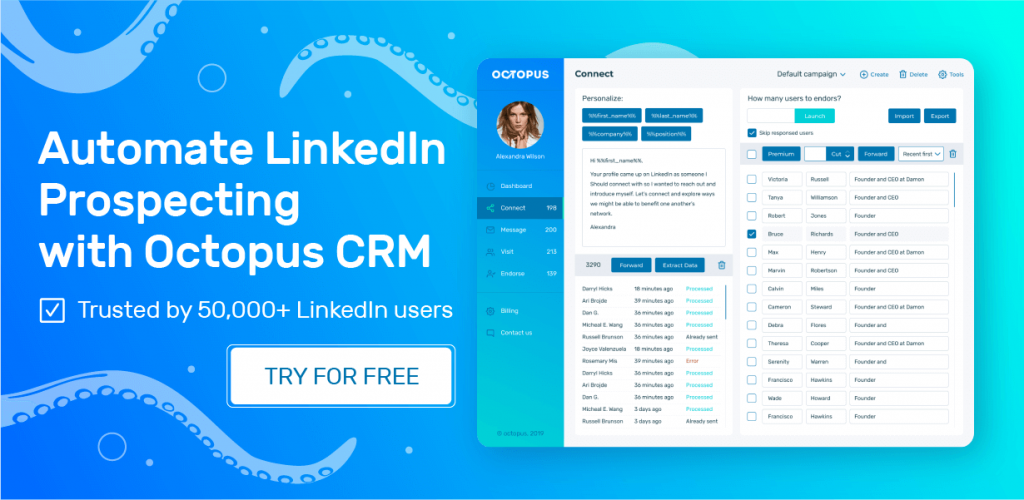
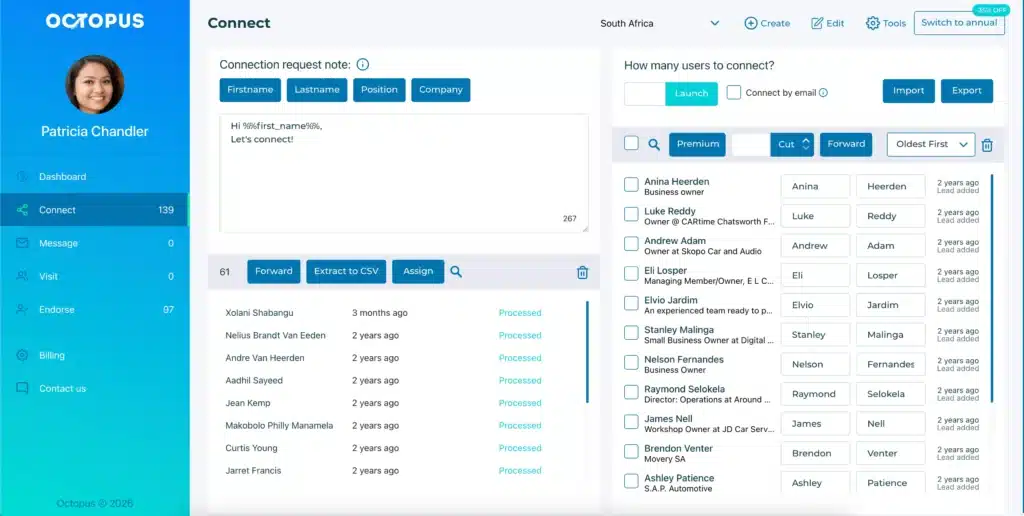
Octopus CRM is the best HeyReach alternative that most solopreneurs, freelancers, and small teams use for LinkedIn outreach.
The truth is, Octopus CRM LinkedIn automation Chrome extension takes a different (and better) approach. Instead of a cloud-based multi-sender platform, it runs as a Chrome extension that works directly on top of LinkedIn.
So, what makes this so special?
You get to automate core LinkedIn actions in a very simple interface. And it costs only $6.99 per month (billed annually) without any limitations like per sender price. And honestly, for many businesses, that’s enough.
With Octopus CRM LinkedIn automation tool, you can:
- Automate connection requests;
- Send personalized LinkedIn messages;
- Build drip campaigns;
- Auto-visit profiles;
- Endorse skills automatically;
- Manage campaigns visually;
- Export LinkedIn leads;
- Send connection requests via email when you reach LinkedIn’s weekly limit;
- Use built-in analytics;
- Integrate with CRMs through Zapier.