
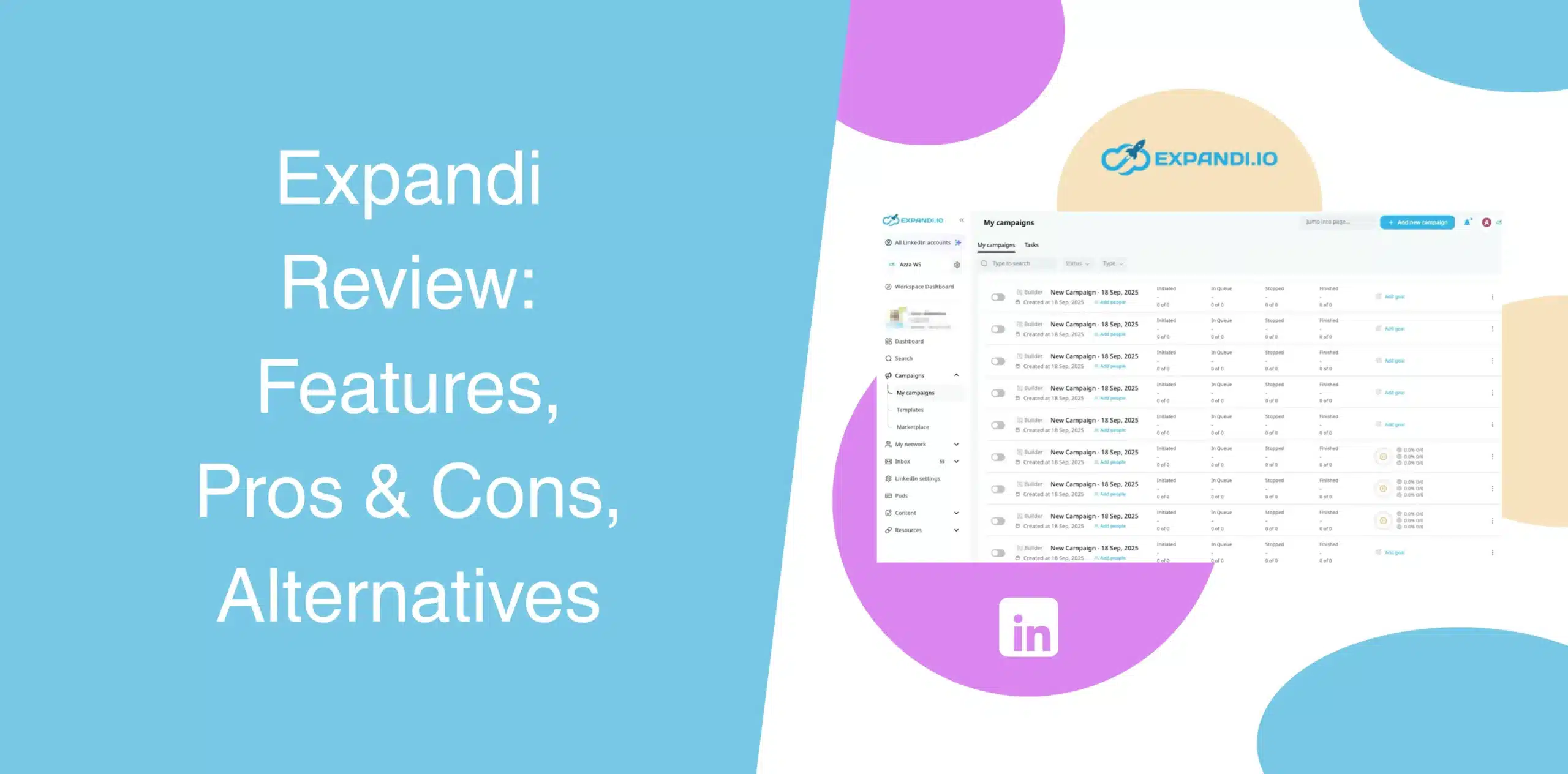
Every LinkedIn automation tool promises better features, safety controls, and a steady flow of leads. Expandi also claims to solve outreach and prospecting challenges through its cloud-based automation software. We put it to the test and also examined Expandi reviews from real users to determine whether the tool keeps its promise.
In this Expandi review, we’ll go over the features, pros and cons, pricing, and the best alternative to this LinkedIn outreach software.
Expandi Overview
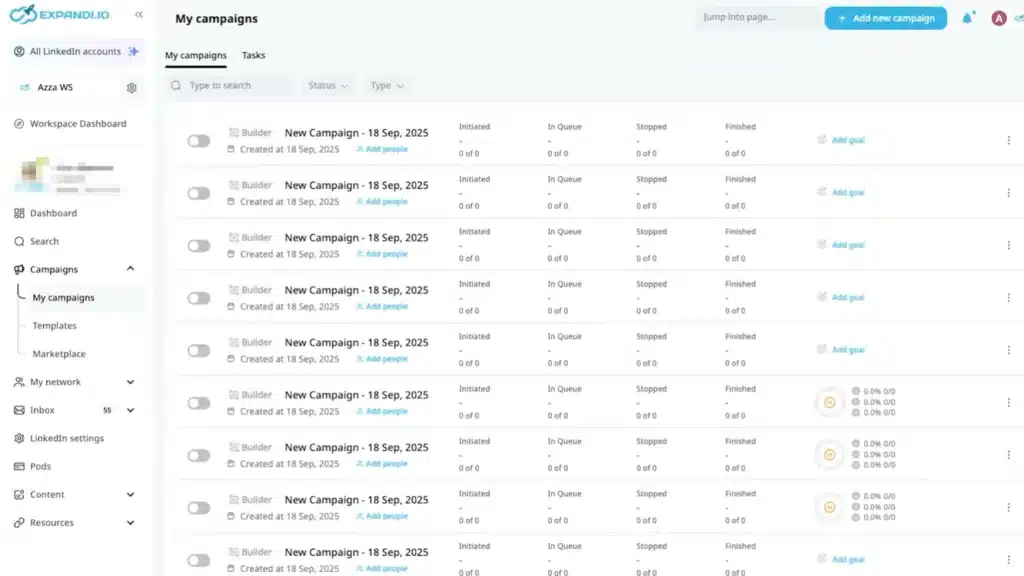
Expandi is a cloud-based LinkedIn automation and outreach tool for sales teams, recruiters, and agencies. You get automation sequences, personalization features, and multichannel outreach, all hosted in the cloud, so you don’t need to keep your browser running.
The software’s interface can be a little intimidating for someone who is looking for basic LinkedIn automation. After all, the whole point of automation is to save time, not spend hours configuring every single step.
Nonetheless, let’s look at Expandi’s pros and cons.
Expandi Pros
- It is a cloud-based LinkedIn automation platform, so no need to keep your device online for campaigns to run;
- You can build branching workflows where the next action depends on how the prospect behaves;
- Combine LinkedIn messages with email follow-ups in the same campaign;
- Random delays between actions, rotating IP addresses, and freedom to set daily limits for safe automation;
- You can test different versions of your messages to see which ones perform better;
- Hyperise integration enables dynamic image/GIF personalization;
- Dedicated workspaces support team collaboration and client management.
Expandi Cons
- The interface is not beginner-friendly. Setting up sequences requires time and patience;
- In some workflows, you might want to manage replies for team members or clients. Expandi doesn’t support this;
- Expandi charges $99 per LinkedIn account per month, or $79 per month if you pay annually. That’s a lot of money, especially for small teams or solo operators;
- When a lead replies to your email, Expandi does not automatically pause the sequence;
- Inbox doesn’t allow team members to reply on behalf of others, which can be a real bottleneck for agencies;
- Image personalization setup involves manual setups and is pretty time-consuming;
- Even with safety features, some users have reported LinkedIn restrictions.
Expandi Reviews
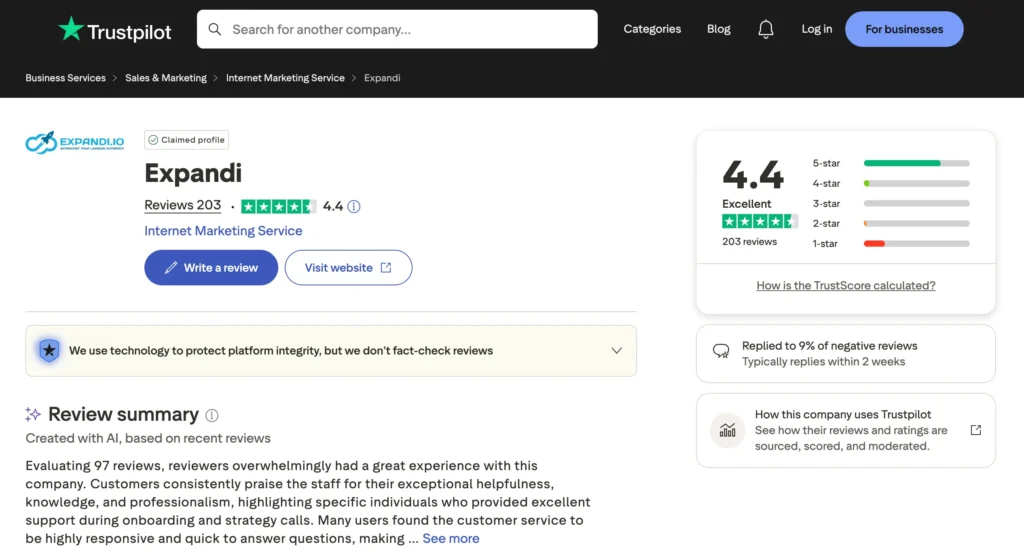
According to Expandi reviews on g2, it holds a 4.2-star rating out of 135 reviews, a user noted that the tool onboarding was smooth. Another user mentioned that Expandi offers many customization options.
Reviews on Capterra shows that one user wrote that Expandi does a solid job of automating repetitive LinkedIn tasks while keeping account safety in mind, though there are still features that remain underused or not fully explored.
However, we also came across plenty of criticisms.
One g2 reviewer noted that the initial setup is very difficult, and so is the software interface. A Trustpilot user noted that uploads and campaign setups sometimes fail without a clear explanation, leaving you with a vague “something went wrong” message.
So, while many users appreciate the tool’s features, there’s a noticeable undercurrent of frustration, especially around the complexity of the platform.
Expandi Features
Expandi packs a lot into its dashboard, covering most of what you’d expect from sales automation software. But features only matter if they solve your actual problems. What matters is how they actually work when you’re in the middle of running campaigns.
We’ll walk you through the core features of Expandi:
LinkedIn Prospecting
Expandi lets you build targeted prospect lists using LinkedIn’s search filters. You can enrich contact data, warm up profiles before sending invites, and run multi-channel campaigns across LinkedIn and email.
Plus, the tool includes view-only access for prospects who haven’t yet connected, which is useful if you want to monitor accounts without full control.
But there’s a limitation you’ll notice quickly. You can’t easily reply on behalf of others in a streamlined way. For agencies or teams, this becomes frustrating. You end up switching contexts more than you should.
Smart Sequences and A/B Testing
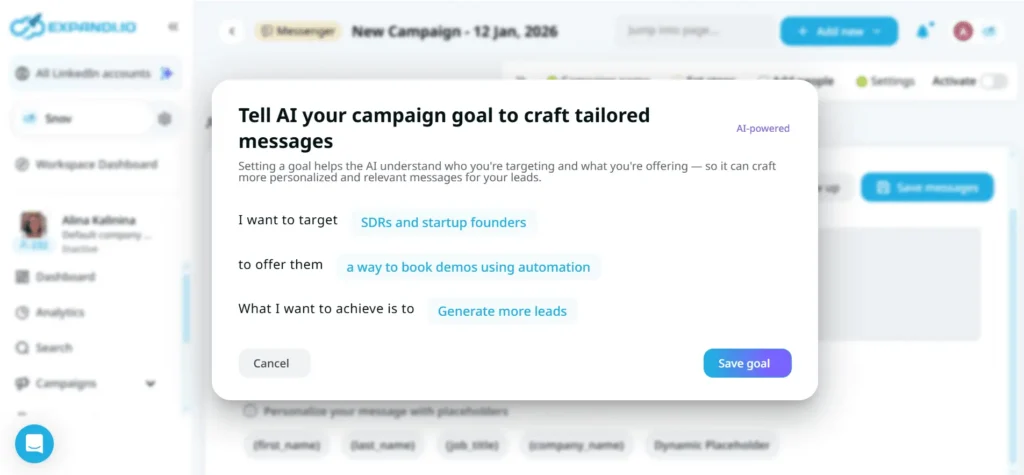
With Expandi, you can build smart sequences that adjust based on prospect actions. You set conditions, and the tool handles the logic.
For example, if a prospect visits your profile, Expandi can automatically send a personalized connection request or message.
The sequence builder uses a visual flowchart, showing you exactly how each step connects to the next.
Then there’s the AB testing feature that you can use to compare message variants to optimize reply rates. The AI Analyzer adds another layer. It categorizes responses as Interested, Maybe, or Not Interested, helping prioritize follow-ups.
But setting up these flows takes time. If you’re not experienced, it’s easy to overcomplicate your campaigns.
Personalized Visuals
Expandi integrates with Hyperise, a tool that creates dynamic images and GIFs. You can use this feature to insert templates, stock assets, or AI-generated visuals directly into messages.
Once you create an image, you can connect it to LinkedIn or your email provider and use dynamic text placeholders like first name or company name to customize each message.
The setup for image personalization is a bit manual, though. You need to configure Hyperise separately, then link it back to Expandi.
Email Follow-Ups
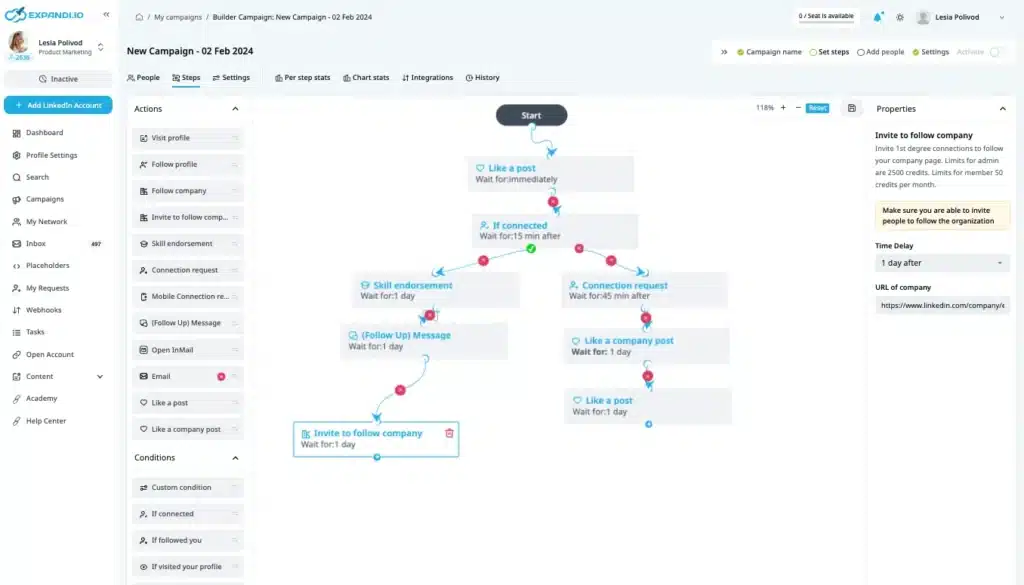
Expandi combines LinkedIn messages with email follow-ups in a single campaign, allowing you to send automated emails based on how a lead interacts with your previous messages.
For instance, if a lead clicks a link in your LinkedIn message, Expandi can send a different email than if they ignored it. Emails with the same subject line stay in one thread, which keeps conversations tidy. Different subjects create new threads automatically.
The platform supports Gmail, Outlook, and Yahoo, and includes email warm-up features to protect deliverability.
But replies don’t auto-pause the campaign. If a lead responds, you must manually stop further automated emails to avoid awkward over-messaging. That’s not ideal, especially if you’re running multiple campaigns.
Pull LinkedIn Data Directly Into Campaigns
You can import leads via LinkedIn Search URLs, Sales Navigator filters, or CSV uploads. Hidden email addresses won’t appear, but visible profile data flows into your campaigns for enrichment, personalization, and sequencing.
The process is straightforward. Paste a URL, select actions, and launch. You’ll get names, job titles, company names, locations, and even profile summaries. In some workflows, you may need extra steps to organize and clean your data.
For deeper intent data or firmographic enrichment, you’ll need to integrate third-party tools via webhooks or Zapier.
Dedicated Workspaces
Each Expandi account includes Workspaces, allowing you to manage multiple clients or teams under one account. Users can also separate campaigns, track performance, and assign access levels.
For each Workspace, you can invite team members, assign roles (Admin or Member), and control permissions. And switching between Workspaces doesn’t require re-login.
Expandi Price and Subscription Plans
Expandi has a relatively simple pricing model: a single Business plan with two billing options. But it’s not cheap. Check the Expandi pricing table below:
| Plan | Price (Monthly Billing) | Price (Yearly Billing) |
|---|---|---|
| Business | $99/month/LinkedIn account | $79/month (billed $948/year) for each LinkedIn account. |
| Agency | Custom pricing (10+ seats) | Custom pricing (10+ seats) |
The pay per LinkedIn account means that if you want to automate outreach for three profiles, you’ll need three subscriptions. That’s $297 per month if you’re on the monthly plan. For small teams or solo operators, this can be a dealbreaker.
Best Alternative to Expandi
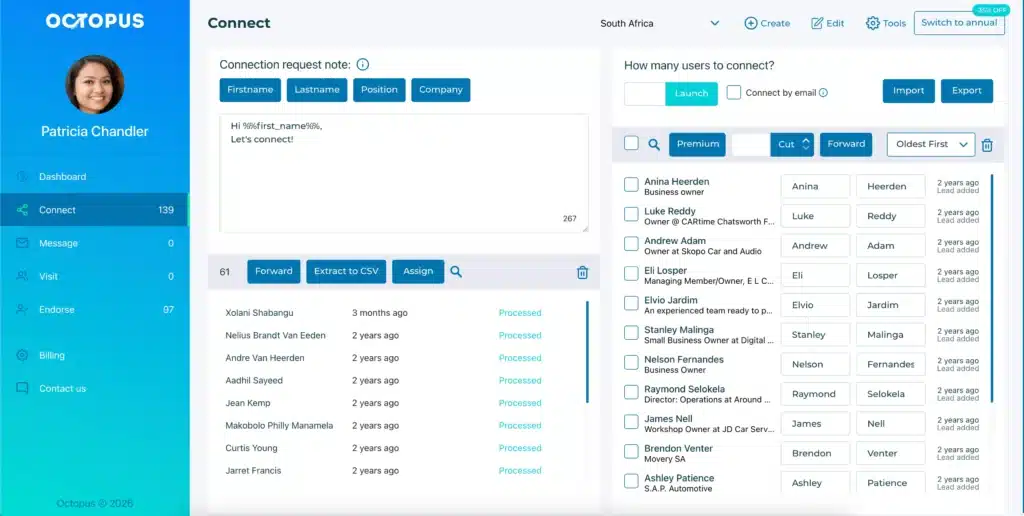
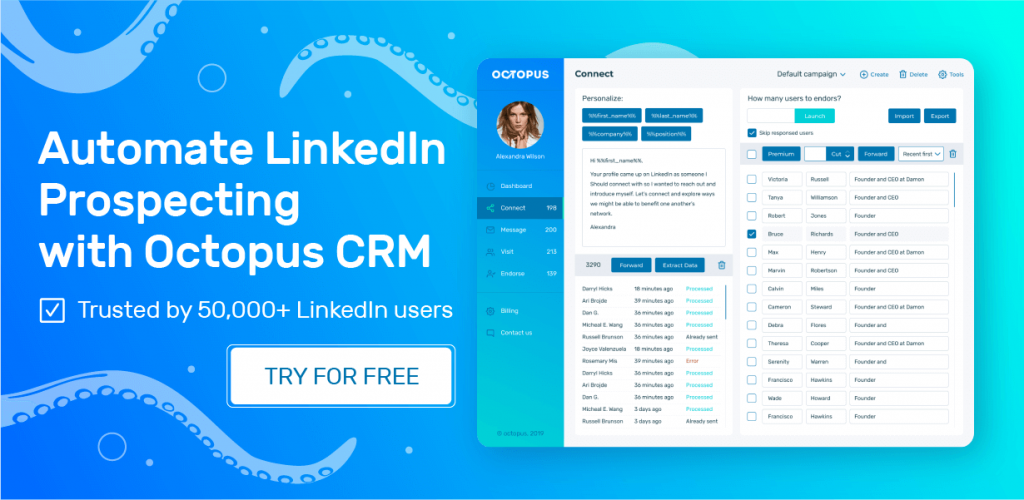
If you’re looking for a more affordable, user-friendly, and equally capable LinkedIn automation tool, Octopus CRM is an excellent Expandi alternative.
Here’s what makes Octopus CRM one of the leading Expandi alternatives:
- Octopus CRM is a LinkedIn automation Chrome extension so setup takes minutes, not hours. You get to automate connection requests, bulk messaging, profile visits, and skill endorsements, all from your LinkedIn interface;
- Plans start at $9.99/month or $6.99/month if you choose annual billing. That’s a fraction of Expandi’s $99 entry price. Plus, you pay for your license, not for every LinkedIn account you want to automate;
- Octopus CRM operates through your browser session, so you retain full account ownership. Activity alerts notify you if outreach exceeds safe limits;
- You can use Octopus CRM for LinkedIn automation across Free, Premium, Sales Navigator, and Recruiter accounts;
- Build funnels that connect, message, endorse, and follow up;
- Export and import lead lists, and track performance.
So, Octopus CRM a simple, affordable, and specialized LinkedIn automation outreach software without over-engineering.