
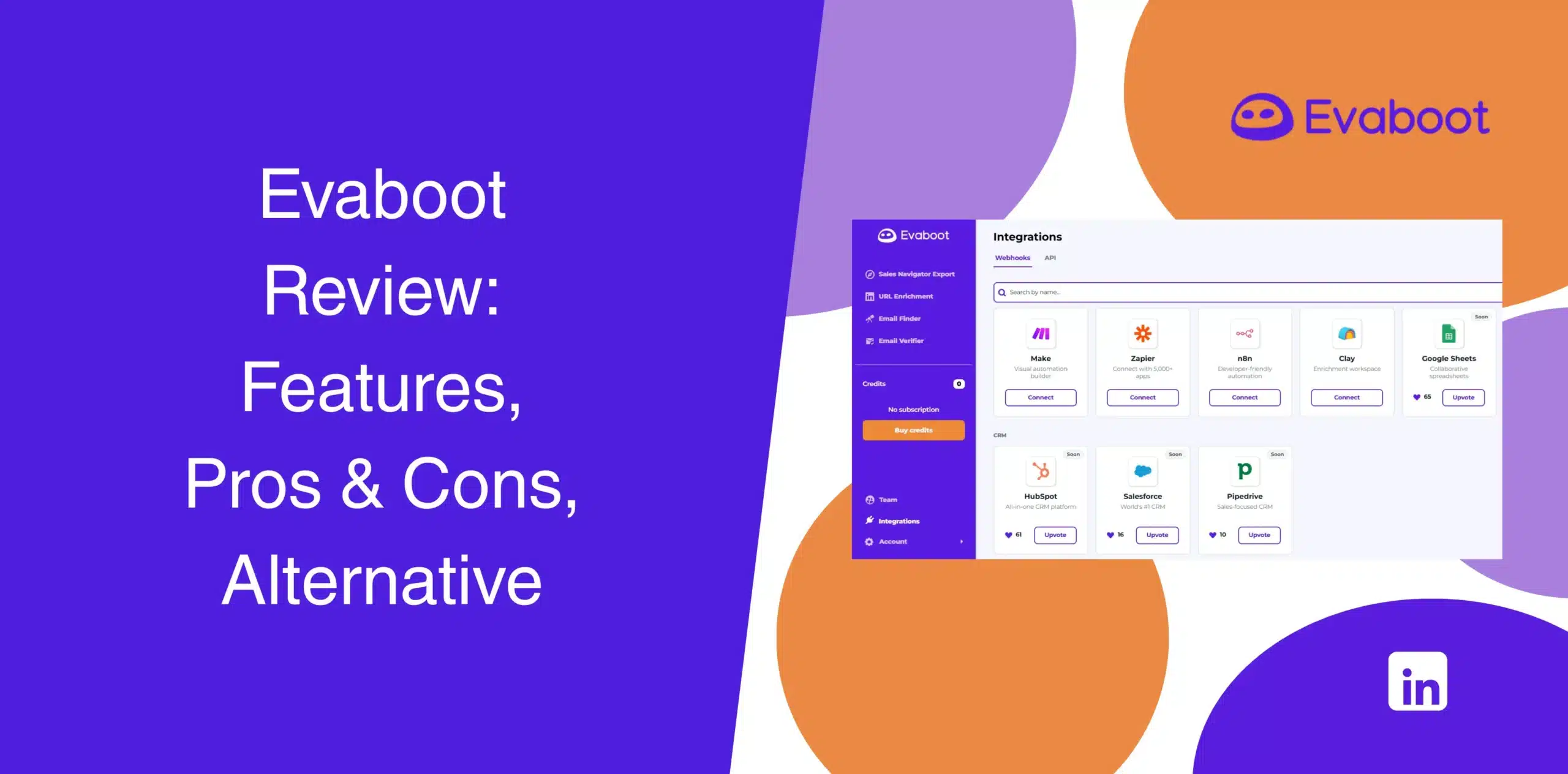
Evaboot has gained traction among sales professionals, recruiters, and lead generation agencies for its ability to extract email addresses from LinkedIn Sales Navigator. In this Evaboot review, we’ll examine whether the platform still delivers value.
Many of the existing Evaboot reviews focus on its ability to pull, clean, and verify Sales Navigator data. But there’s more to LinkedIn lead generation than just data scraping.
Explore Evaboot’s strengths, weaknesses, features, pricing, and best alternative, so you can make a more informed decision before investing.
Evaboot Overview
Evaboot is a Chrome extension that captures lead data from LinkedIn Sales Navigator. You install the extension, perform a Sales Navigator search, and the tool scrapes profiles, finds email addresses, runs verification, and hands you a CSV. That’s it.
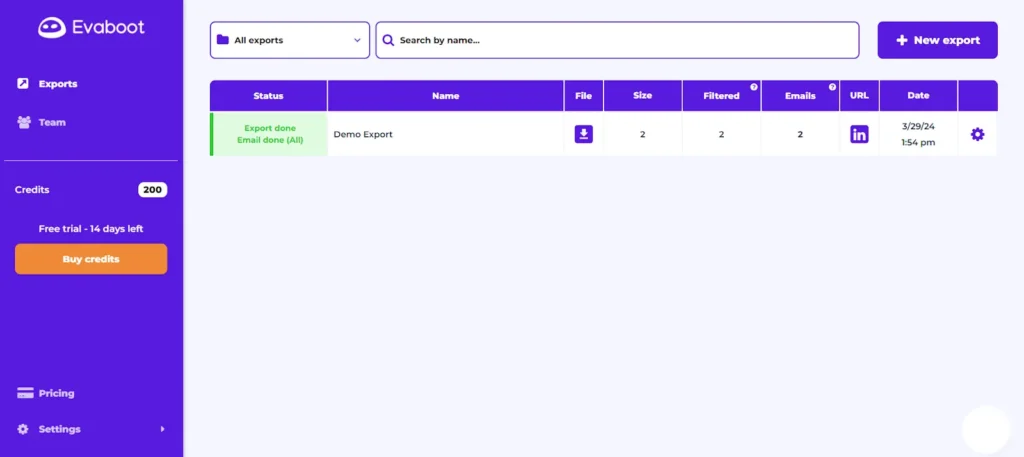
The software doesn’t include features you’d normally find in most LinkedIn automation tools, such as automation of connection requests, messages, or sequencing.
The limited focus gives Evaboot a major benefit: the core function of data scraping works pretty well.
Even so, the narrowness creates real, compounding problems for users.
For example, you may find Evaboot less useful when your prospecting needs grow. And there are tools with more LinkedIn automation capabilities on top of data extraction.
Evaboot Pros
- Clean and simple interface;
- Easy integration with LinkedIn Sales Navigator;
- Clean, well-formatted CSV exports ready to enter your CRM;
- Automatically removes irrelevant leads, duplicates, and incomplete entries;
- Email verification categorizes results as valid, catch-all, or invalid;
- Respects LinkedIn rate limits to reduce account risk;
- CRM integrations are available.
Evaboot Cons
- You can’t use Evaboot without an active Sales Navigator subscription, which starts at US$119.99 per month/license;
- It is a simple Sales Navigator email finder, not a full LinkedIn automation platform;
- The credit-based model may increase costs as usage grows. Every contact extraction costs 2 credits. One credit to find the email and another to export the contact;
- Email accuracy drops significantly outside tech/SaaS industries (as low as 30-40% in education or government);
- Syncs with HubSpot but not with other CRMs;
- It finds email addresses for you, but you’ll need another tool to run email outreach.
Evaboot Reviews
Evaboot reviews on g2 show a rating of 4.6/5 based on more than 82 reviews.
Users frequently acknowledge the platform’s ease of use, Sales Navigator integration, and ability to generate prospect lists quickly. Some reviewers express their concerns about the credit-based pricing and occasional email accuracy issues.
Capterra Evaboot reviews have an overall rating of around 4.4/5 from 15 verified reviewers.
Users often highlight the simplicity of exporting lead data and the time savings gained from automated enrichment. Negative reviews are mainly about customer support experiences and pricing structure.
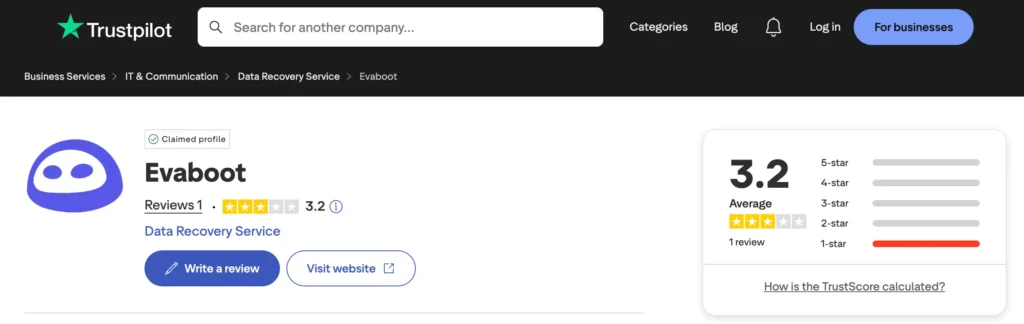
On Trustpilot, Evaboot has very limited coverage with a rating of 3.2 out of 5 based on 1 review which is really weird.
Evaboot Features
Evaboot turns Sales Navigator searches into actionable lead lists without manual cleanup. We’ll walk you through its core features.
Data Scraping from LinkedIn Sales Navigator
This is the feature most people buy Evaboot for: it scrapes prospect data directly from your Sales Navigator search results.
And the process is super easy.
Run a Sales Navigator search, click the Evaboot extension, and it scrapes names, titles, companies, LinkedIn URLs, and email addresses. There are very few technical requirements, which makes the platform accessible for all users.
For SDRs, recruiters, agencies, and founders, that can save a significant amount of time.
Export Lists to CSV
Once scraping is complete, you get to export the list as a CSV file. All columns are pre-formatted for easy import into most CRMs or spreadsheet tools.
The CSV export feature makes it easier to import leads into CRM systems, email outreach platforms, sales engagement tools, and internal databases. After all, most teams rely on CSV exports as the bridge between prospecting and campaign execution.
Data Cleaning
One of Evaboot’s strongest selling points is data cleaning.
LinkedIn Sales Navigator searches often contain inaccurate or outdated records. Evaboot automatically removes duplicates, incomplete entries, and leads that don’t match your Sales Navigator filters.
That extra validation layer helps improve targeting quality before you begin your outreach campaign. Your team gets to focus on prospects that better match your ideal customer profile instead of working through large volumes of unqualified records.
Combine Scraping with Email Finder Algorithms
The tool attempts to find professional email addresses using pattern-matching algorithms combined with domain data. This way, users build richer lead lists without switching between multiple tools.
Email Verification
Each email address is verified before exporting. You see a status indicator (“valid,” “catch-all,” “invalid”) so you know which addresses are reliable. This step reduces bounce rates when you eventually run outreach.
For teams running cold outreach campaigns, verified emails can have a direct impact on campaign performance.
LinkedIn URL Enrichment
The platform allows you to enrich LinkedIn profile URLs with additional information, such as company details, domains, and contact information.
This makes prospect records more useful when imported into sales systems. For example, you can use the additional data to personalize your outreach.
Integration with CRM & GTM Tools
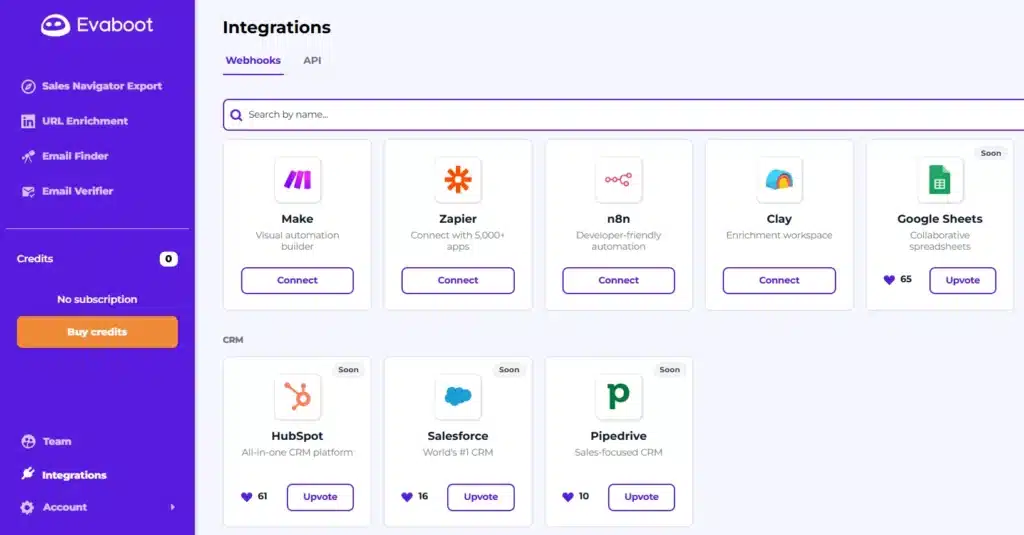
Integration is not enough. Evaboot doesn’t have native CRM sync with Salesforce and Pipedrive. For now, you can integrate it only with HubSpot.
In many cases, you’ll need to export CSVs and import them into your CRM manually. That said, the CSV format works with most CRMs and marketing automation tools without reformatting.
As for automation platforms, Evaboot integrates with Zapier, n8n, Make, & Clay. Currently, it doesn’t connect with Google Sheets.
Adding Evaboot to Your Existing Workflows
Many teams already have established prospecting stacks.
Evaboot works best when used as an enrichment layer rather than a complete replacement for existing tools. You can integrate Evaboot into your custom workflows and continue using your preferred CRM, outreach software, or marketing systems.
Since Evaboot only exports data, you plug it into your existing tech stack as a lead source. You still need separate tools for email sequencing, CRM management, and campaign tracking. The manual export/import steps add friction for high-volume teams, though.
Evaboot Price & Subscription Plans
Check the Evaboot pricing table below:
| Plan (Credit Based) | Monthly Price (Billed Monthly) |
|---|---|
| 100 credits/month | $9 |
| 500 credits/month | $29 |
| 1.5k credits/month | $49 |
| 4k credits/month | $99 |
| 8k credits/month | $149 |
| 20k credits/month | $299 |
| 50k credits/month | $499 |
| 100k credits/month | $899 |
| 200k credits/month | $1699 |
| Custom | Talk to sales |
*Note: Each exported lead with a verified email costs 2 credits (1 for export, 1 for email finding).
Unused credits roll over only while your subscription stays active. Cancel, and you lose remaining credits immediately.
Best Alternative to Evaboot
If you’re strictly looking for a Sales Navigator data extraction tool, Evaboot performs reasonably well.
But what happens after you build the list?
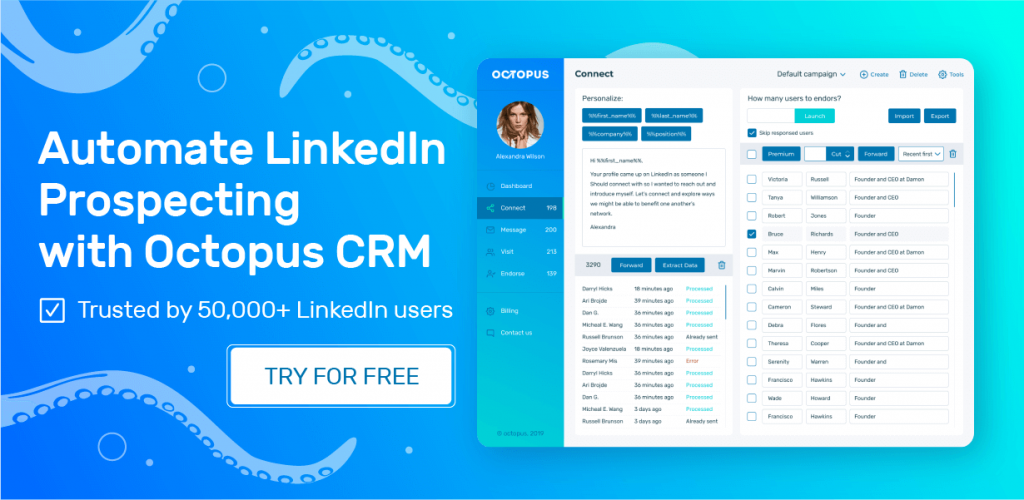
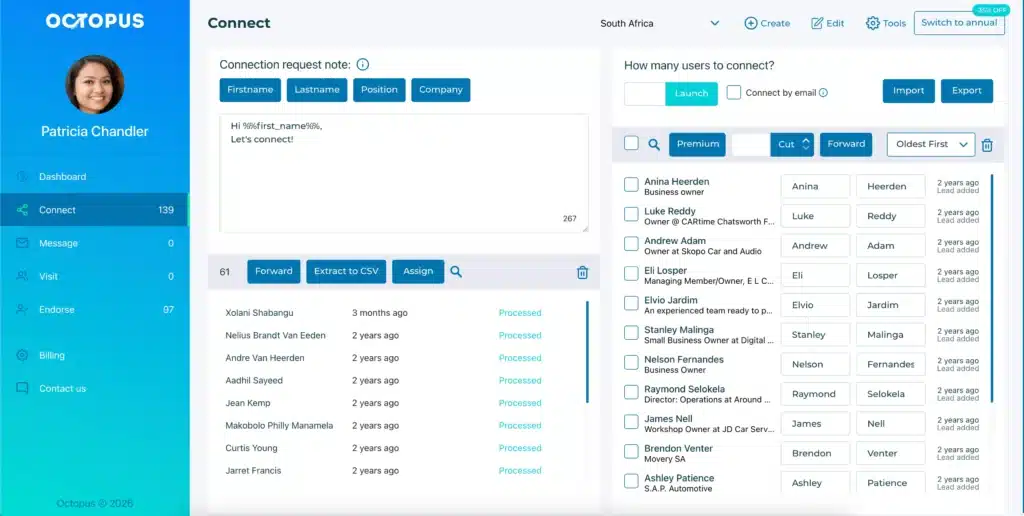
You still need to connect with prospects, send follow-ups, automate outreach, manage campaigns, and track engagement. That’s where Octopus CRM enters the conversation as the best Evaboot alternative.
Octopus CRM LinkedIn automation tool handles prospecting, data enrichment, personalized outreach, and lead generation in one place. Yes, it allows you to export LinkedIn contact data, including names, email addresses, job titles, and company details.
And once your data is ready, you can download it as a CSV file directly to your device. Then import it into Google Sheets or connect it to CRM systems such as HubSpot or Salesforce through Zapier for smoother workflow automation.
And no, there isn’t an expensive credit-based pricing model to perform all of these actions. Simply subscribe to the Advanced or Unlimited plan to extract your prospects’ LinkedIn data. Octopus works with all types of LinkedIn accounts, including a basic profile and Sales Navigator.
The Octopus CRM LinkedIn automation Chrome extension can:
- Send automated connection requests;
- Create personalized follow-up sequences;
- Automate LinkedIn messaging;
- Visit profiles automatically;
- Endorse skills on autopilot;
- Build multistep, automated prospecting campaigns;
- Integrate it with CRM systems.
Most users choose to use Octopus CRM for LinkedIn automation because it supports outreach execution alongside prospect discovery.