OctopusCRM / Blog / AeroLeads Review 2026: Features, Pros & Cons, Alternative
Last updated: August 19, 2026
31
Published by: Alexander Terez
Reading time: 6minutes
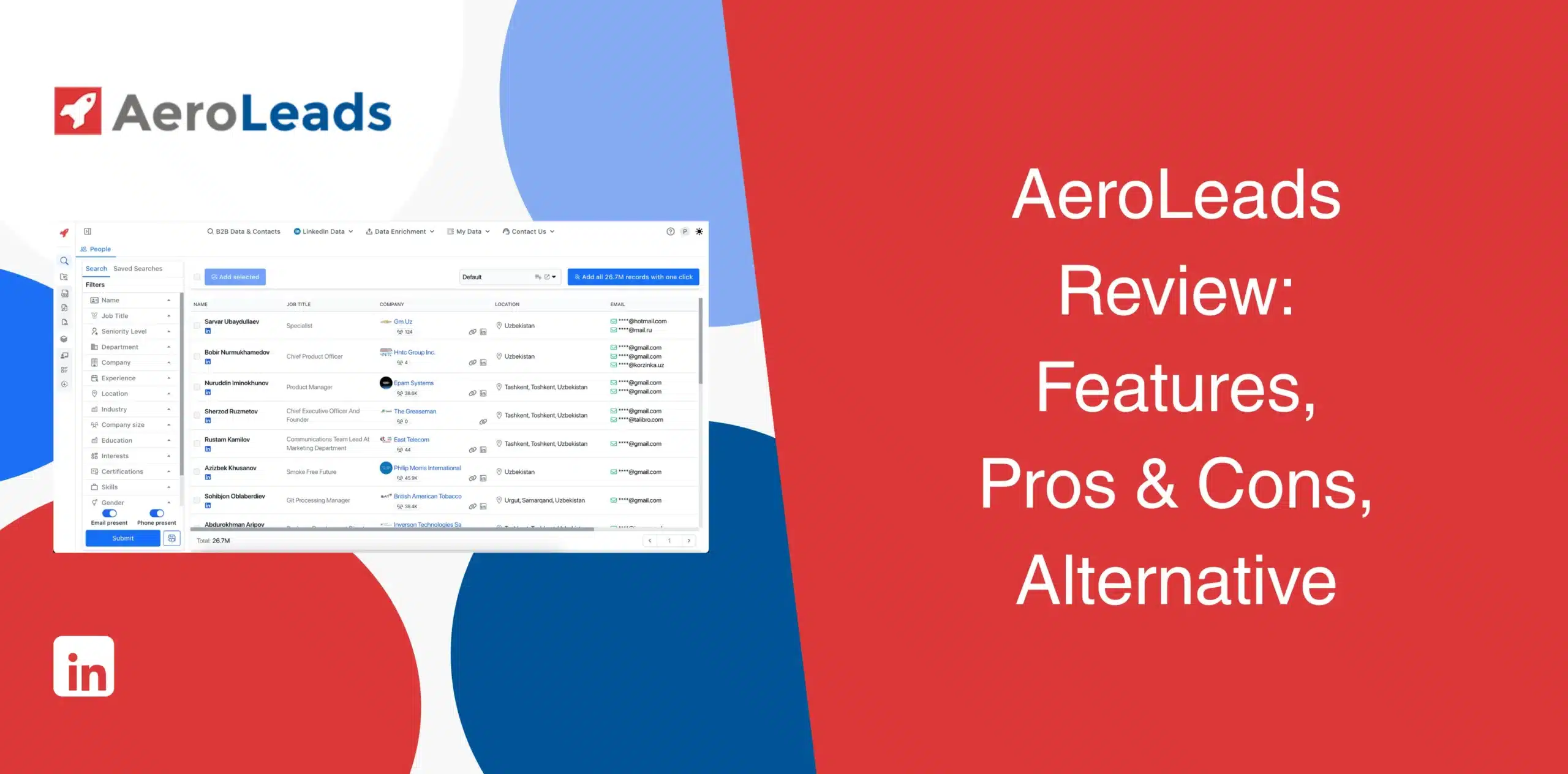
AeroLeads Review 2026: Features, Pros & Cons, Alternative
Choosing a lead generation tool is overwhelming due to the many options available out there. AeroLeads is one such tool that promises to make B2B prospecting easier. The existing AeroLeads reviews present mixed opinions, with some users calling it a lifesaver for B2B prospecting while others claim it’s not so worthy.
This AeroLeads review critically examines the software’s pros and cons, features, real user feedback, and pricing so you can easily decide whether it is a good fit for your workflow. Or could an AeroLeads alternative provide a better solution?
AeroLeads Overview
AeroLeads is a B2B prospecting platform that finds verified business emails and phone numbers from a massive leads database. You feed it a name, a company, or a LinkedIn profile, and it tries to hand back a verified email and phone number.
The platform has a database of over 750 million records, which sounds huge, and for broad B2B searches, it usually is enough. Plus, its Chrome extension lets you capture prospects from LinkedIn and other sources.
While AeroLeads helps you find and enrich contacts, it doesn’t send messages, run sequences, or manage a conversation on LinkedIn itself.
AeroLeads Pros
Large contact database (750M+ records) covering a wide range of industries;
Chrome extension pulls data straight from LinkedIn and Sales Navigator profiles;
Real-time email verification cuts down on bounces;
Bulk upload lets you enrich existing CSV lists;
Clean, simple dashboard. New users don’t need much onboarding.
AeroLeads Cons
The free tier is a one-time batch of trial credits, not an ongoing option;
Users burn credits even when a lookup fails or returns bad data;
Not an outreach tool. You can’t use it to send LinkedIn connection requests or messages;
Some users report that only a fraction of leads contain the necessary information.
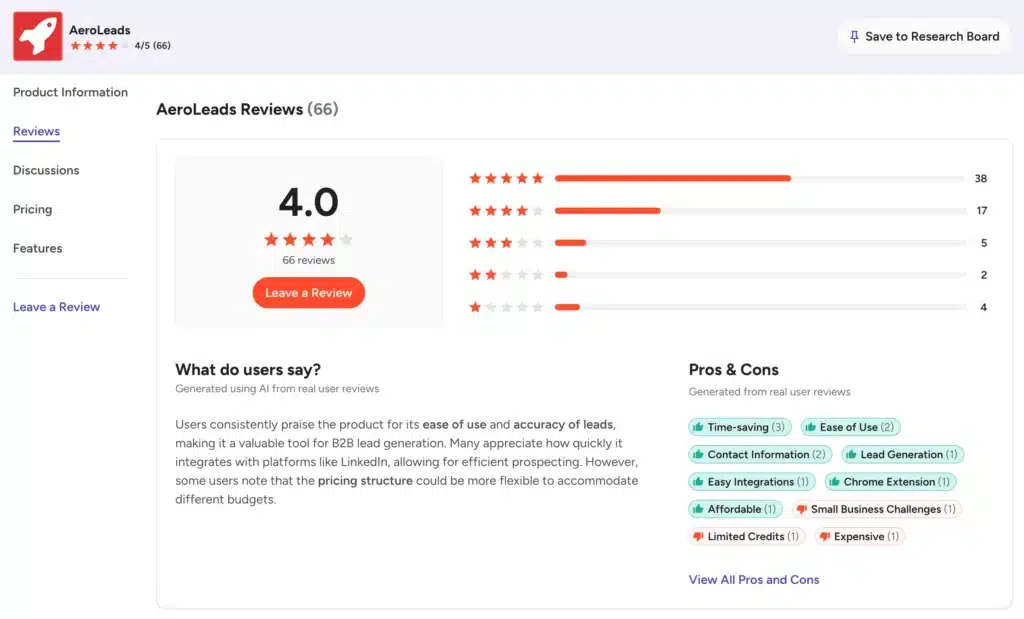
Positive reviews praise the platform’s ease of use, filtering, LinkedIn integration, and ability to find B2B contact information quickly. Some reviewers, however, mention limited credits, pricing concerns, and gaps in data accuracy.
On Capterra, AeroLeads rates at 4.6/5 from around 74 reviews.
Many reviewers appreciate its ease of use, the browser extension, and how quickly a beginner can start building lists. The complaints are about fast-burning credits and accuracy dips for niche or smaller companies.
Multiple users mention difficulty canceling subscriptions and continued charges after they tried to cancel. The positive reviews say it is a fast, simple, useful software for finding lead contact details.
AeroLeads Features
AeroLeads is not a feature-heavy platform, but it does a few things reasonably well. We’ll walk you through the core capabilities.
Large Leads Database
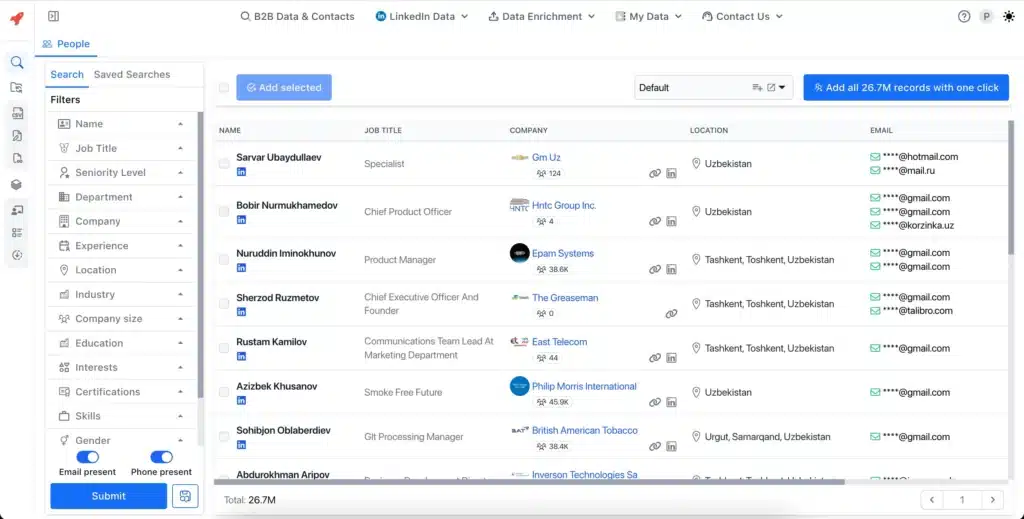
The database is the backbone of the product. AeroLeads claims to give users access to over 750 million business profiles, searchable by company, department, seniority, and a handful of other filters.
For a small or mid-sized sales team building a first outreach list, that’s plenty of runway.
Where the platform gets shaky is coverage depth. Larger companies in common industries are well represented, but smaller or niche companies, less so. Several reviewers specifically call out weaker data for smaller organizations, meaning you may need a second source to fill gaps.
Email Verifier
AeroLeads includes email verification to help identify valid and deliverable business addresses before you use them in outreach. That can reduce wasted credits and help limit bounced emails.
Still, verification tools aren’t perfect. Contact data changes constantly, so you should treat verification as a quality-control layer rather than a guarantee.
Data Enrichment at Scale
Already have a list but missing key information? AeroLeads supports bulk enrichment through CSV uploads. You can use the platform to add missing contact and company information to existing records.
This is useful when your CRM contains names and companies but lacks emails, phone numbers, or other prospect details. For sales teams working with large databases, bulk enrichment can save considerable manual research time.
The trade-off is credits. Every record you enrich, successful or not, pulls from your monthly allowance. Run a messy list through the enrichment tool, and you can burn through a chunk of your plan just finding out which contacts were dead ends.
Automated Data Hygiene
AeroLeads also cleans your existing lists. It flags duplicates, removes invalid entries, and keeps your export tidy. For teams that have been collecting contacts for a while without much structure, this alone can save hours of manual cleanup.
It won’t fix data that was wrong to begin with, though. Hygiene tools catch formatting issues and duplicates, not contacts who switched jobs six months ago.
Clean UI
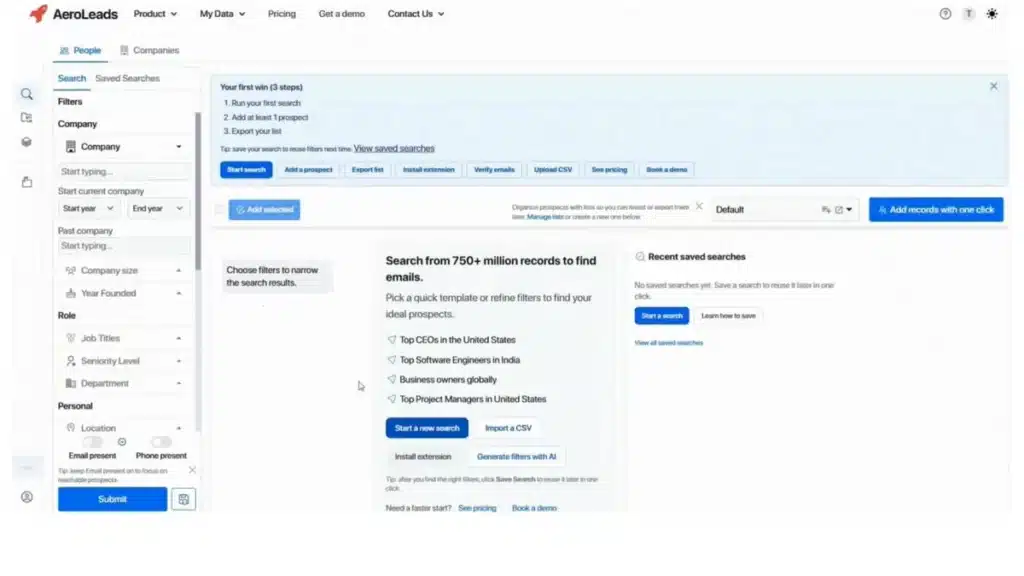
The user interface is one of AeroLeads’ stronger points. The dashboard is uncluttered and easy to use. You can search, filter, and export leads without digging through complex menus. The learning curve is shallow, which matters when you just want to get leads and move on.
Cloud-Based With Browser Extension
AeroLeads combines its web-based platform with a Chrome extension, which allows users to capture prospects while browsing LinkedIn and other supported websites. Then save those prospects directly to your AeroLeads account.
This browser-based workflow makes prospect research faster because you don’t need to copy and paste every contact manually.
Integrations
AeroLeads connects with several sales and CRM platforms, including Salesforce, HubSpot, Zoho CRM, Pipedrive, Mailchimp, Freshsales, and Zapier. It also supports CSV imports and exports, besides providing API capabilities for broader workflows.
AeroLeads Price & Subscription Plans
Check the AeroLeads pricing table below.
Plan
Monthly Price
Credits
Users
Take Off
$49/month
2,000
1
Climb
$149/month
8,000
5
Cruise
$299/month
20,000
Unlimited
Enterprise
Custom
Custom
Custom
You consume credits for every lead you pull, regardless of whether the data is accurate. If you pull a batch of leads and many turn out to be outdated, you’ve still spent those credits.
Credits reset monthly and don’t roll over. If your team has slow weeks and busy weeks, unused capacity just disappears. Extra credits can be purchased on top of any plan at roughly $0.01 to $0.02 each, with volume discounts at higher amounts.
Best Alternative to AeroLeads
AeroLeads is worth considering if you primarily need a database for finding emails and phone numbers. But if you want to automate the actual LinkedIn outreach process, you need an Octopus CRM LinkedIn automation tool with suitable features for the job.
You may come across many Aerolead alternatives that provide the same or better services. Octopus CRM is the best Aerolead alternative for anyone who wants to automate their outreach on LinkedIn.
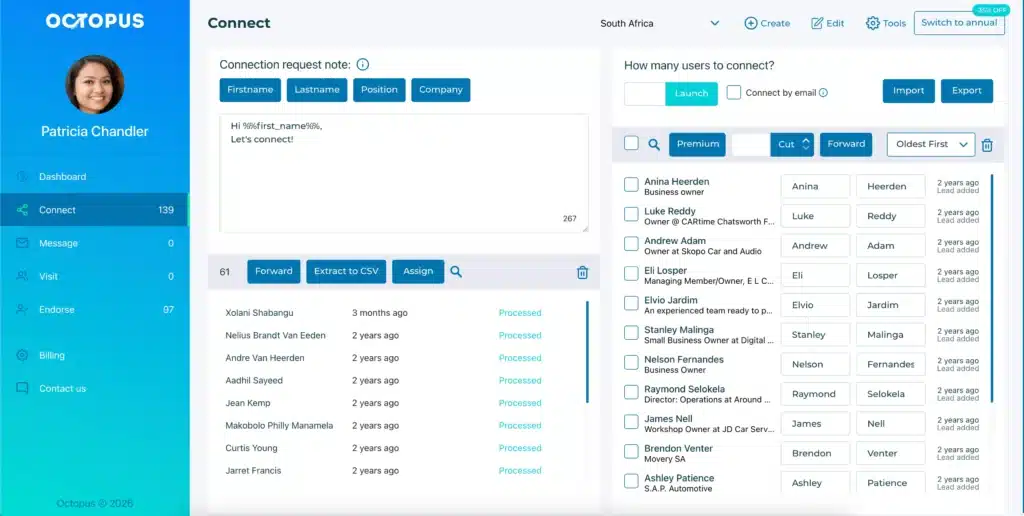
While Octopus CRM doesn’t have a prospect database, it does automate LinkedIn outreach reasonably well since it has been built around that function. You can use it to automate sending connection requests, messaging, skill endorsements, and profile visits.
Unlike AeroLeads, which stops at data capture, the Octopus CRM LinkedIn automation Chrome extension lets you execute your outreach campaigns directly on LinkedIn.
You can use Octopus CRM for sending bulk messages to your existing first-degree connections. It automatically endorses up to seven skills on a contact’s profile as a light-touch warm-up before you ever send a message. Plus, it can visit hundreds of profiles automatically to build visibility with your target audience.
Users also get the option to build simple lead generation funnels inside Octopus CRM. For example, you can create a simple, self-executing sequence comprising these actions: profile visit, connection request, skill endorsement, and message.
Under the hood:
Built-in CRM to store leads and monitor campaign performance;
Connect by email to continue sending connection requests after reaching LinkedIn’s weekly invitation limit;
Import and export function for moving LinkedIn profile lists through CSV files;
Zapier and HubSpot integration for connecting LinkedIn activity with your existing sales stack;
Find email addresses for LinkedIn contacts if they’re public on their profiles;
Activity Control that monitors activity and sends alerts when excessive activity is detected;
Key metrics such as profile views, search appearances, acceptance rates, response rates, and Social Selling Index;
Compatibility with LinkedIn Free, Premium, Sales Navigator, and Recruiter Lite accounts;
Cheapest LinkedIn automation tool starting at just $6.99/month billed annually.
AeroLeads is a B2B prospecting and lead-generation platform that helps users find business email addresses, phone numbers, and other contact information. It also offers LinkedIn prospecting through its Chrome extension.
Octopus CRM is the strongest AeroLeads alternative if you want a LinkedIn automation or outreach solution rather than raw contact lookup. It automates connection requests, messaging, and follow-ups on LinkedIn directly.
Using their database is safe for your email domain because they verify addresses. But scraping data aggressively from LinkedIn using the AeroLeads Chrome extension carries risks.
AeroLeads finds and verifies contact data. Octopus CRM is a LinkedIn automation Chrome extension that automates outreach actions, including sending connection requests, messaging, endorsing skills, and visiting profiles.
By using this website, you agree to the storing of cookies on your device to
enhance your experience. View our Privacy Policy